 Joe Tries
Scene controllers and smart buttons compatible with Apple Home
Apple Home has no Zigbee radio, so a Zigbee button only shows up through its maker's hub. Matter buttons pair straight into Apple Home, and many of them run on Thread, which needs a HomePod mini, a HomePod (2nd generation), or a recent Apple TV in the house. Either way, a button press that runs a scene or an automation needs an Apple home hub (a HomePod or Apple TV) set up in the Home app.
- Compatible, in our catalog
- 10 of 27 scene controllers
- Work without any hub
- 2 of 10
- Need a hub first
- 3 of 10
- Price range
- $6 to $75
Check these before you buy
- Make sure you have a home hub (a HomePod or Apple TV) in the Home app. Without one, button automations do not run.
- A button that talks Matter over Thread needs a Thread border router. A HomePod mini, a HomePod (2nd generation), or an Apple TV 4K from 2021 or later with an Ethernet port is one.
- Count the presses you get. Single, double, and long press on each button decide how many scenes one button can run.
Connects directly 1
The maker built this connection to Apple Home. Some of these still need the maker's own hub, and the line under each product says so.
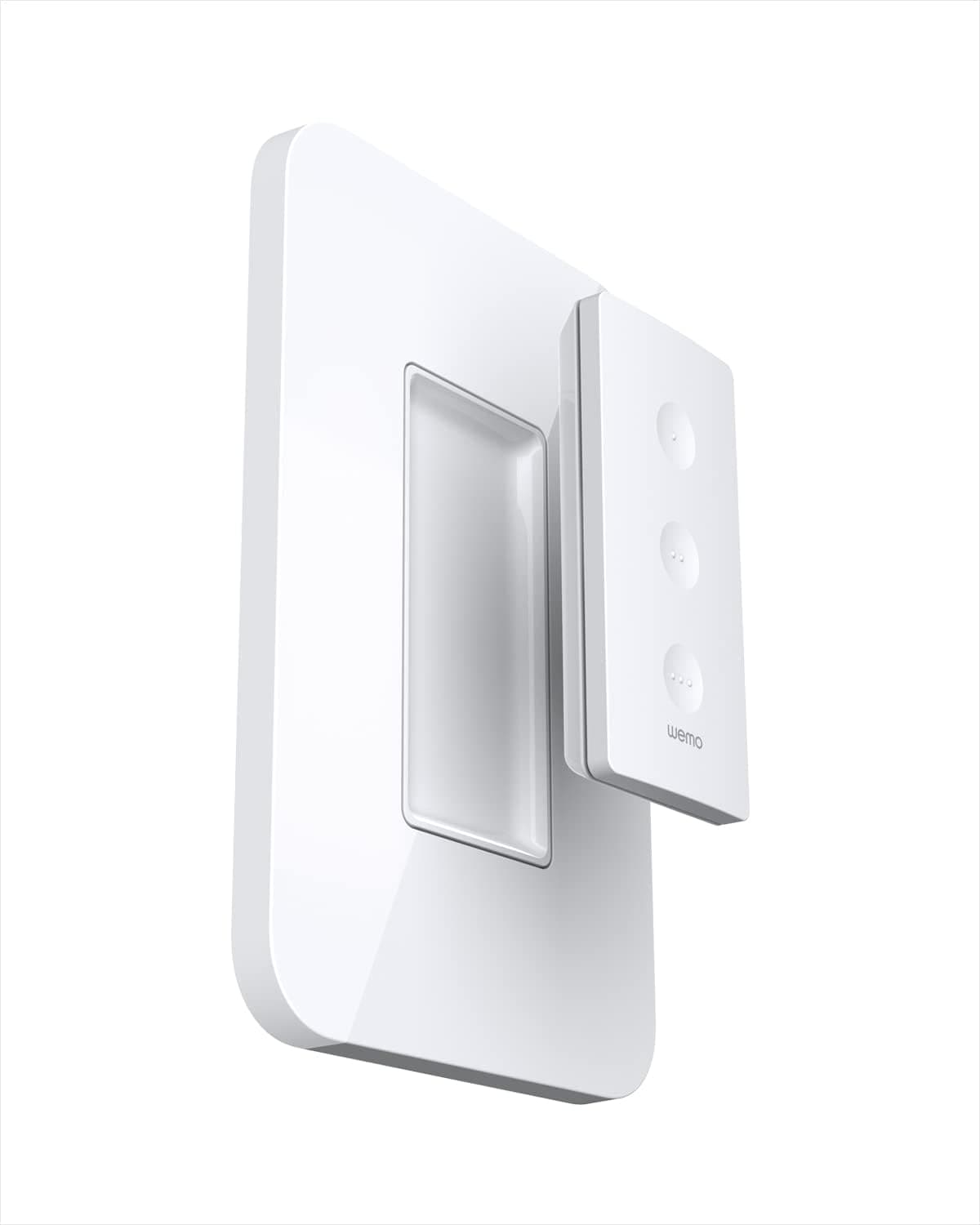
Connects through Matter 6
These join Apple Home through Matter, a shared standard, so no maker's cloud sits in the middle. The ones that use Thread also need a Thread border router, a radio built into some smart speakers and hubs.
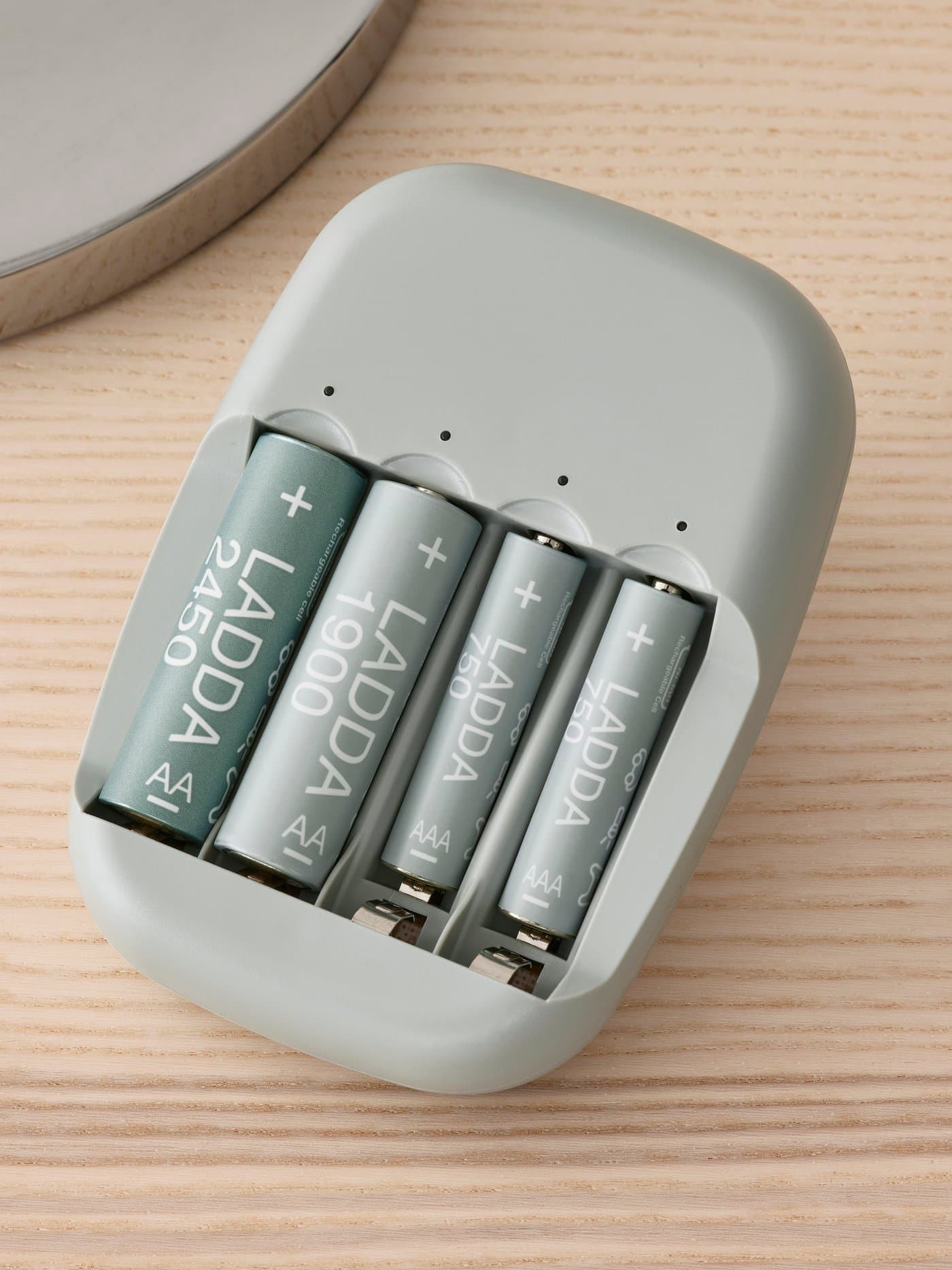
Matter over Thread; needs a Thread border router (IKEA DIRIGERA, Apple/Google/SmartThings hub).
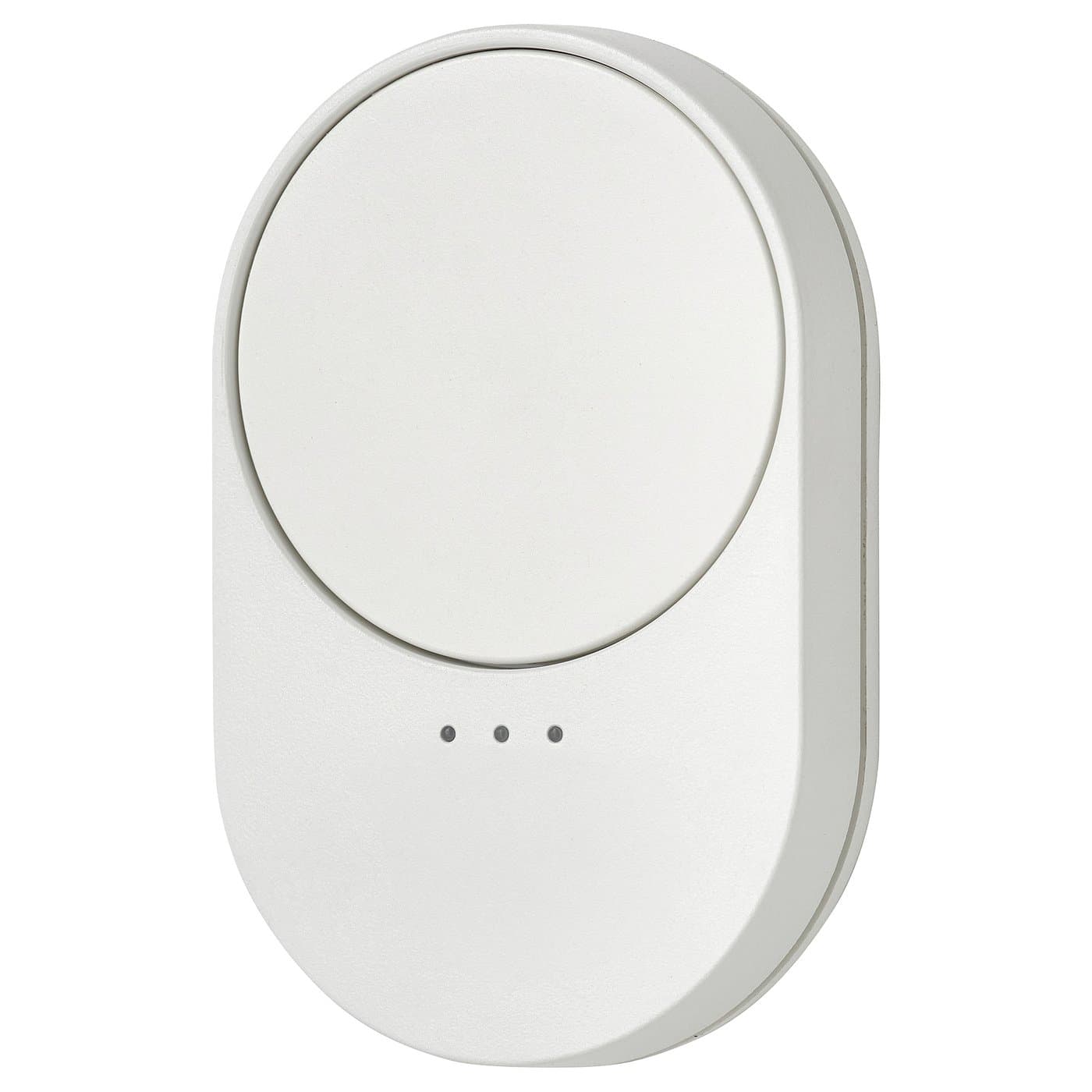
Matter over Thread; needs a Thread border router (IKEA DIRIGERA, Apple/Google/SmartThings hub).
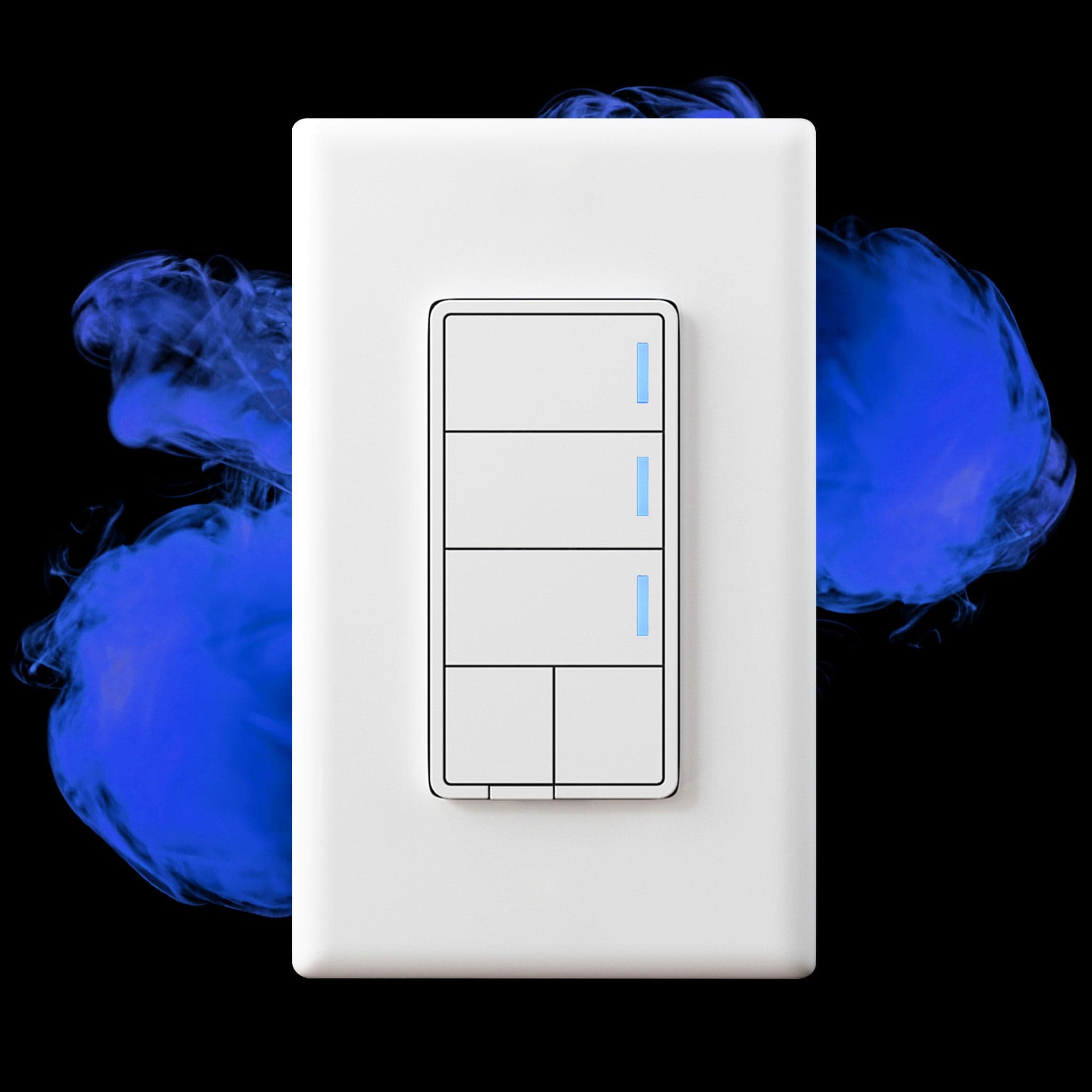
Needs a Zigbee hub/coordinator
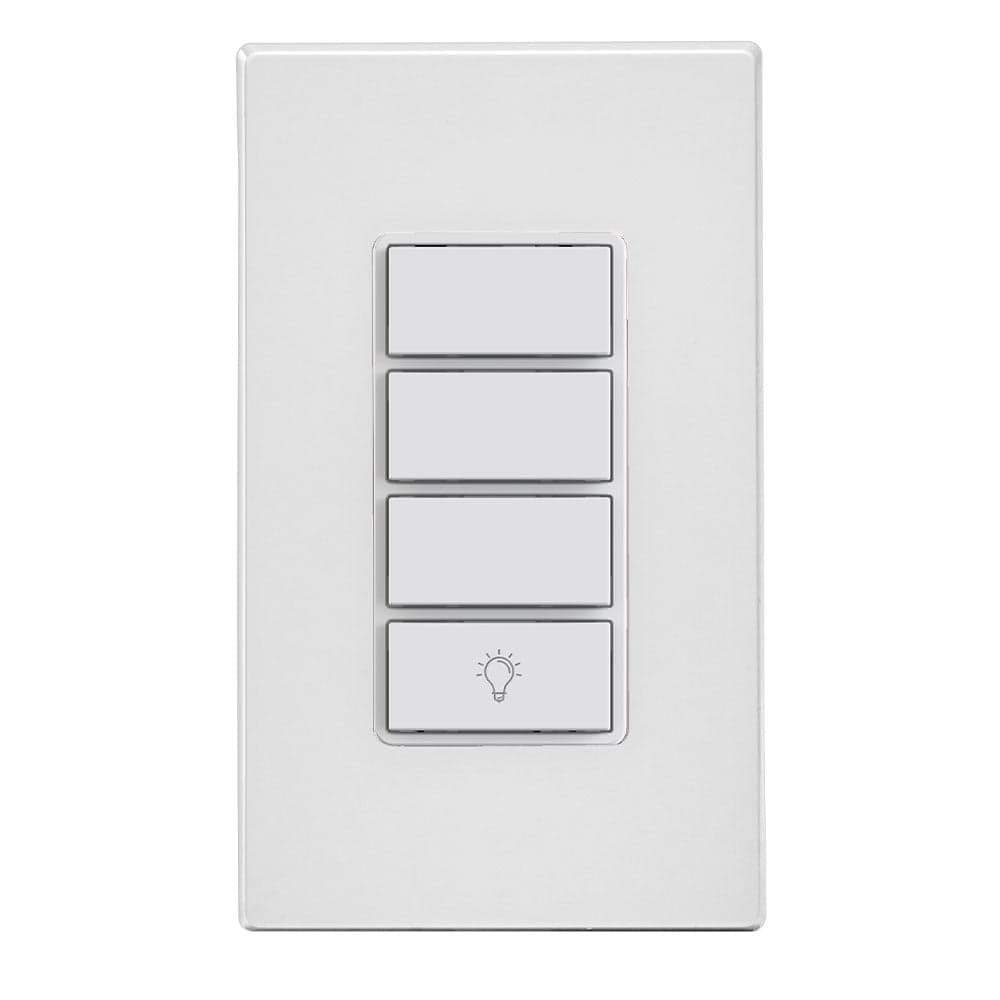
No hub needed.
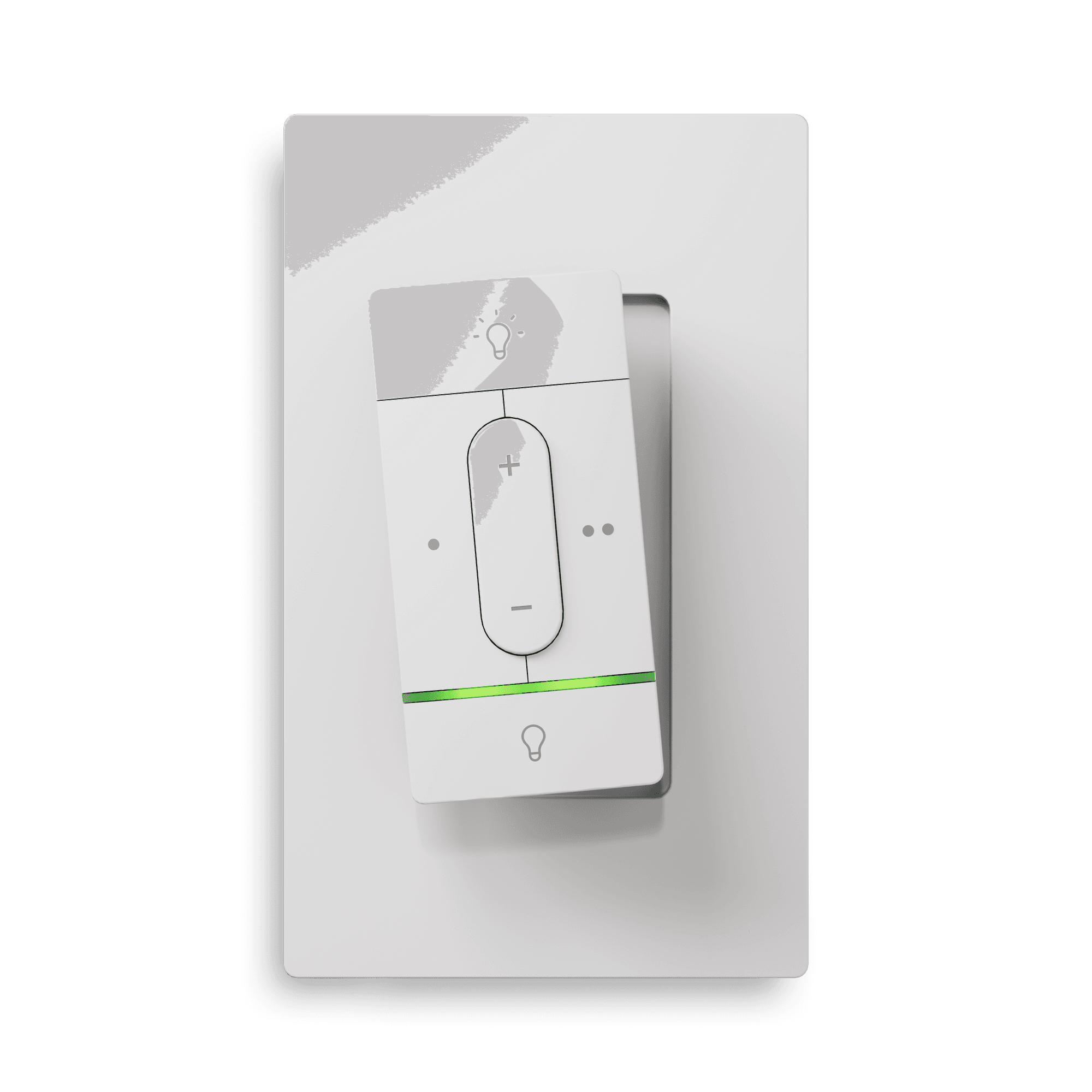
Needs a Thread border router
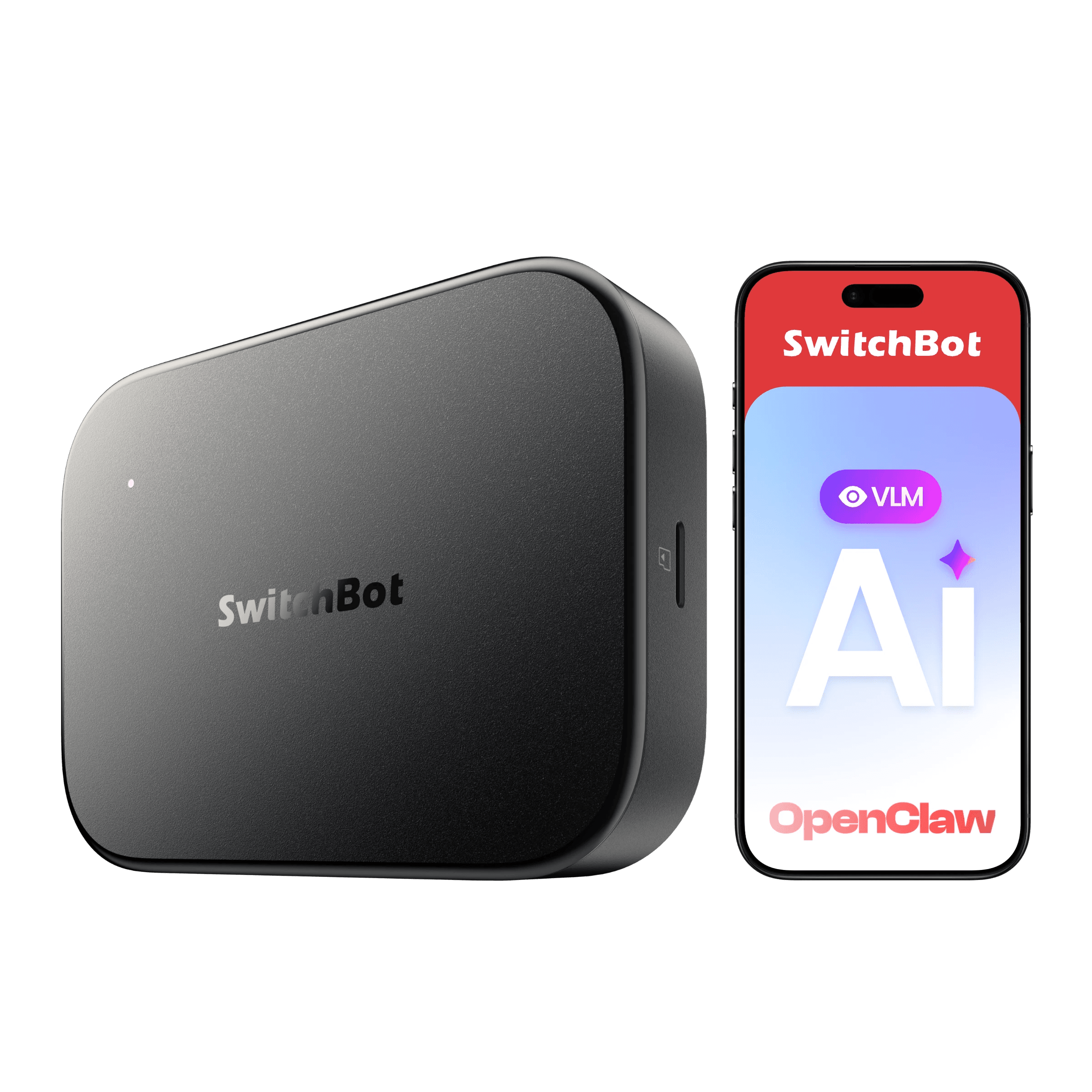
No hub needed.
Needs a hub first 3
These reach Apple Home only through a hub, usually the maker's own. If you do not own that hub yet, add its price to the device's.
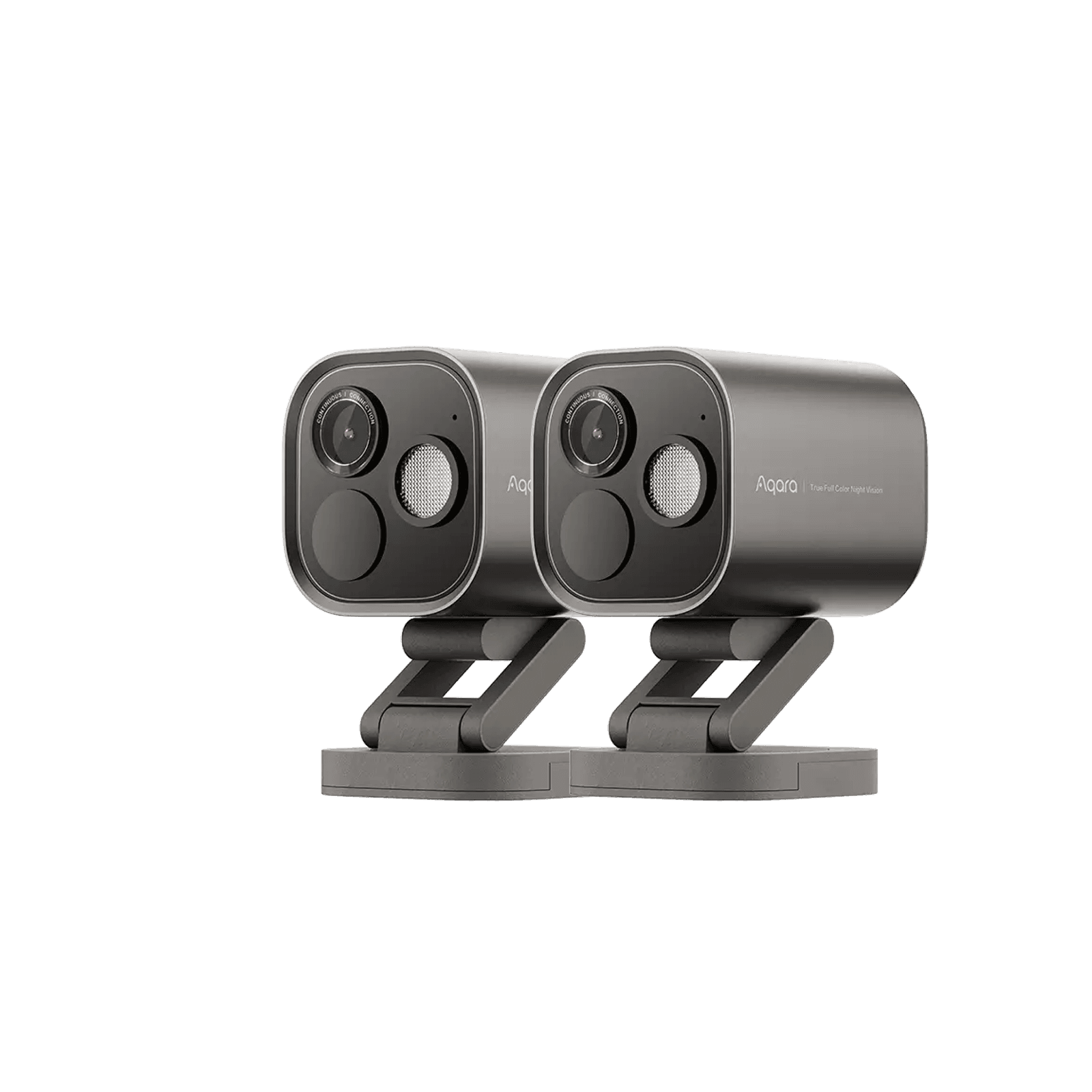
Requires an Aqara Zigbee hub.
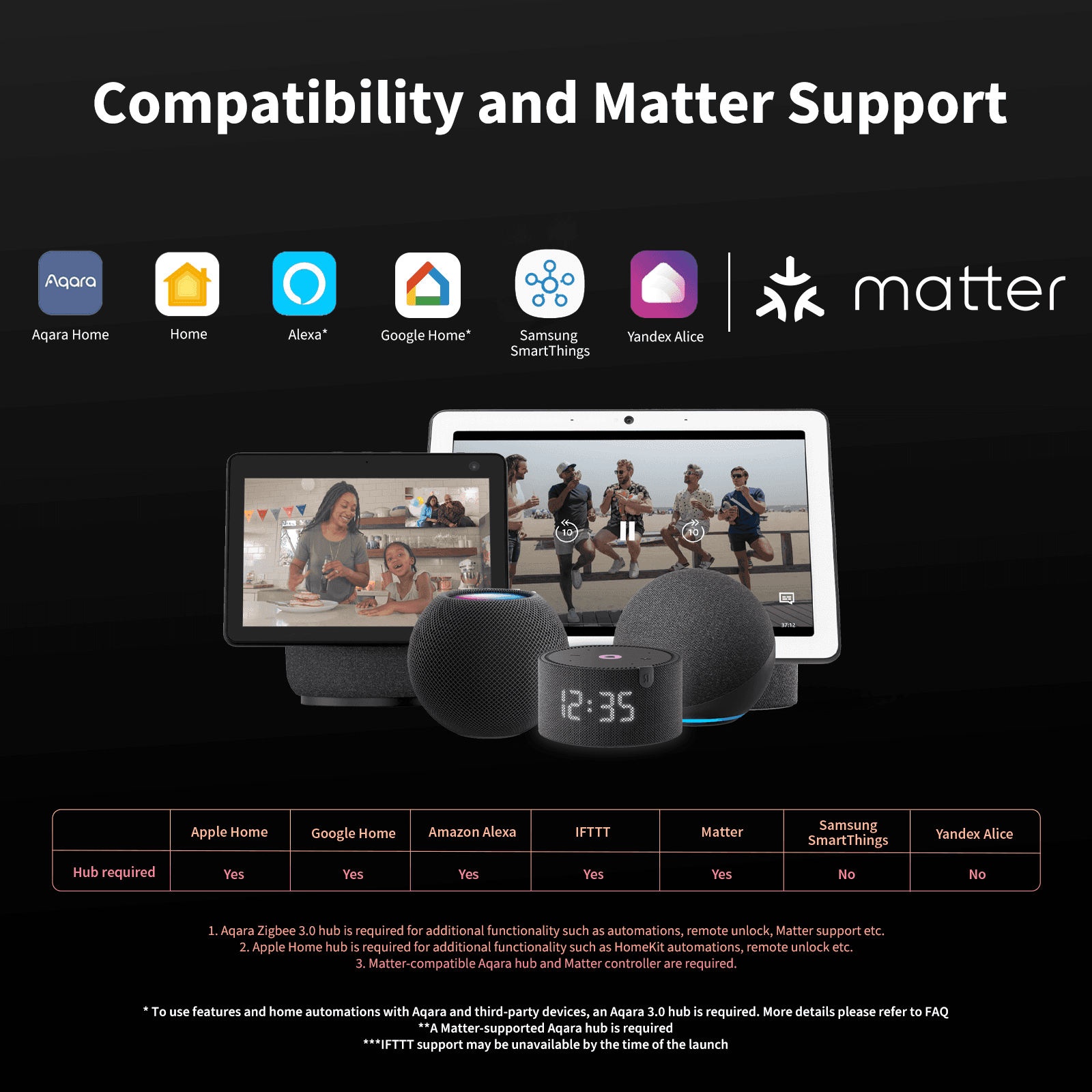
Requires an Aqara Zigbee 3.0 hub
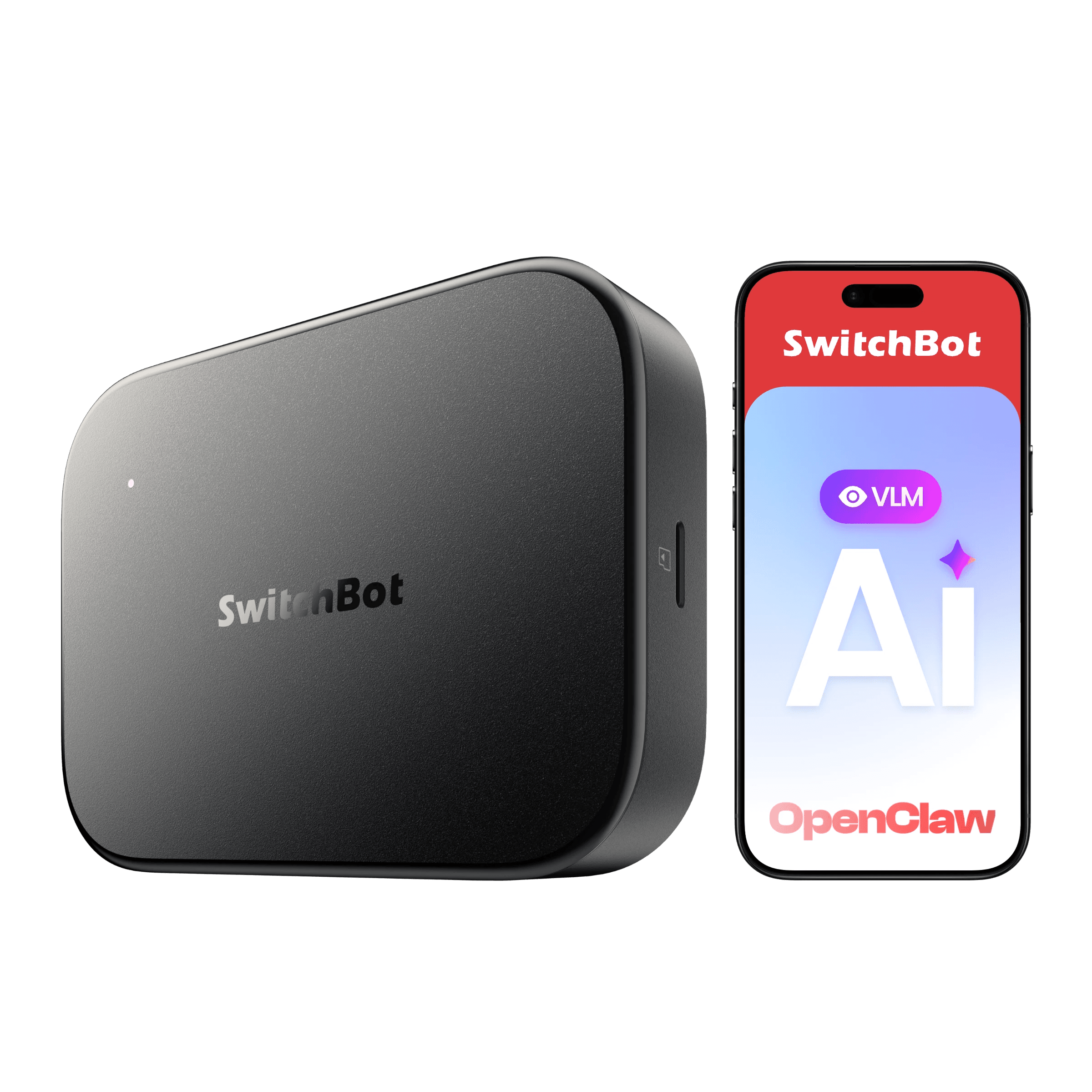
Works over Bluetooth with the SwitchBot app; a SwitchBot Hub adds remote access plus Matter/Alexa/Google/HomeKit.
Not on this list?
That does not mean it will not work with Apple Home. It means we have not confirmed a path for it yet, and we add connections as we confirm them against the maker's documentation. How we check
Already own some gear? Check what works together