 Joe Tries
Motion sensors compatible with Google Home
Google Home speakers and displays have no Zigbee radio, and that is the radio most cheap motion sensors use. So a Zigbee motion sensor reaches Google Home only through its maker's hub and cloud account, which adds a box and an extra step between the motion and the light turning on. Matter sensors skip the maker's hub, but the Thread ones need a Thread border router, which some Google displays, streamers, and Wi-Fi routers include.
- Compatible, in our catalog
- 10 of 20 motion sensors
- Work without any hub
- 0 of 10
- Need a hub first
- 6 of 10
- Price range
- $8 to $50
Check these before you buy
- Check whether you already own a Thread border router (the Nest Hub 2nd generation, Nest Hub Max, Nest Wifi Pro, and Google TV Streamer are). If you do, Matter over Thread sensors are the shortest path.
- A sensor that goes through its maker's hub and cloud depends on both. If either service has an outage, the automation stops, even when your own internet is fine.
- Response time matters for a motion light. The more hops between the sensor and Google Home, the longer you stand in the dark.
Connects directly 2
The maker built this connection to Google Home. Some of these still need the maker's own hub, and the line under each product says so.

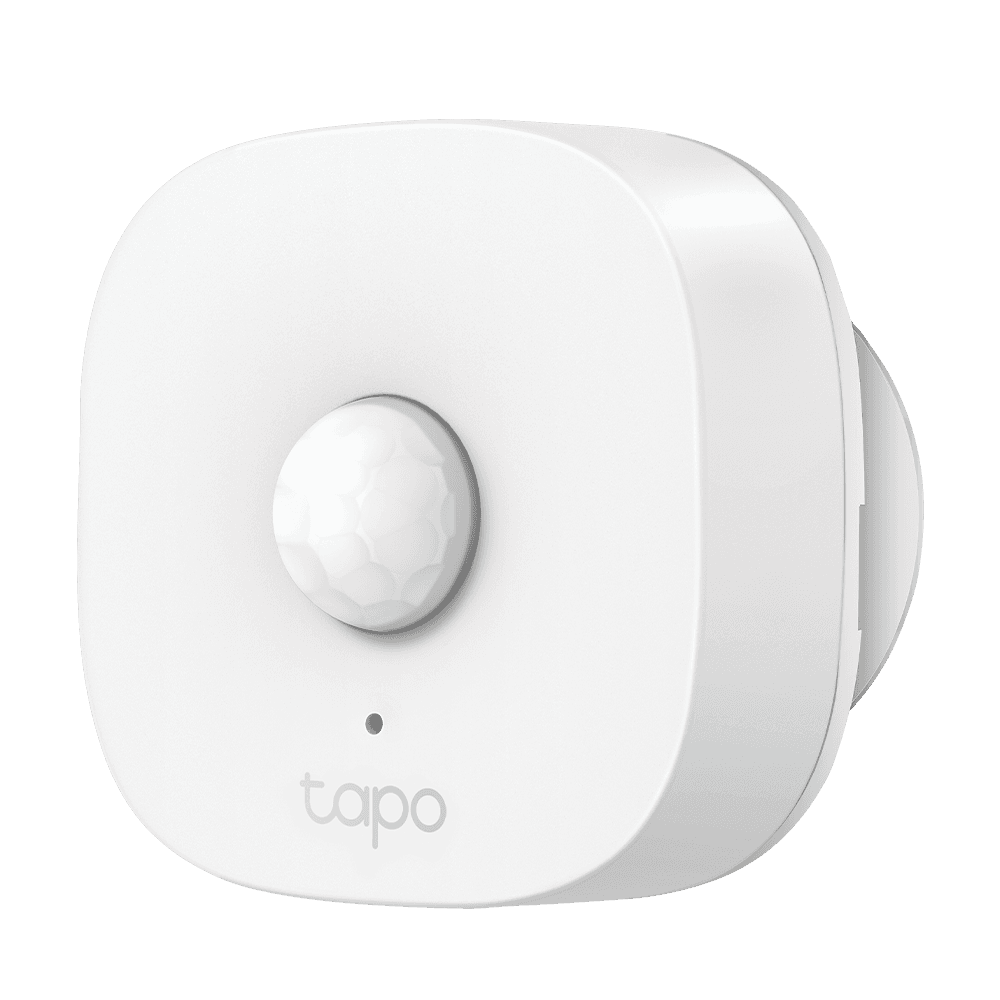
Connects through Matter 2
These join Google Home through Matter, a shared standard, so no maker's cloud sits in the middle. The ones that use Thread also need a Thread border router, a radio built into some smart speakers and hubs.
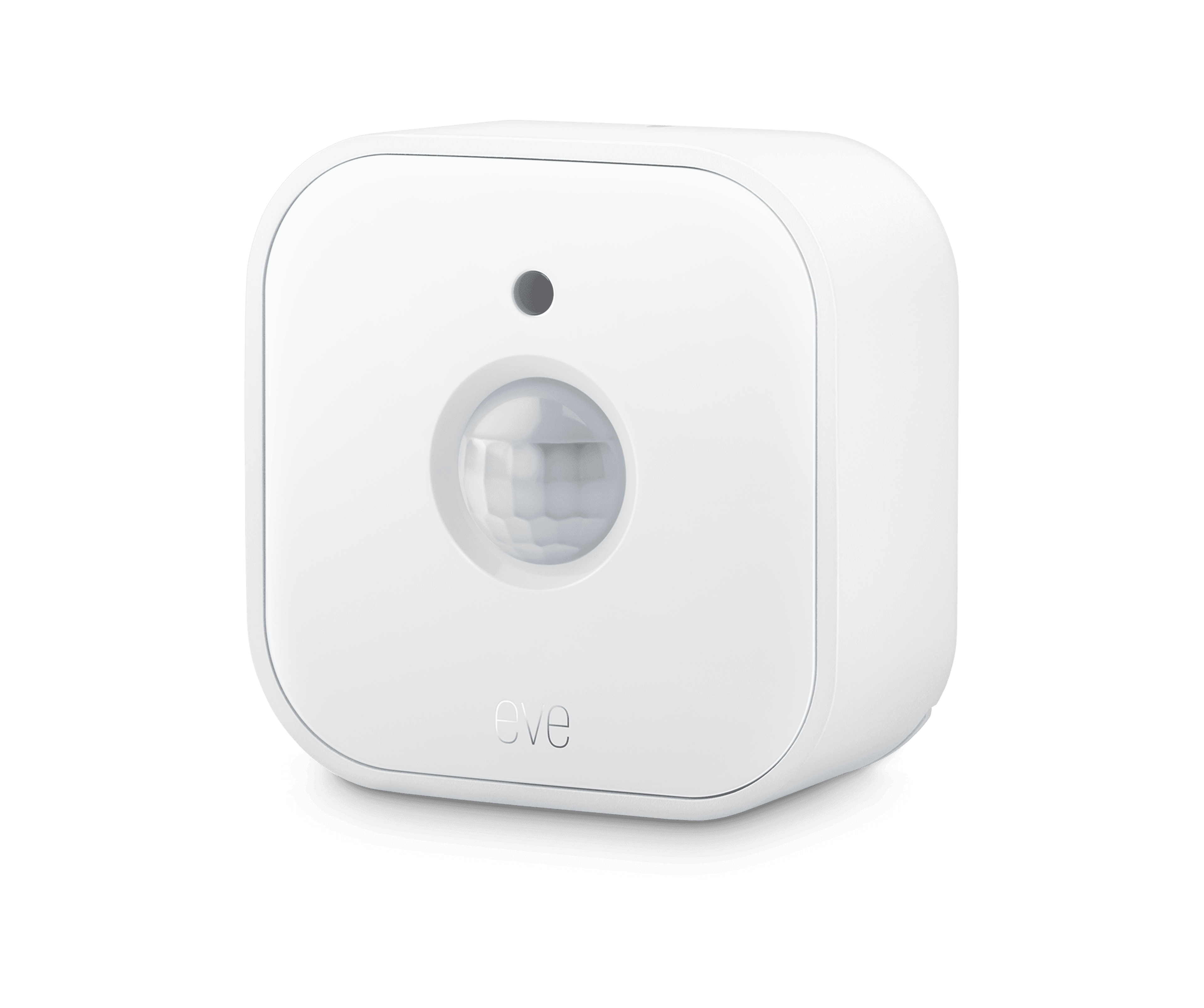
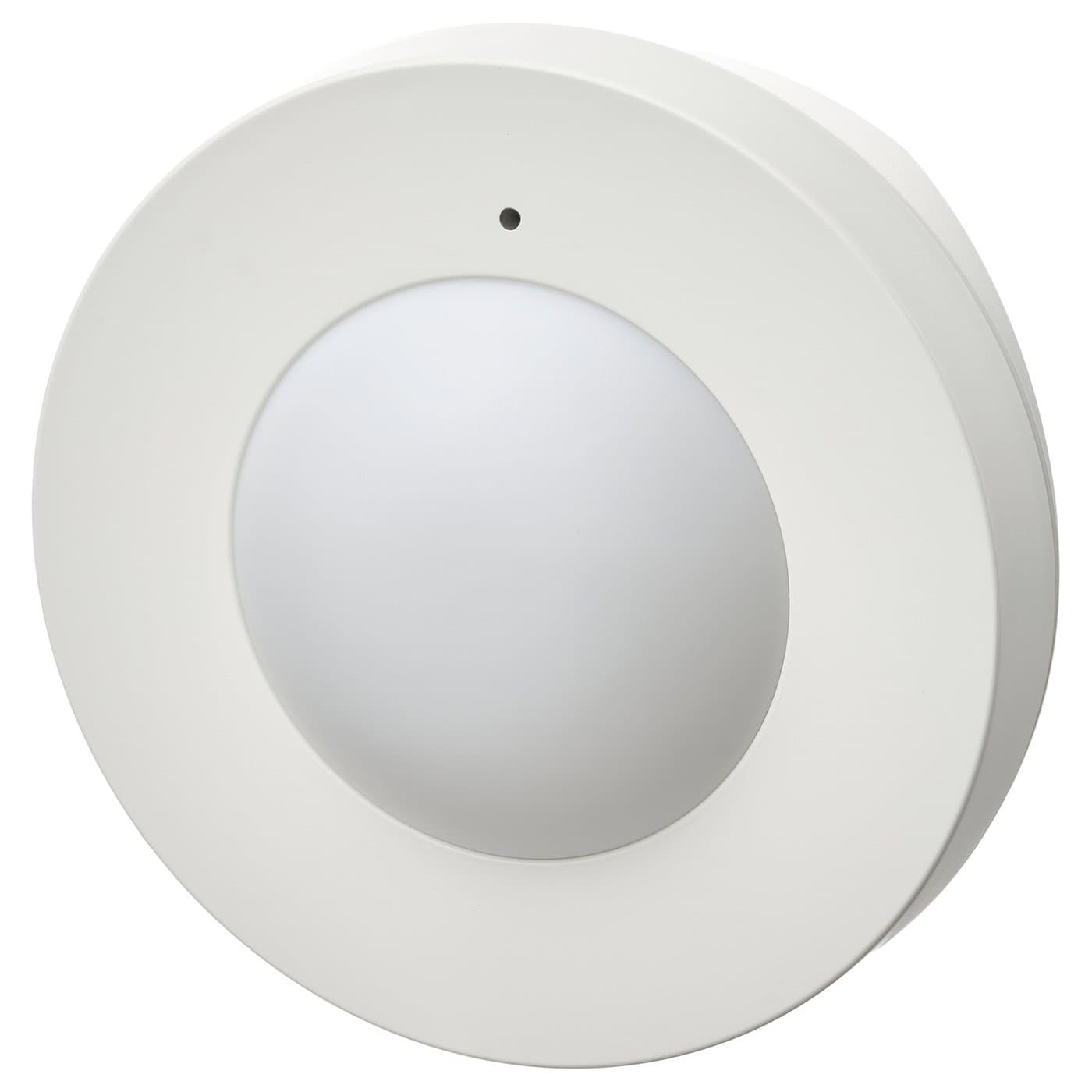
Needs a hub first 6
These reach Google Home only through a hub, usually the maker's own. If you do not own that hub yet, add its price to the device's.
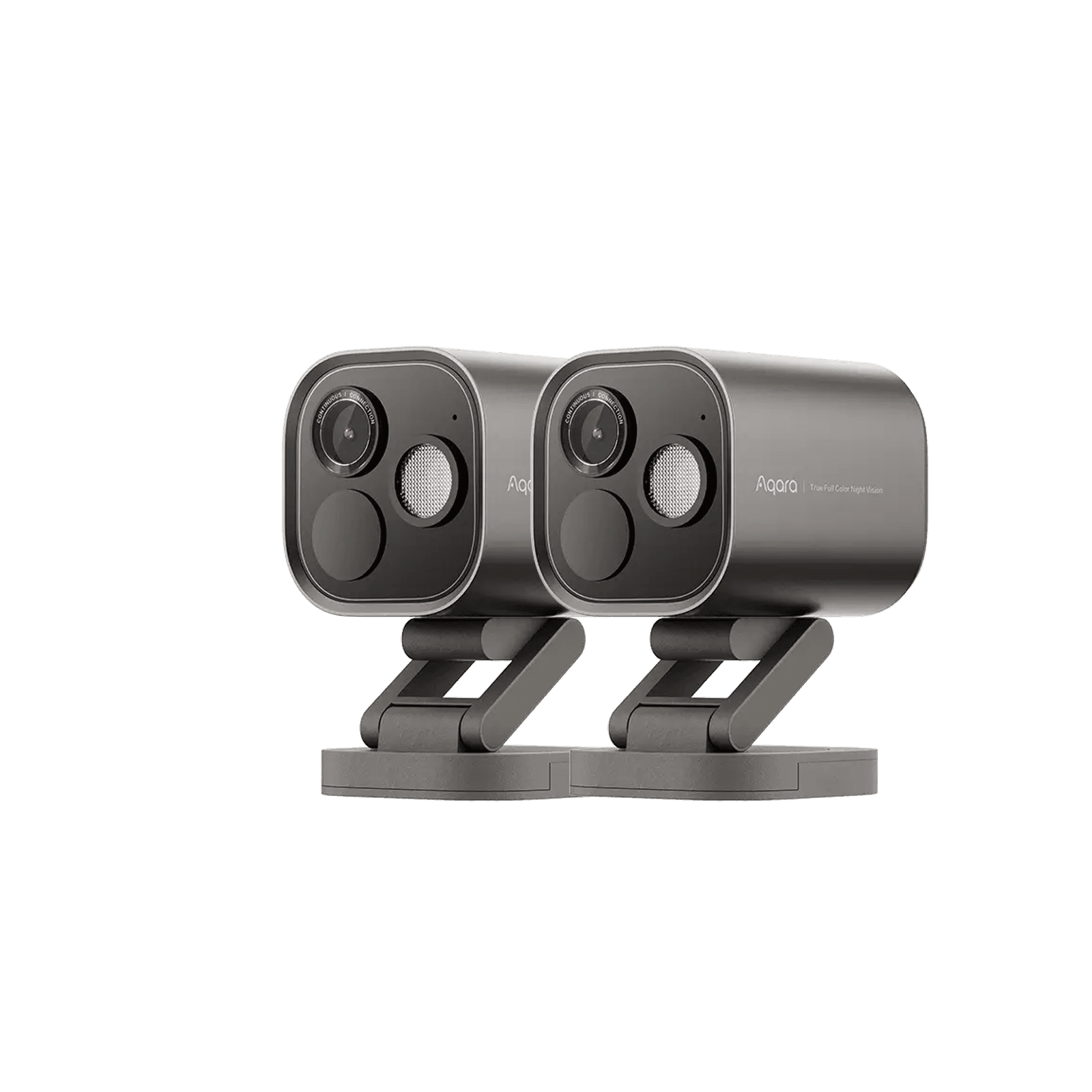
Needs a Thread border router (an Aqara Hub M3, a HomePod, an Apple TV 4K, or a recent Echo).
Requires an Aqara Zigbee 3.0 hub
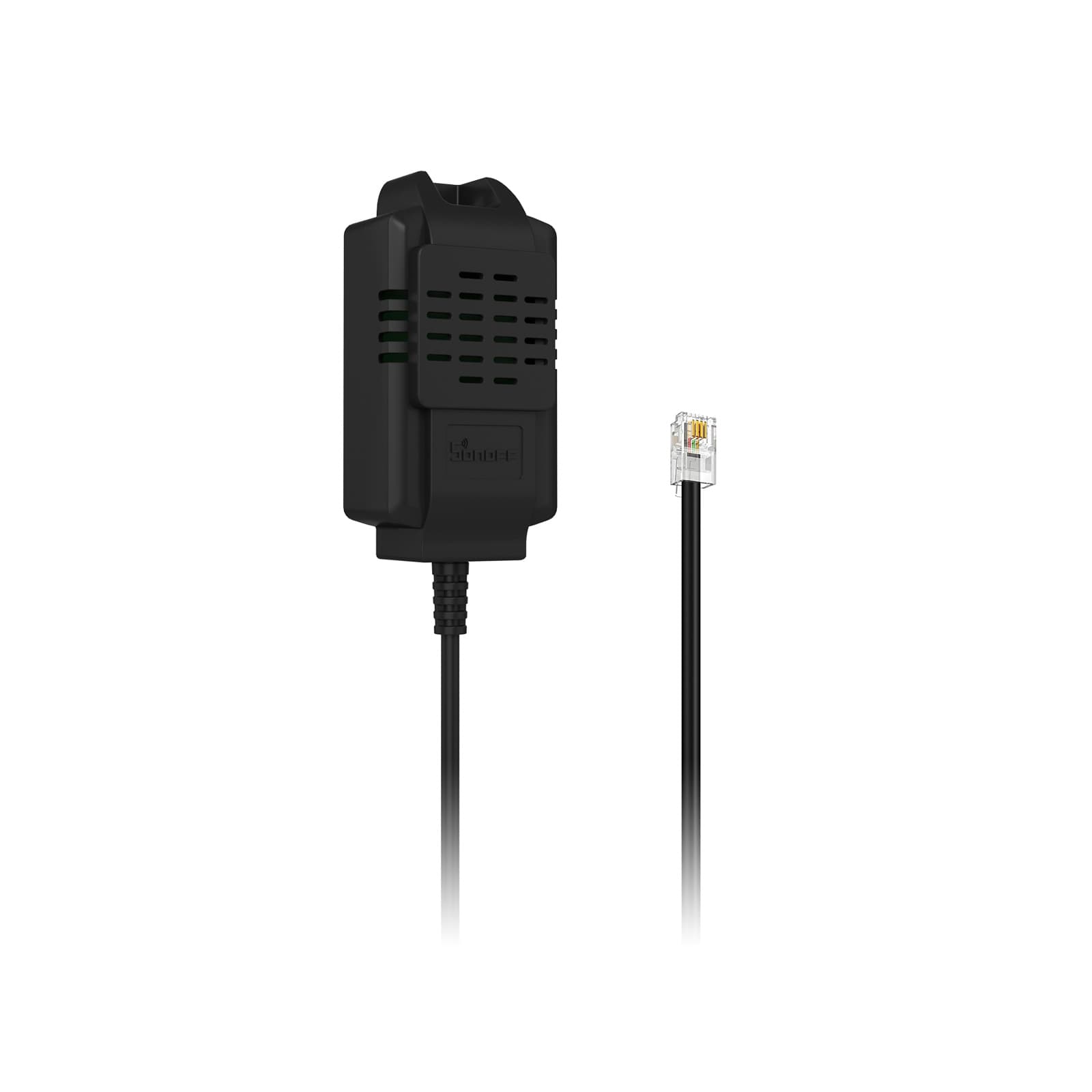
Needs a Zigbee hub/coordinator
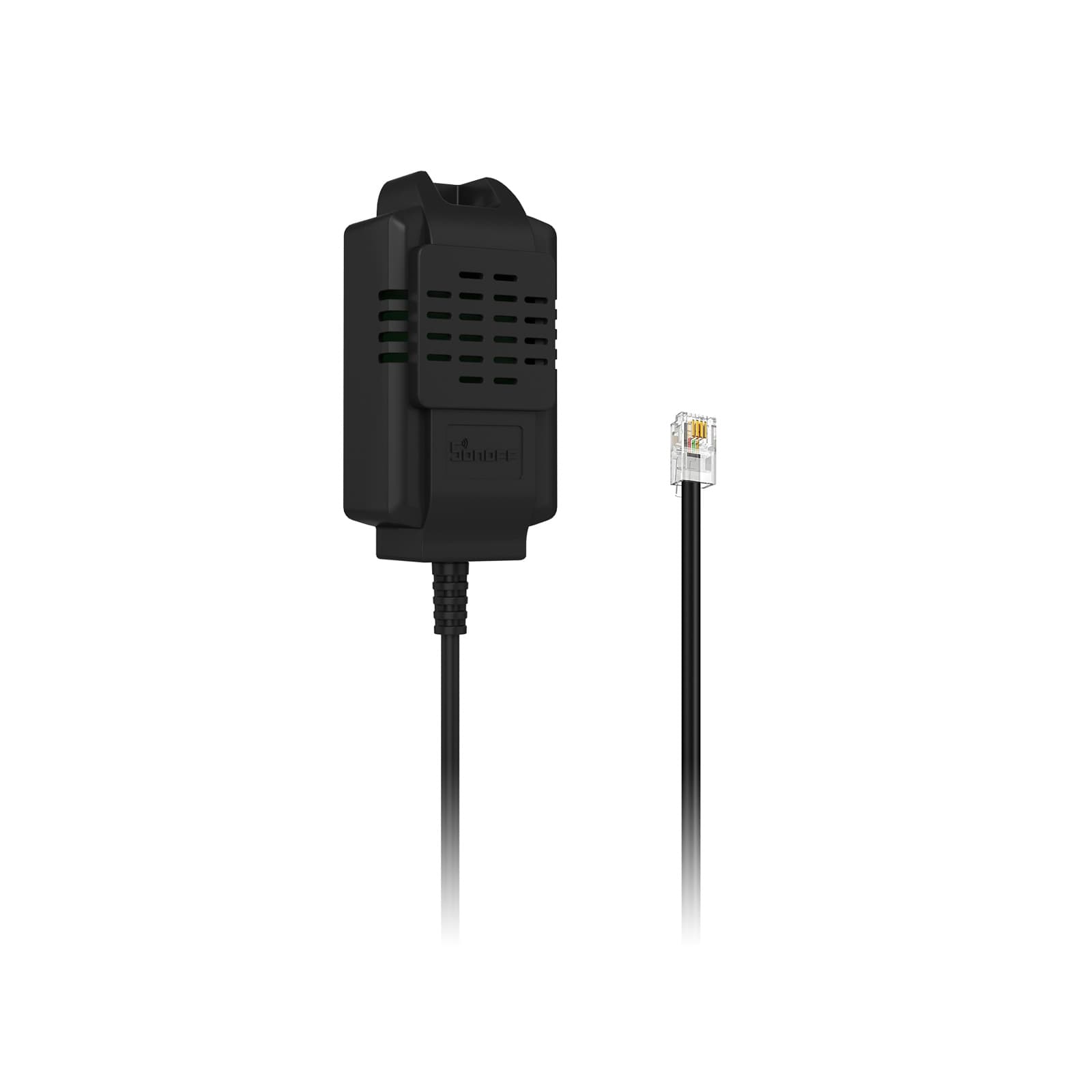
Needs a Zigbee hub/coordinator
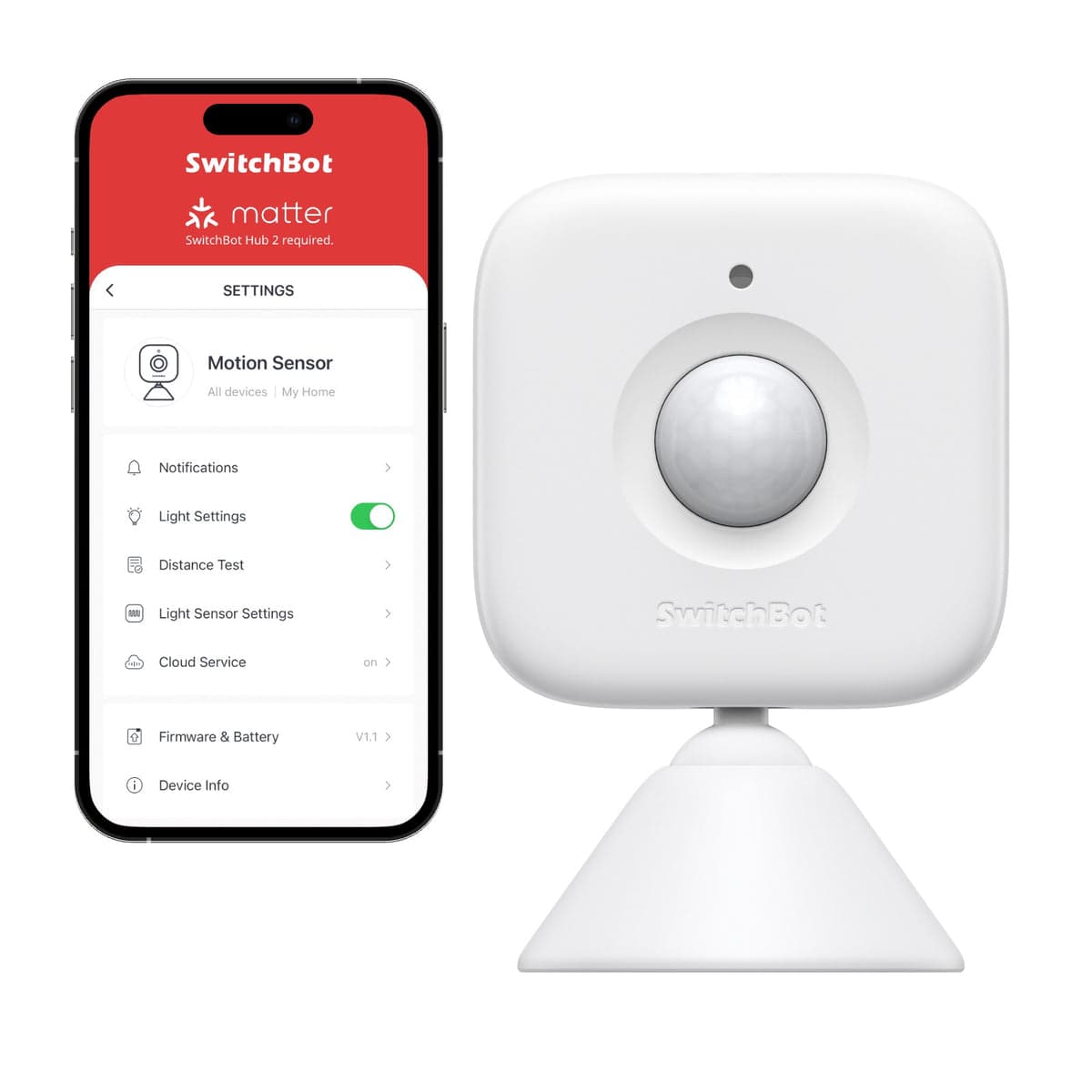
Works over Bluetooth with the SwitchBot app; a SwitchBot Hub adds remote access plus Matter/Alexa/Google/HomeKit.
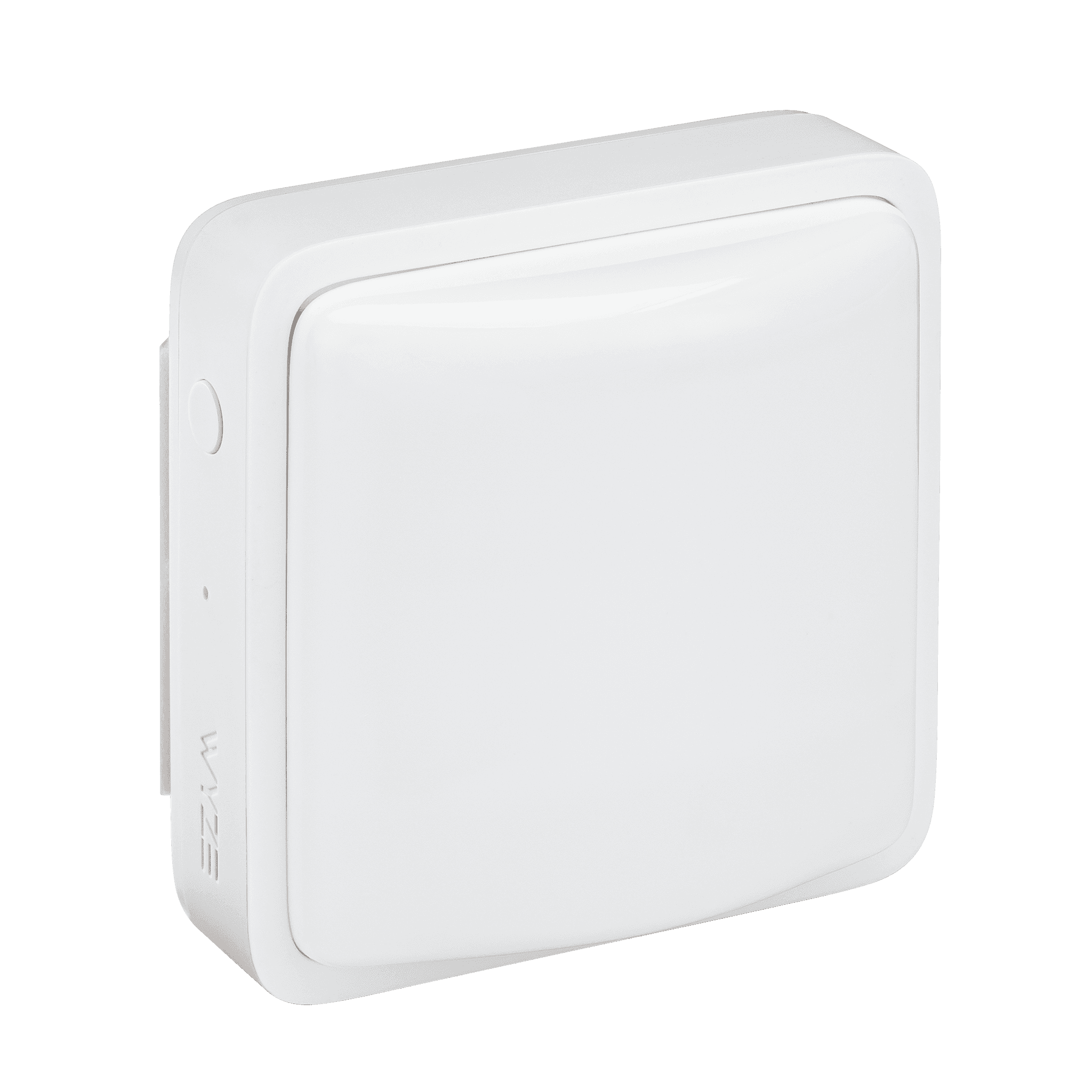
Requires the Wyze Sense Hub
Not on this list?
That does not mean it will not work with Google Home. It means we have not confirmed a path for it yet, and we add connections as we confirm them against the maker's documentation. How we check
Already own some gear? Check what works together