 Joe Tries
Water leak sensors compatible with Google Home
A leak sensor has one job: get your attention fast. Showing up in Google Home is useful for status and routines, but the alert that wakes you up at 2 a.m. usually comes from the maker's own app, so judge a leak sensor by that app first. Wi-Fi models work without a hub; Zigbee and Bluetooth models need their maker's hub to reach Google Home at all.
- Compatible, in our catalog
- 12 of 18 water leak sensors
- Work without any hub
- 5 of 12
- Need a hub first
- 5 of 12
- Price range
- $8 to $299
Check these before you buy
- Test the alert before you trust it. Set the sensor off with a wet paper towel and see how loud and how fast your phone tells you.
- Some sensors also sound a local alarm. That still works during an internet outage, when the phone alert will not.
- A sensor only reports the leak. Stopping the water needs a shutoff valve, which is a separate and much bigger purchase.
Connects directly 6
The maker built this connection to Google Home. Some of these still need the maker's own hub, and the line under each product says so.
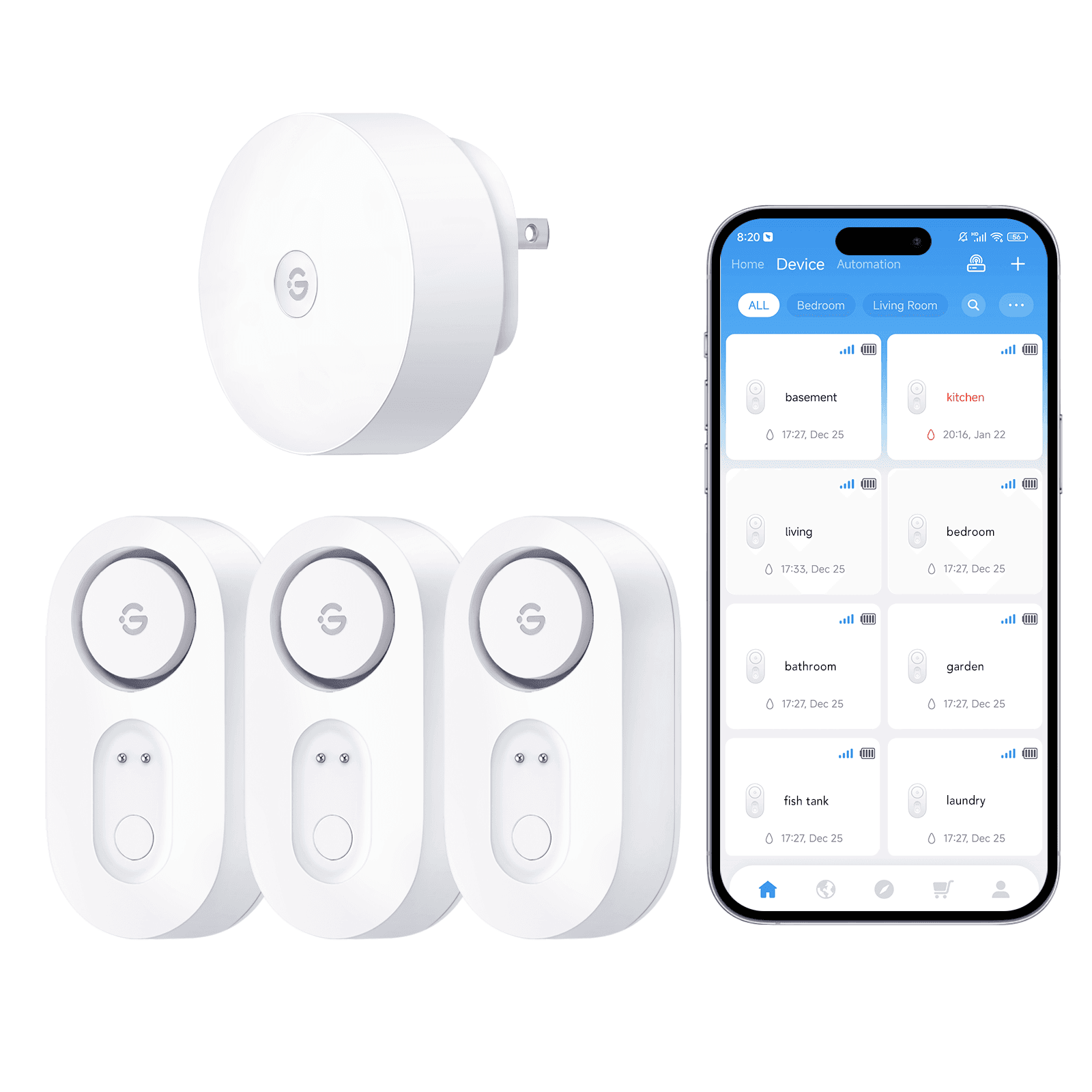
Hub required.
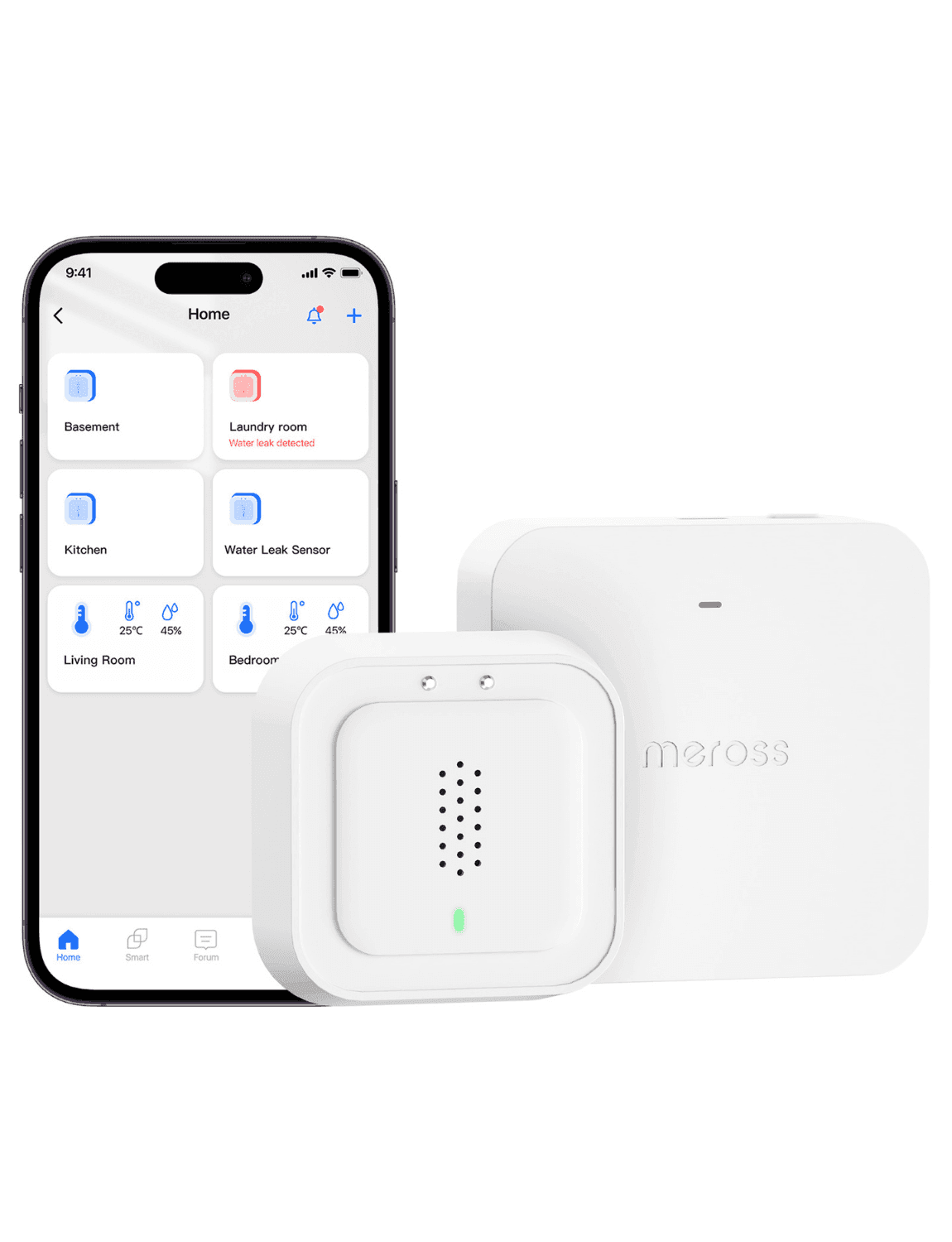
Wi-Fi; works standalone via the brand app, no hub needed.
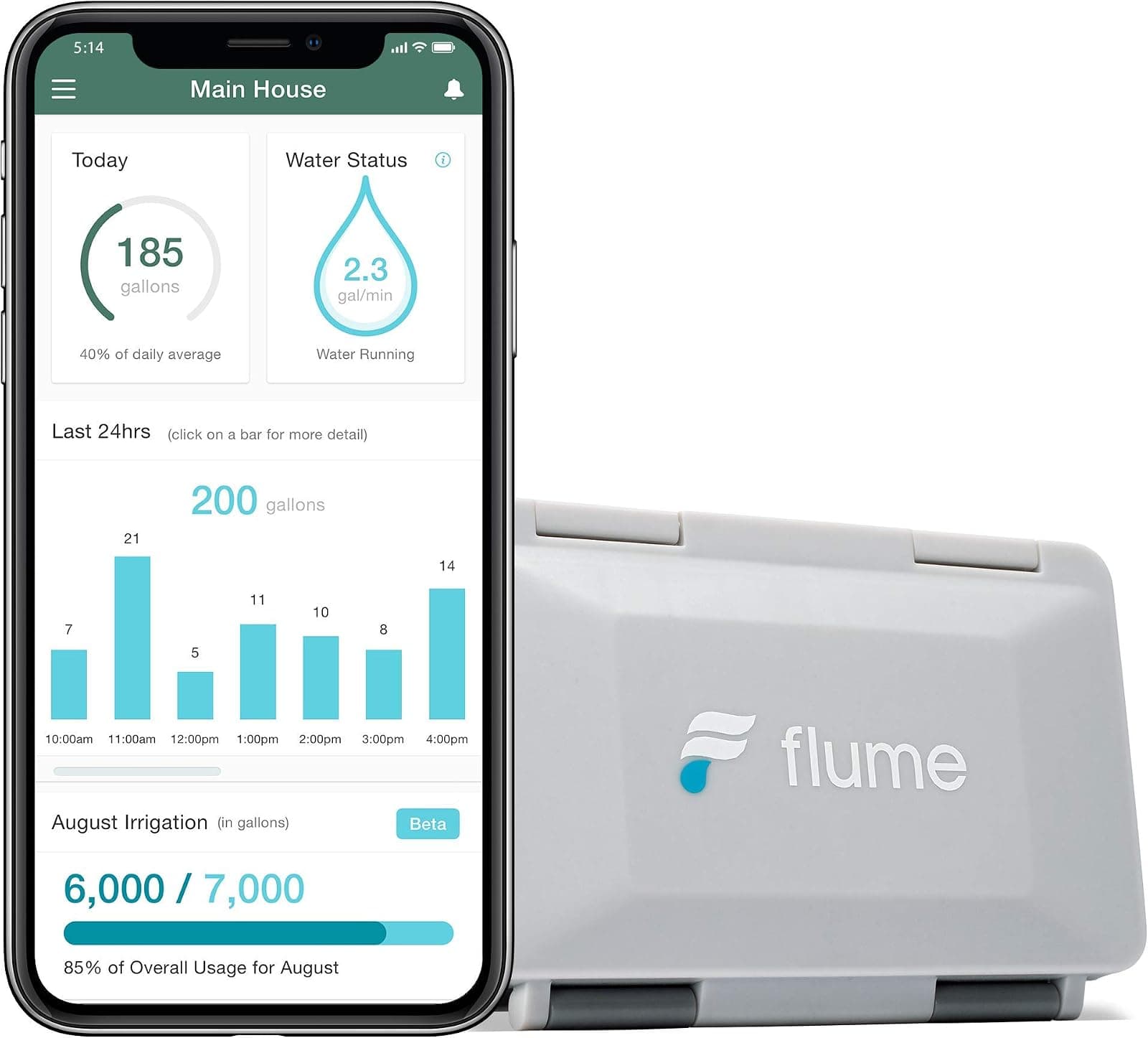
No hub needed.
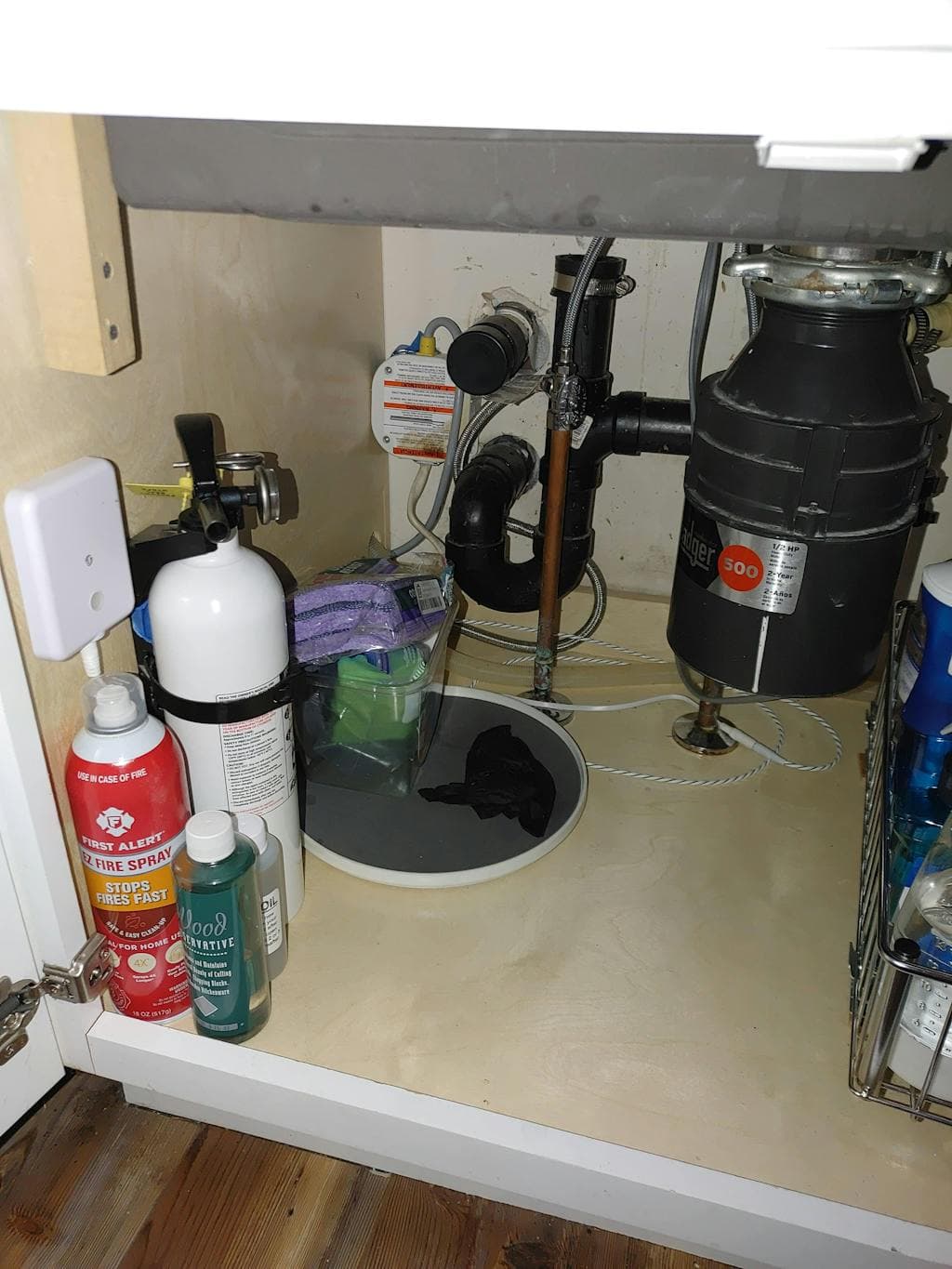
No hub needed.
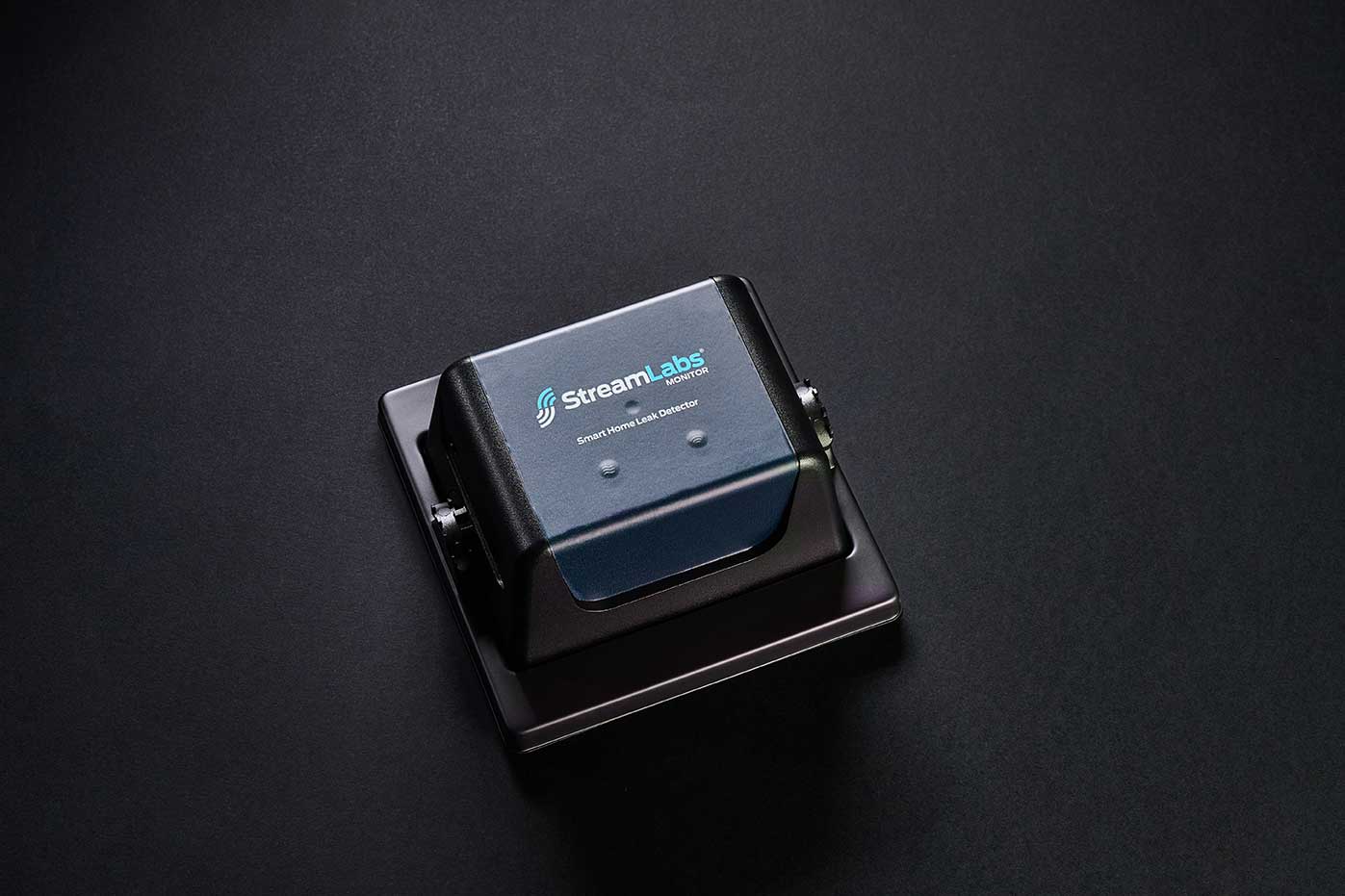
No hub needed.
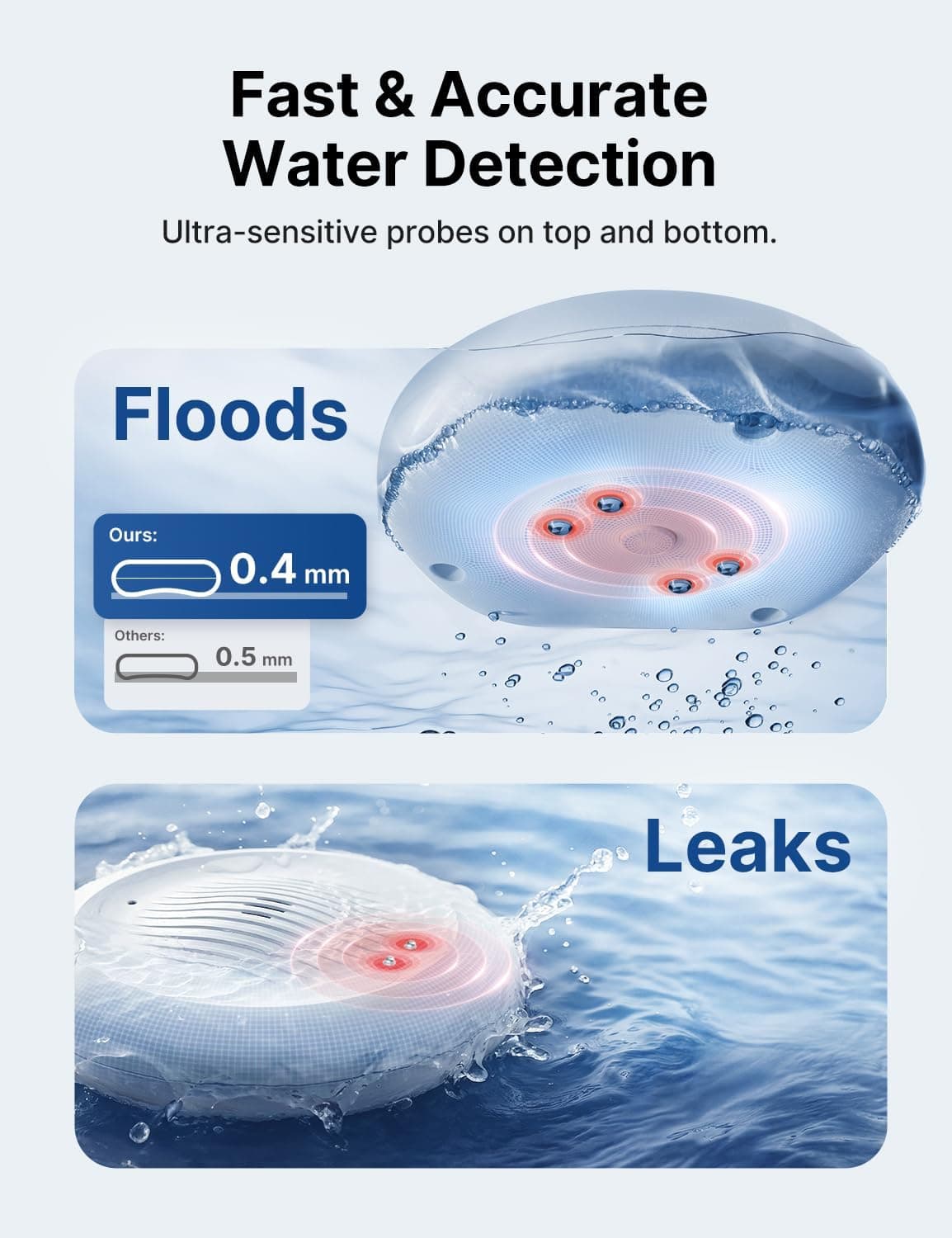
No hub needed.
Connects through Matter 1
These join Google Home through Matter, a shared standard, so no maker's cloud sits in the middle. The ones that use Thread also need a Thread border router, a radio built into some smart speakers and hubs.
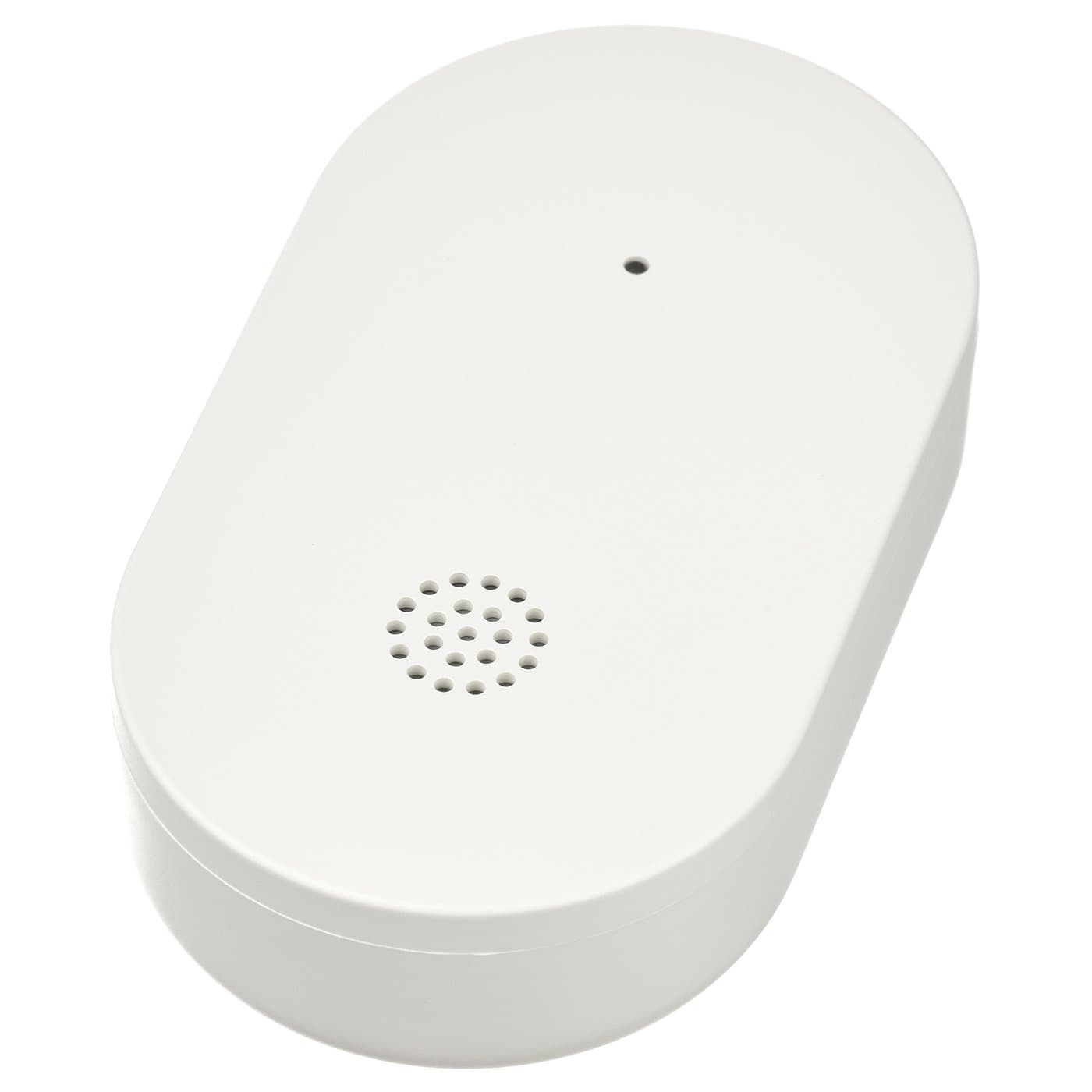
Needs a hub first 5
These reach Google Home only through a hub, usually the maker's own. If you do not own that hub yet, add its price to the device's.
Requires an Aqara Zigbee 3.0 hub
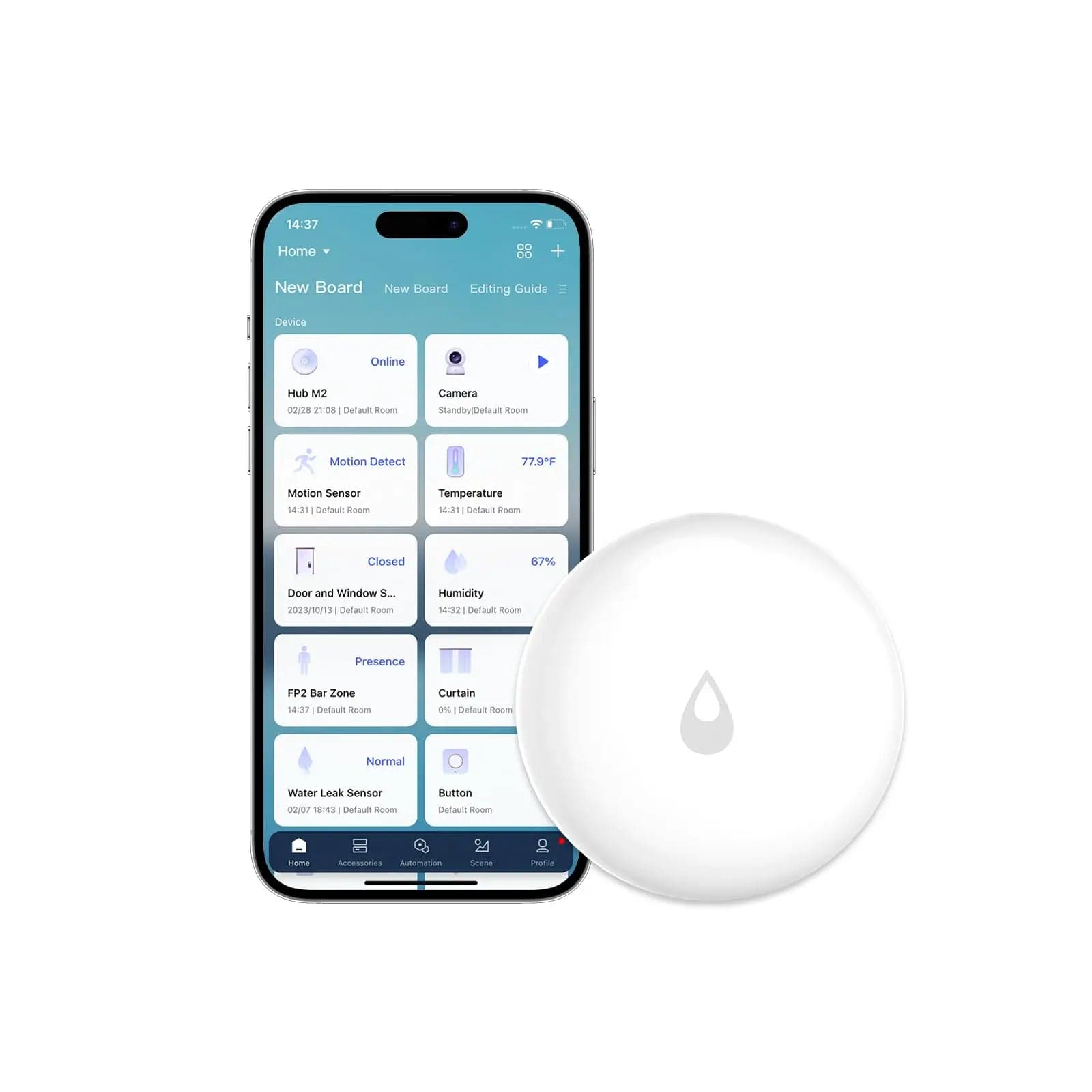
Requires an Aqara Zigbee hub (e.g. Hub M2/M3). Not compatible with other brands' hubs.
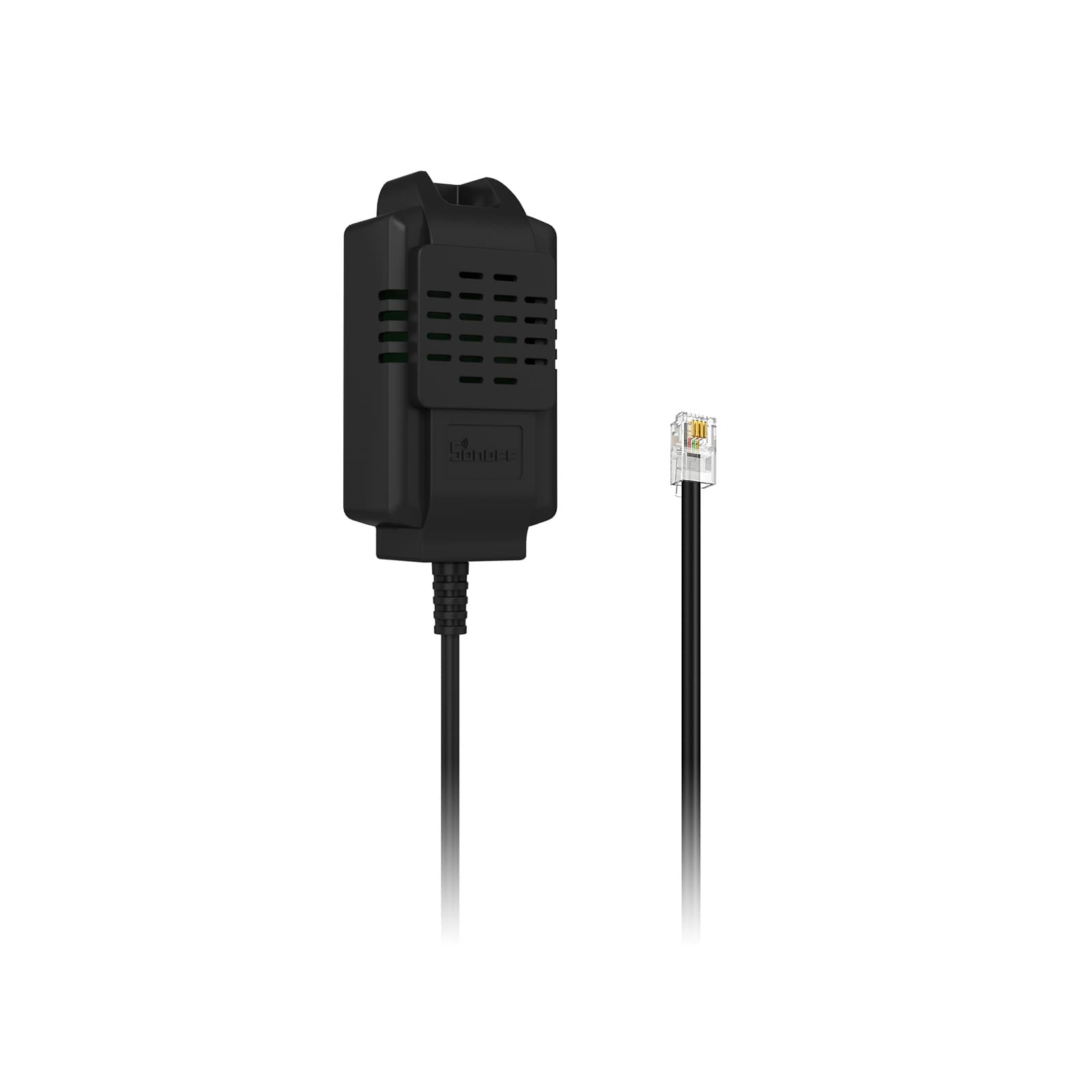
Needs a Zigbee hub/coordinator
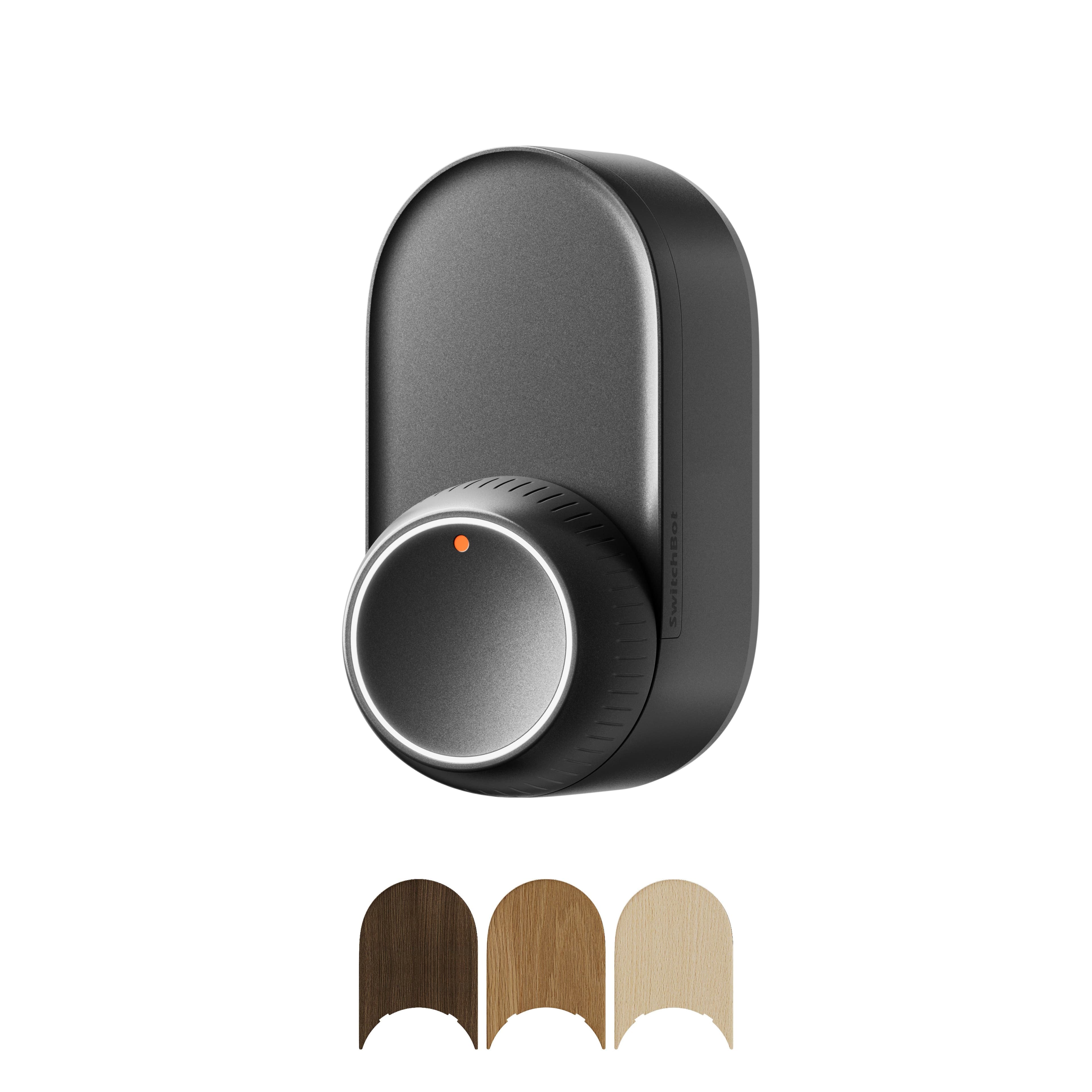
Works over Bluetooth with the SwitchBot app; a SwitchBot Hub adds remote access plus Matter/Alexa/Google/HomeKit.
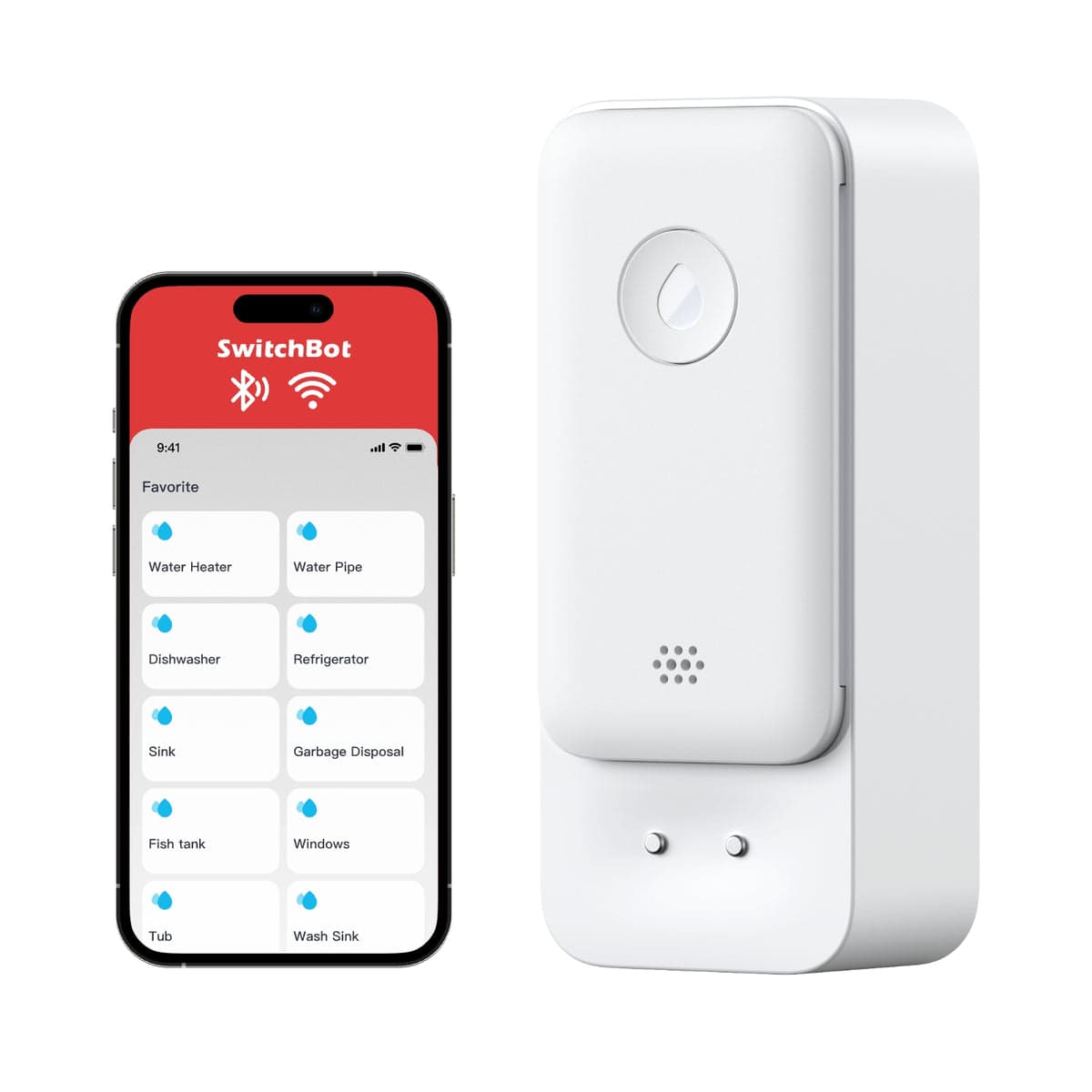
Works over Bluetooth with the SwitchBot app; a SwitchBot Hub adds remote access plus Matter/Alexa/Google/HomeKit.
Not on this list?
That does not mean it will not work with Google Home. It means we have not confirmed a path for it yet, and we add connections as we confirm them against the maker's documentation. How we check
Already own some gear? Check what works together