 Joe Tries
Smart light switches compatible with Home Assistant
Yes, 20 smart light switches in our catalog work with Home Assistant. Z-Wave and Zigbee switches pair to your own radio and stay local; Wi-Fi switches depend on the brand's integration.
The switches people run in Home Assistant are mostly Z-Wave and Zigbee, because both pair to your own radio and keep working with the internet down. Many of them also report multi-tap presses and can run in a mode where the switch stops controlling the load and only sends events, which is how you keep smart bulbs powered while the switch still does something useful. Wi-Fi switches split: some brands have local integrations, others only reach Home Assistant through their cloud. And the wiring comes first: most switches need a neutral wire, which many older homes do not have at the switch.
- Compatible, in our catalog
- 20 of 44 smart light switches
- Work without any hub
- 4 of 20
- Need a hub first
- None
- Price range
- $25 to $73
Check these before you buy
- Turn off the breaker and check the switch box for a neutral wire. Switches that work without one exist, but the list is short.
- If the switch controls smart bulbs, look for a mode that detaches the switch from its load (smart bulb mode or similar). Not every switch has it.
- For a Wi-Fi switch, read the integration's IoT class on the Home Assistant site. Local means it works with your internet down; cloud means it does not.
Connects through Matter 7
These join Home Assistant through Matter, a shared standard, so no maker's cloud sits in the middle. The ones that use Thread also need a Thread border router, a radio built into some smart speakers and hubs.
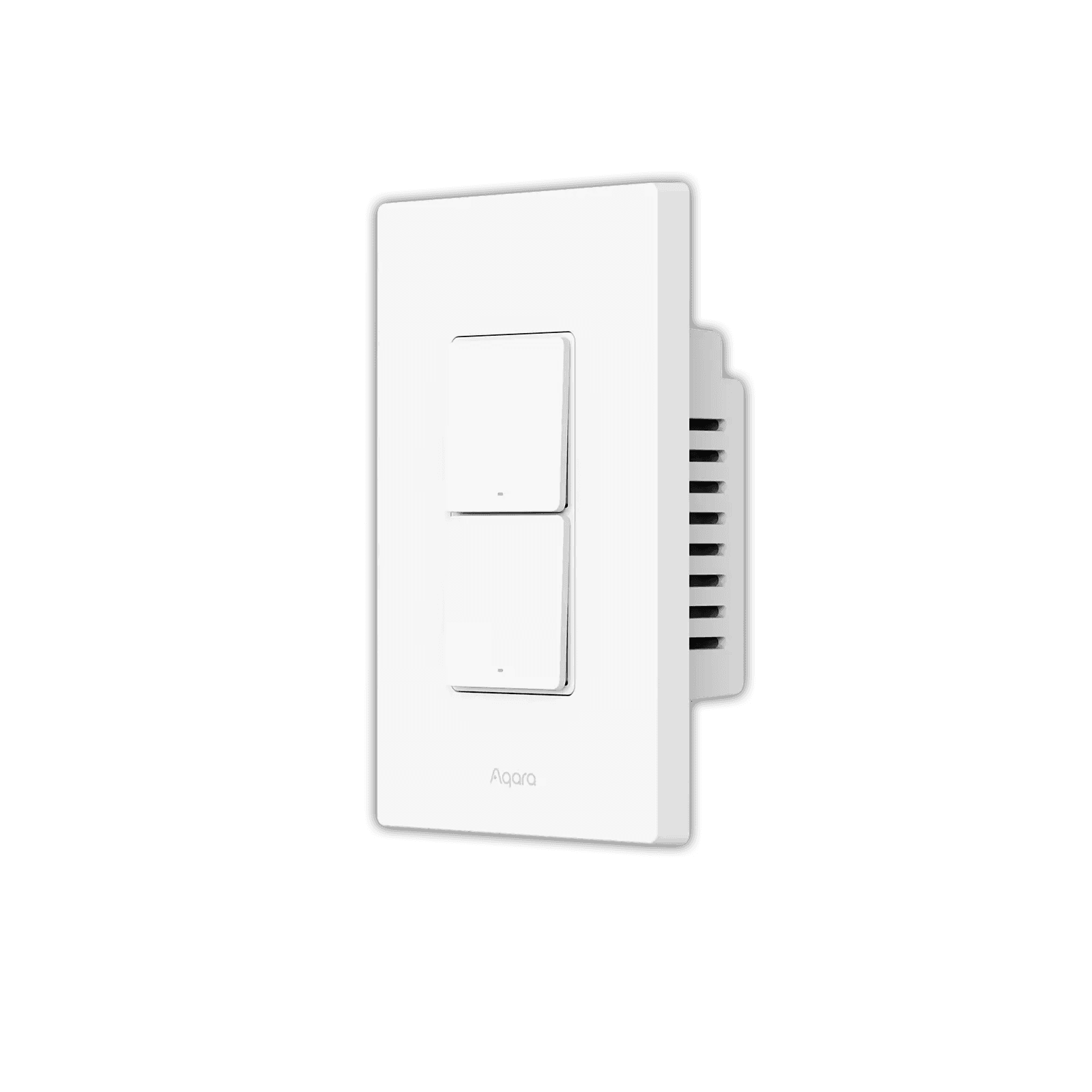
Needs the Aqara Hub M2.
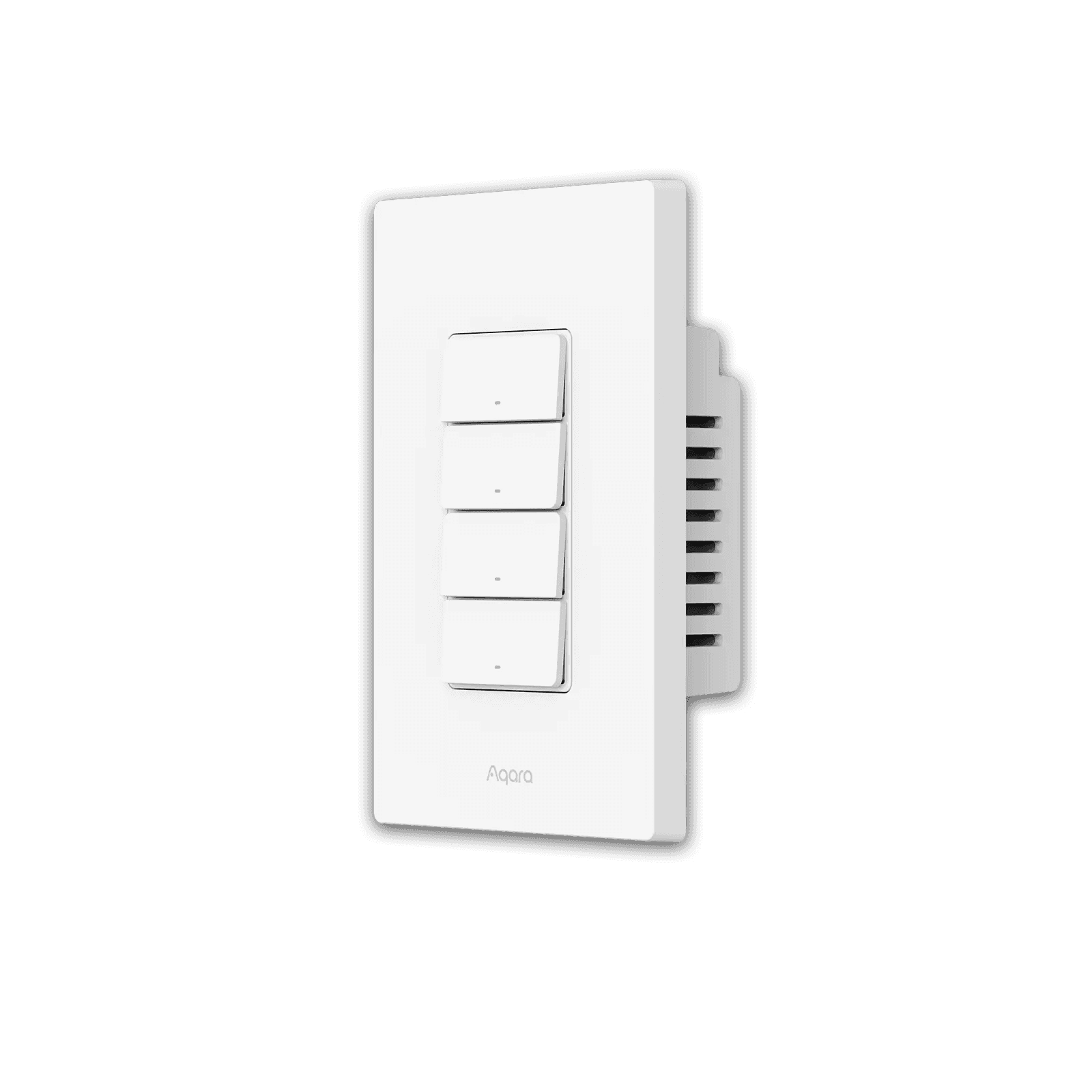
Needs the Aqara Hub M2.
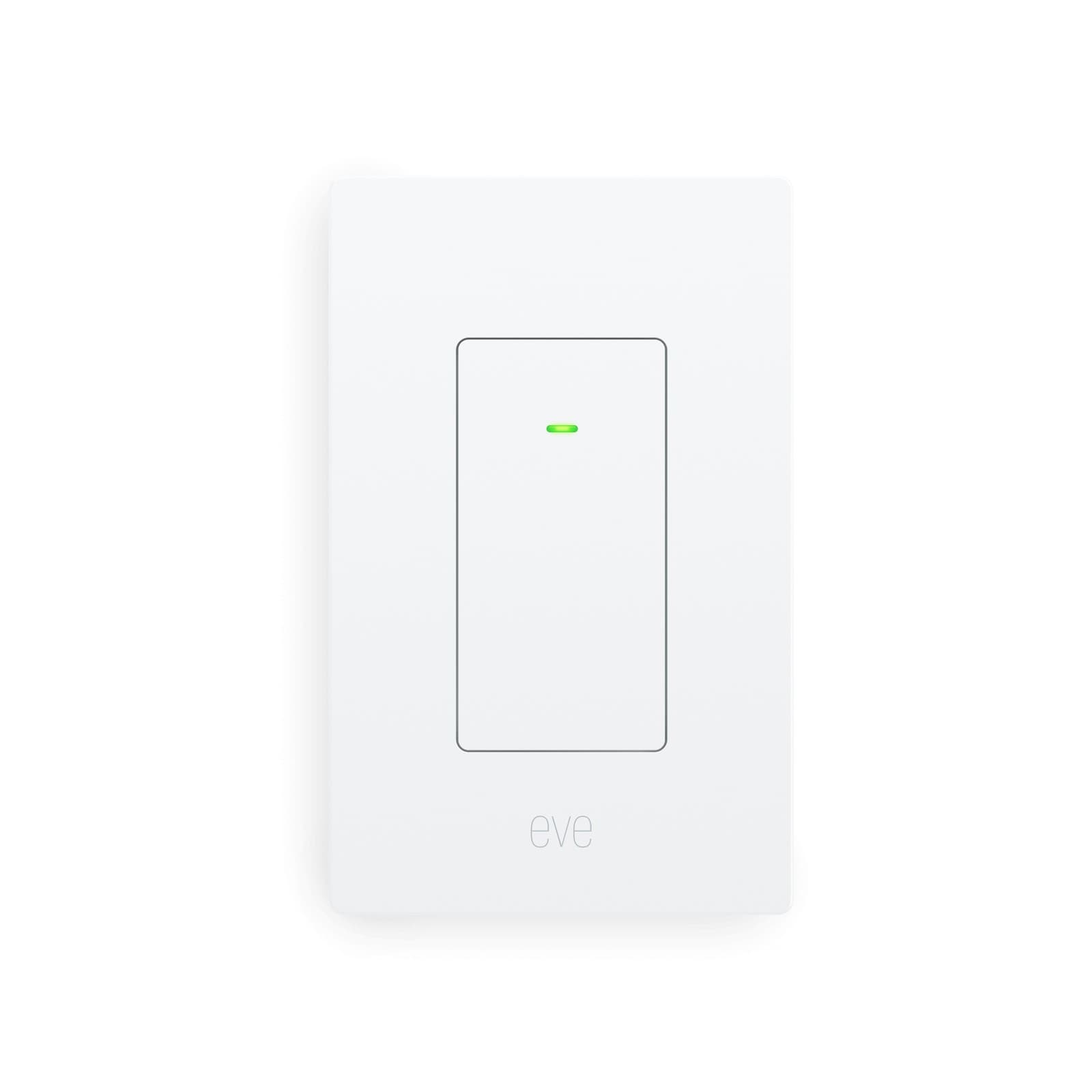
No hub needed.
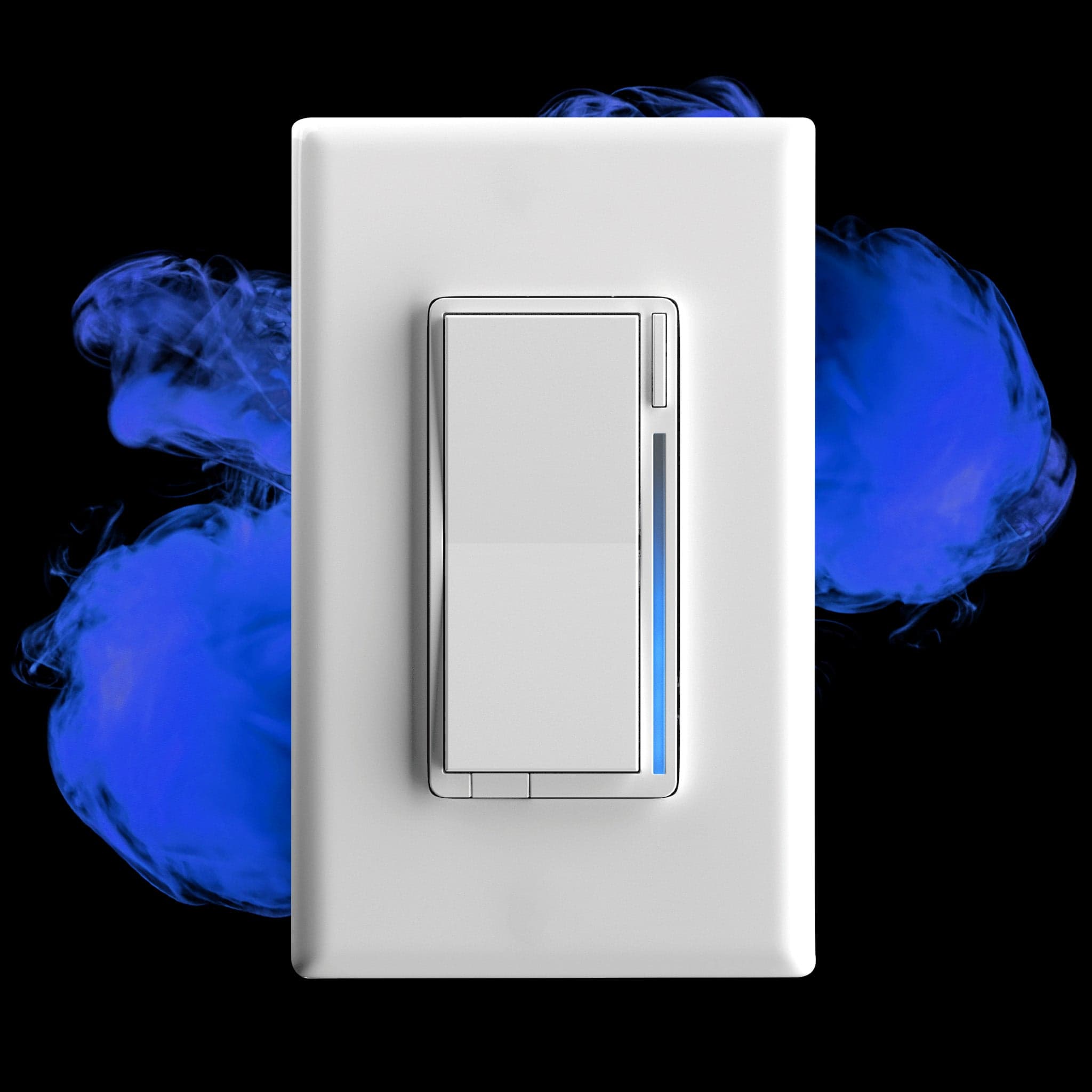
Needs a Zigbee hub; Matter exposed via supported hub
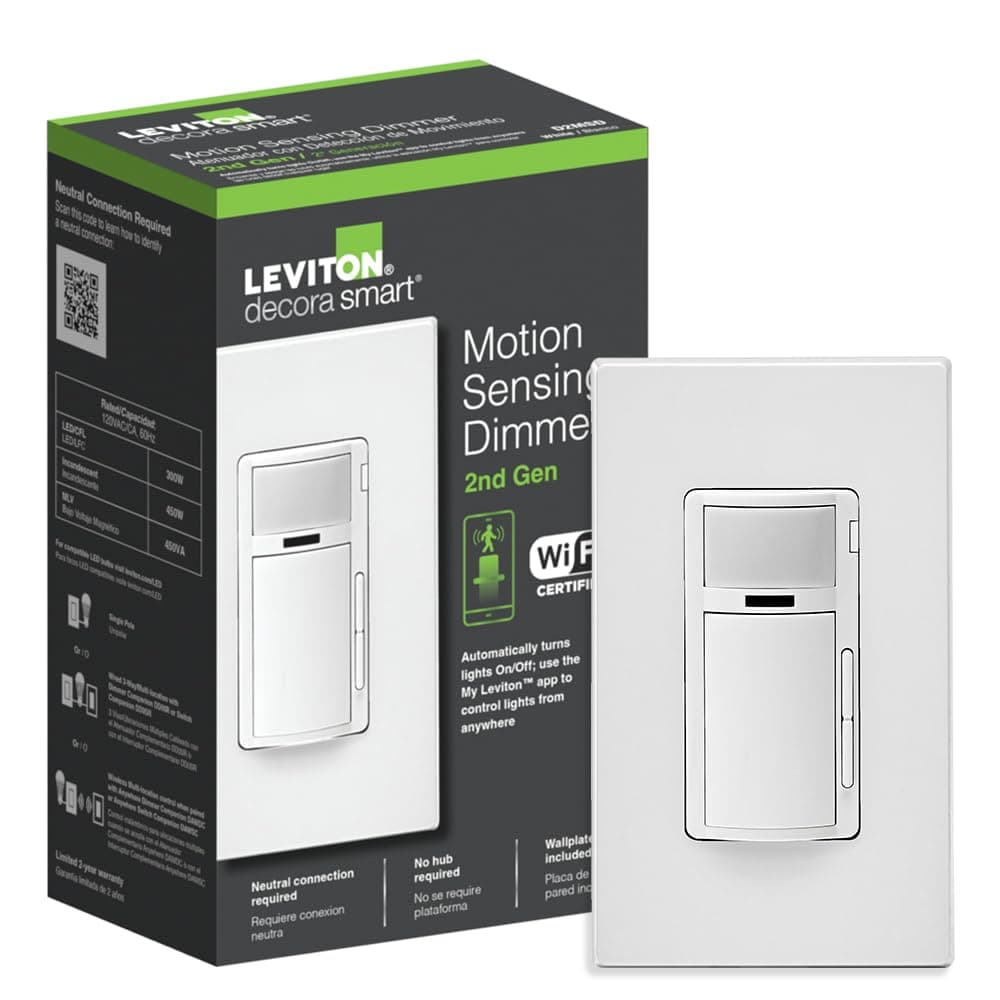
No hub needed.
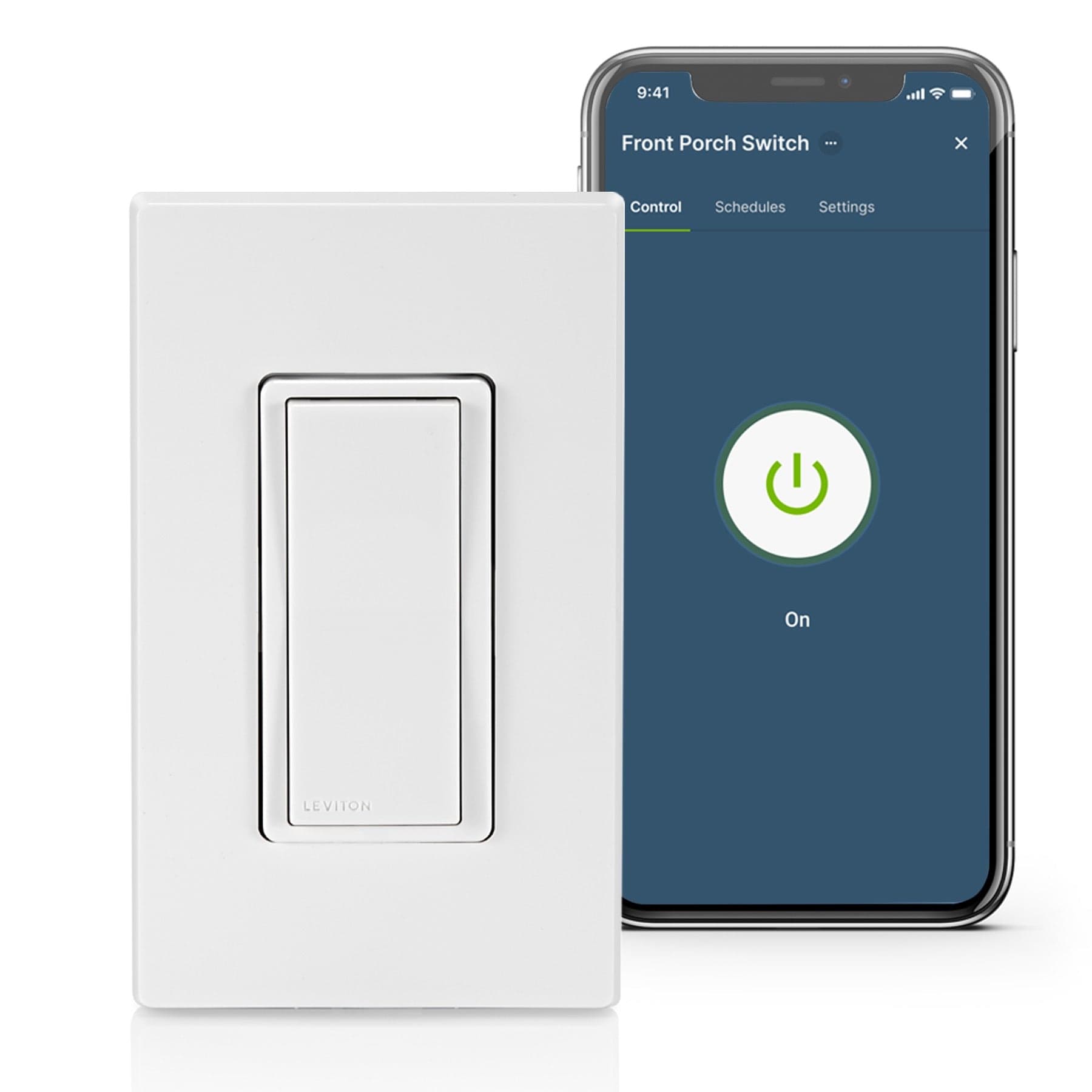
No hub needed.
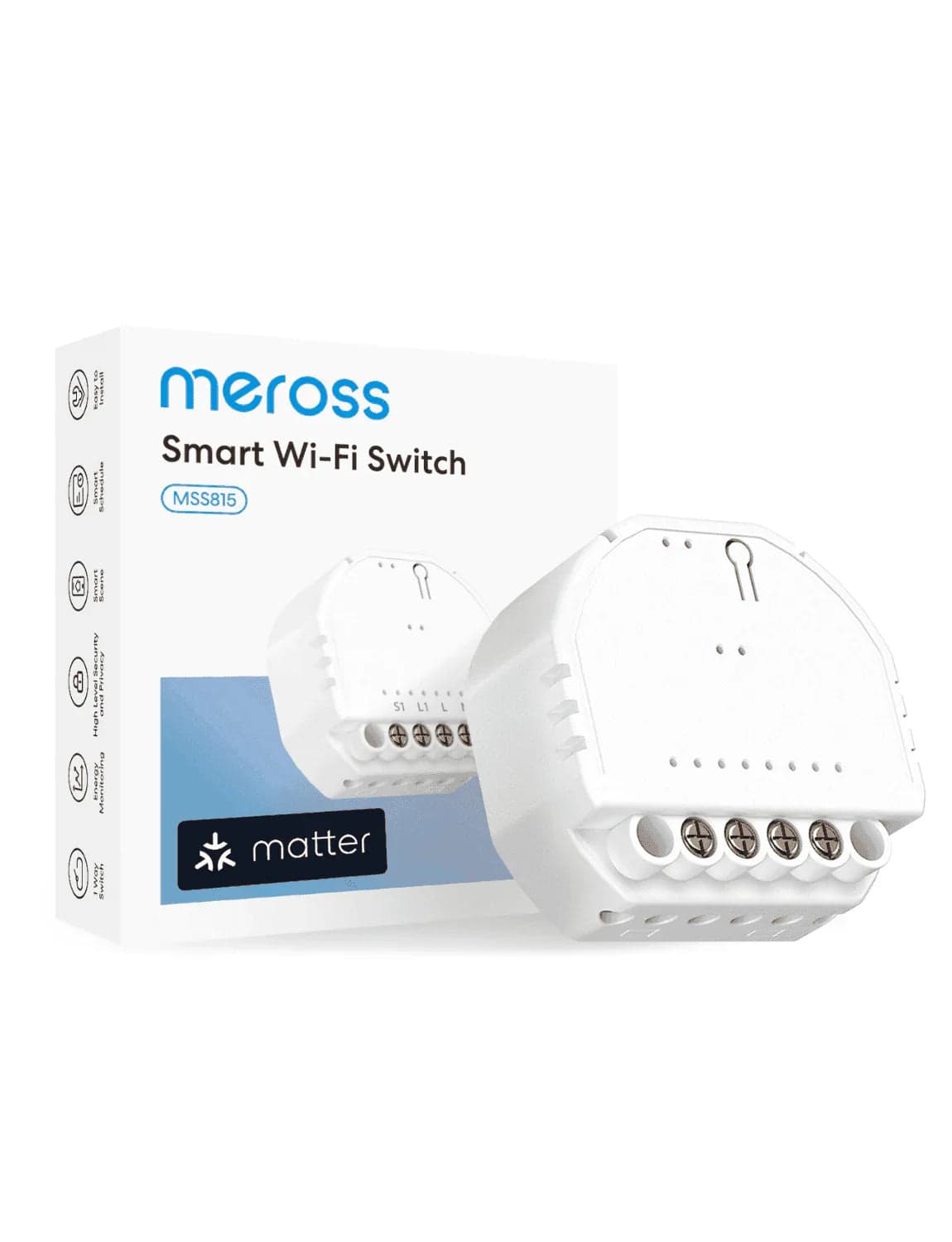
Matter over Wi-Fi; works standalone via the brand app, or add to any Matter controller.
Z-Wave, built into Home Assistant 9
Home Assistant pairs these itself through its built-in Z-Wave support. You need a Z-Wave radio, usually a USB stick; the maker's hub and app are not needed.
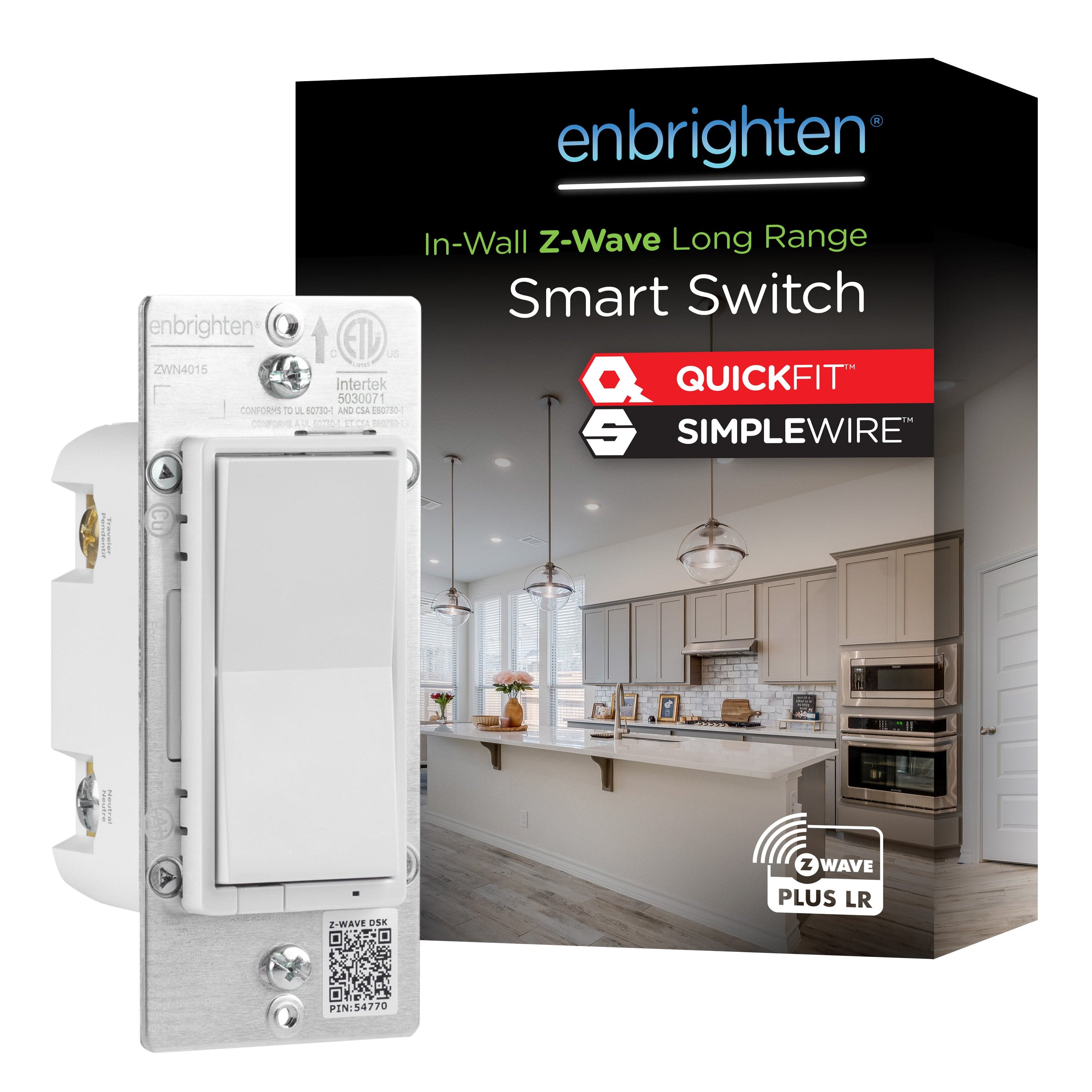
In Home Assistant, pairs with your Z-Wave radio.
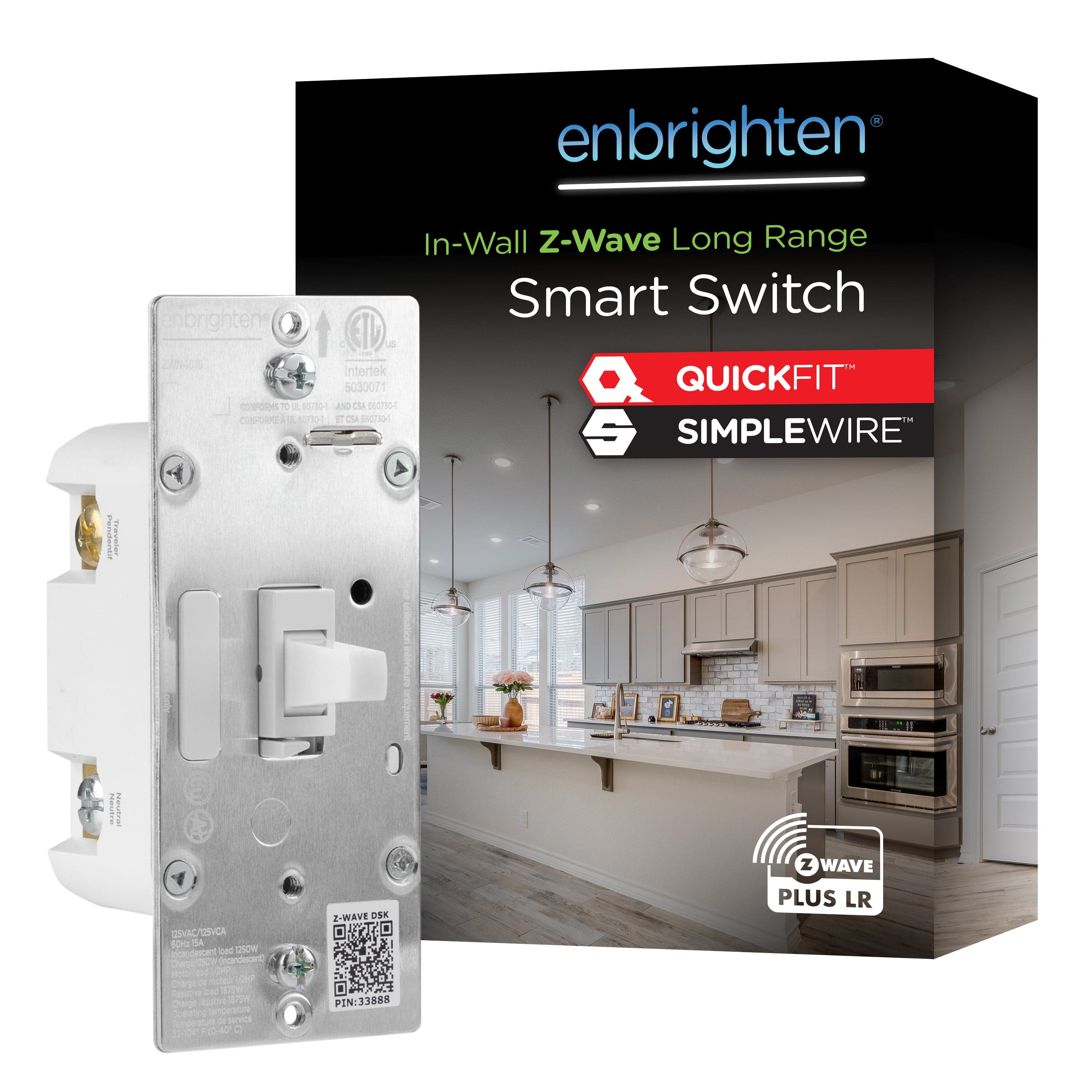
In Home Assistant, pairs with your Z-Wave radio.
In Home Assistant, pairs with your Z-Wave radio.
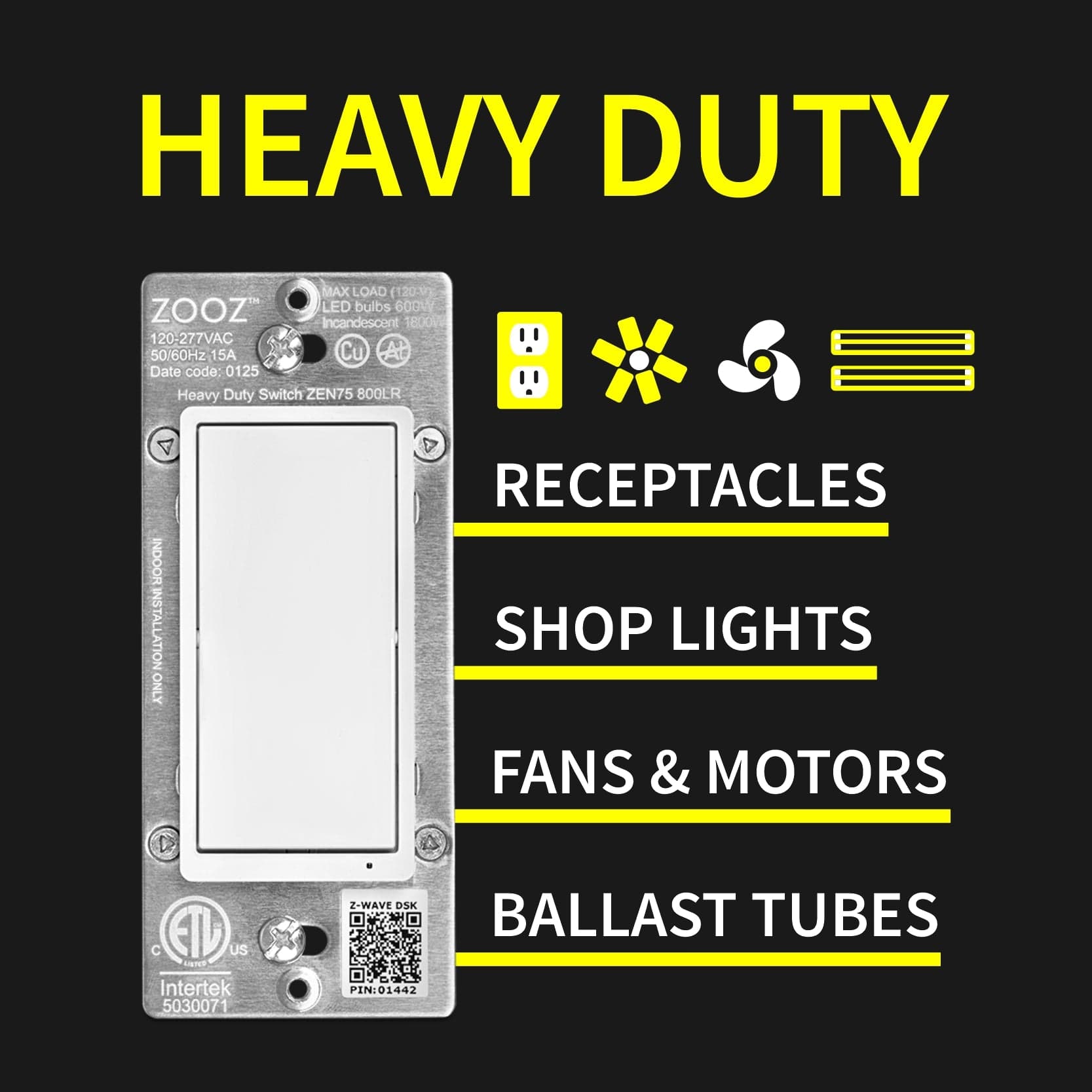
In Home Assistant, pairs with your Z-Wave radio.
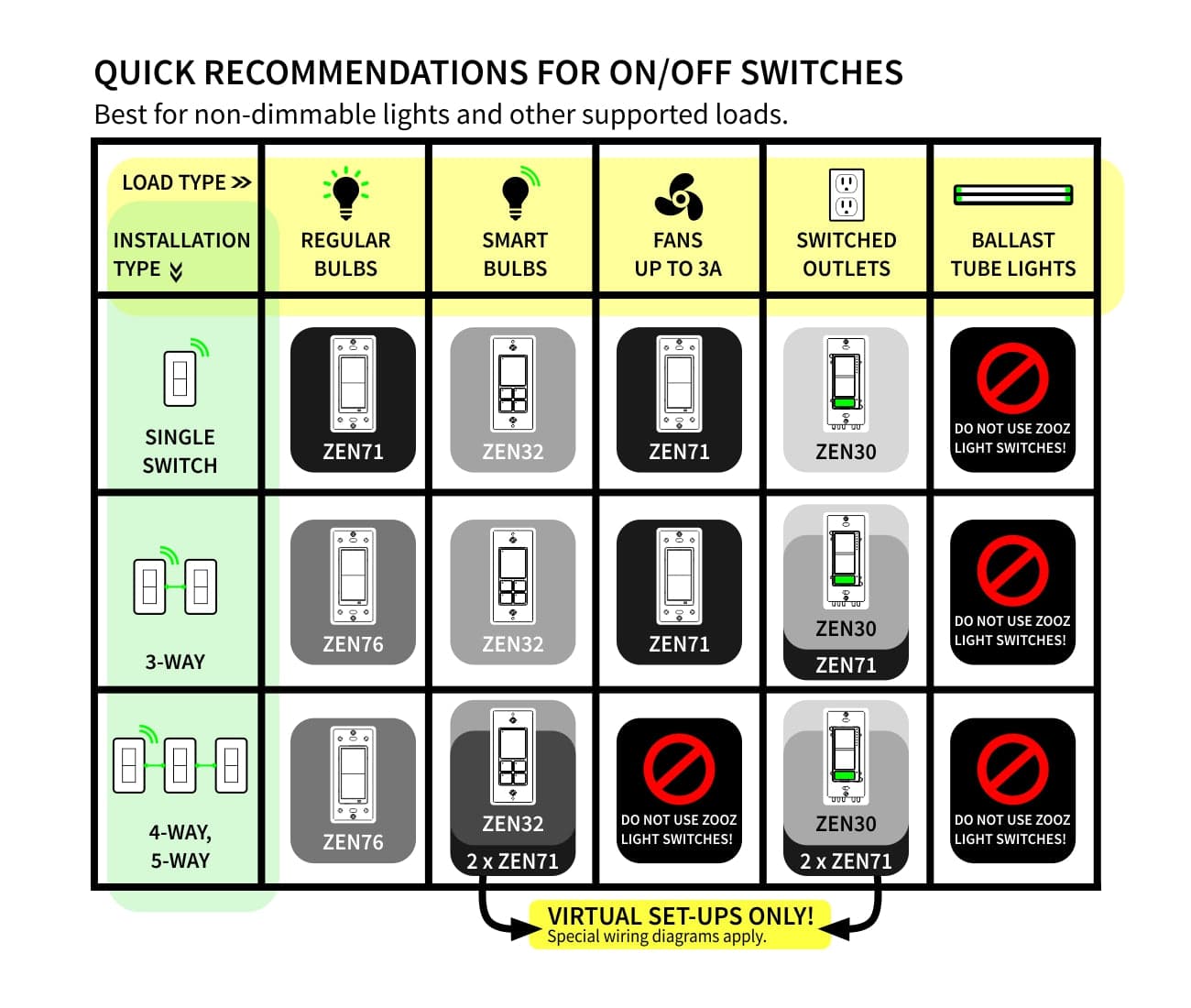
In Home Assistant, pairs with your Z-Wave radio.
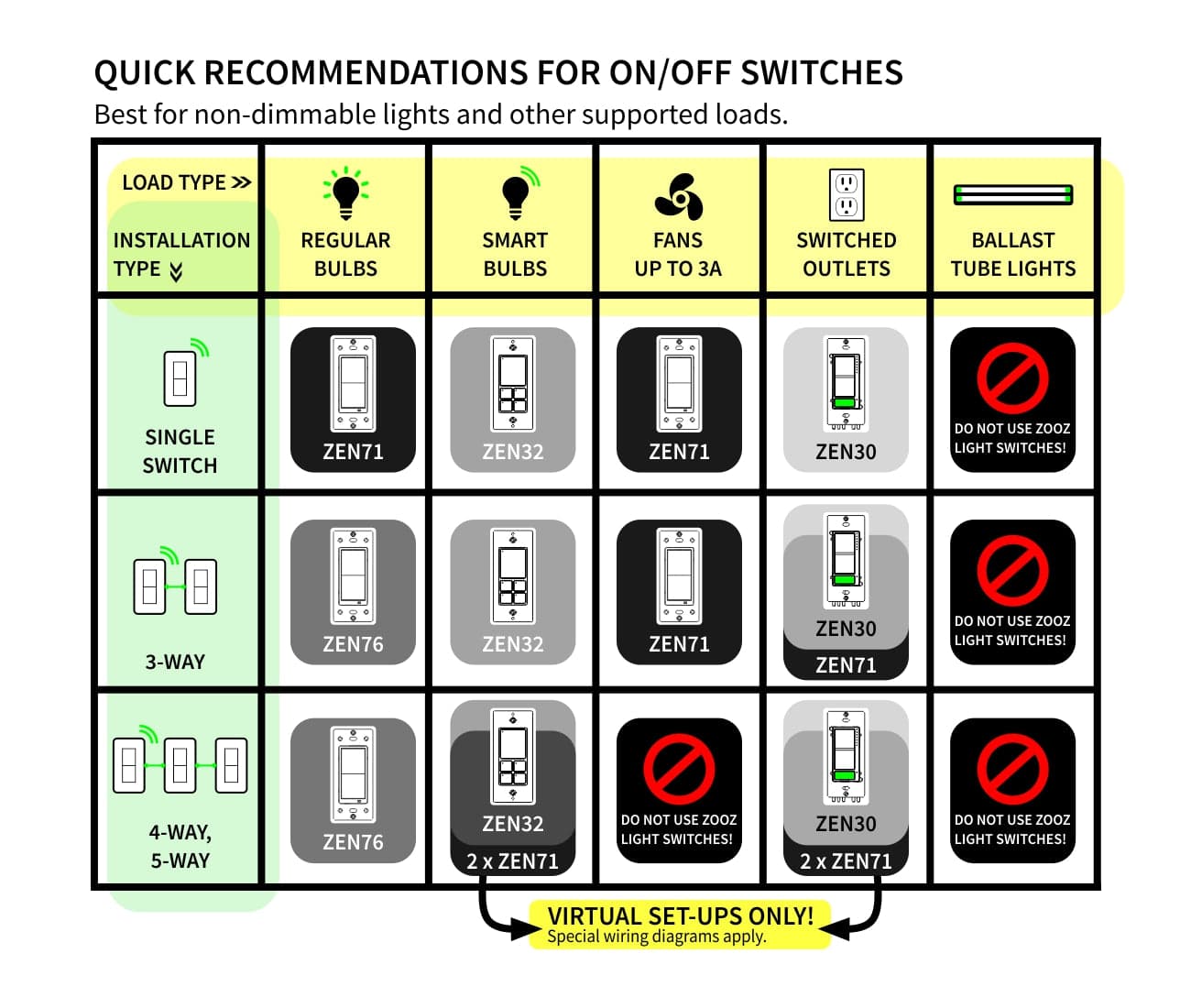
In Home Assistant, pairs with your Z-Wave radio.
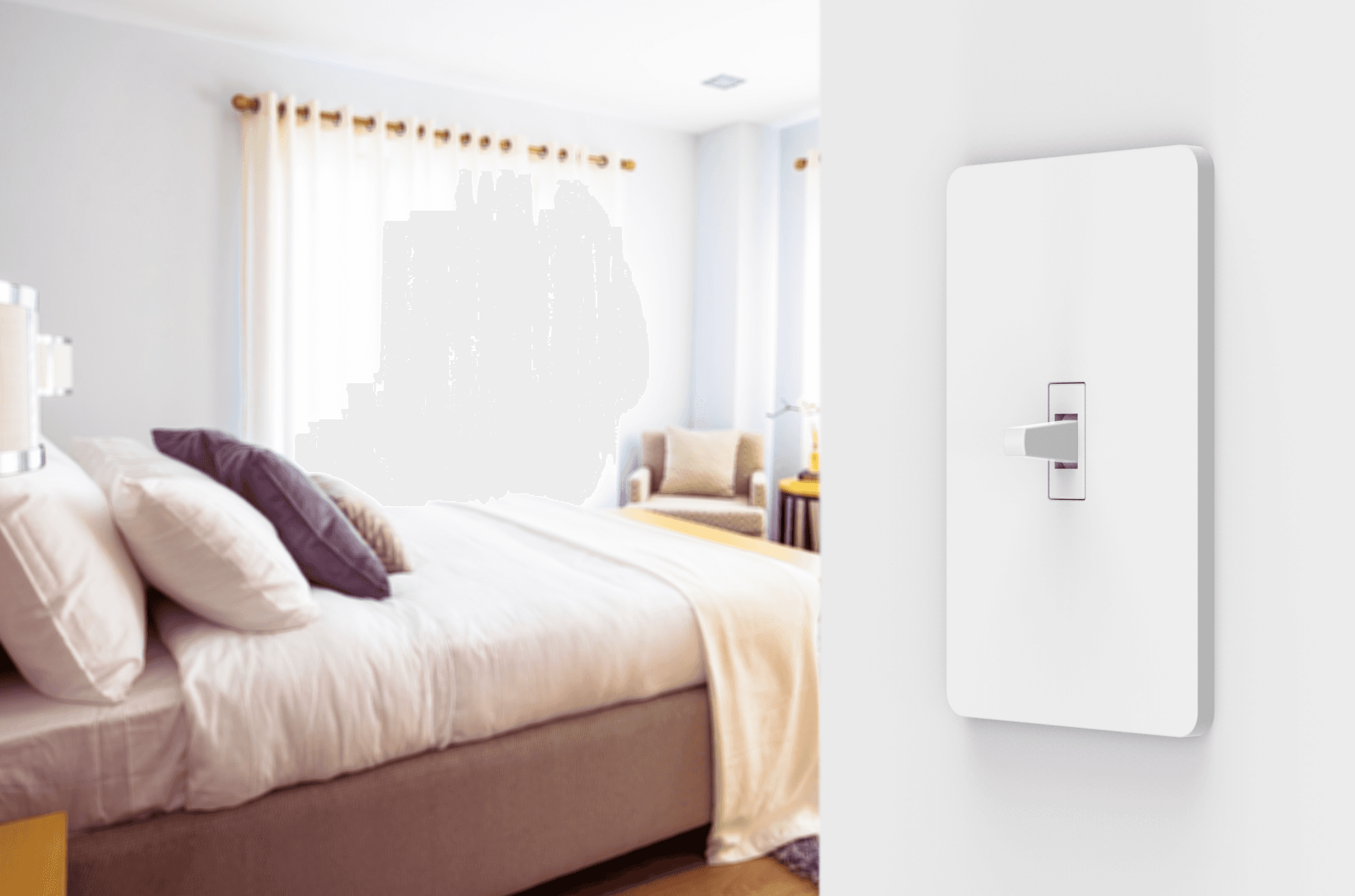
In Home Assistant, pairs with your Z-Wave radio.
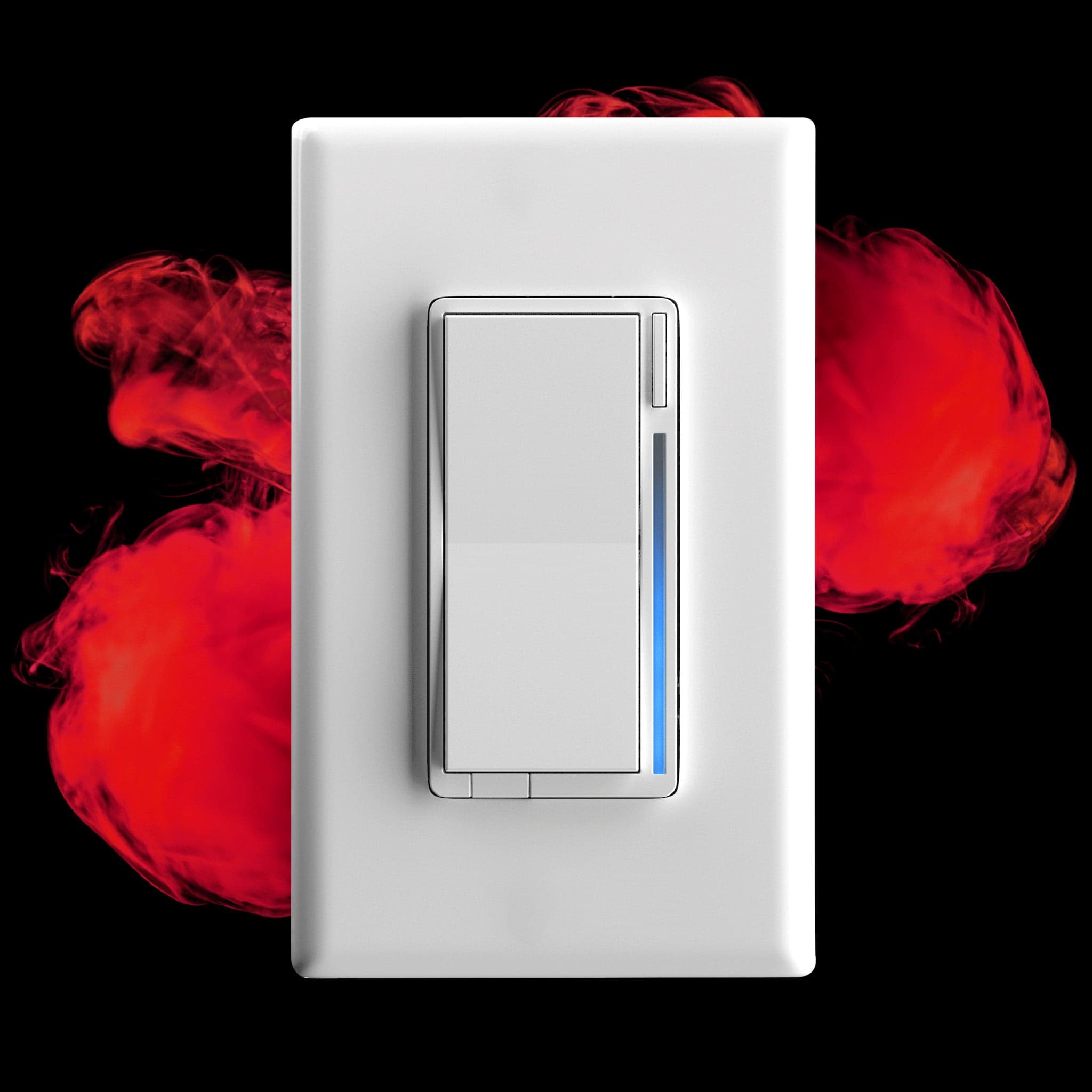
In Home Assistant, pairs with your Z-Wave radio.
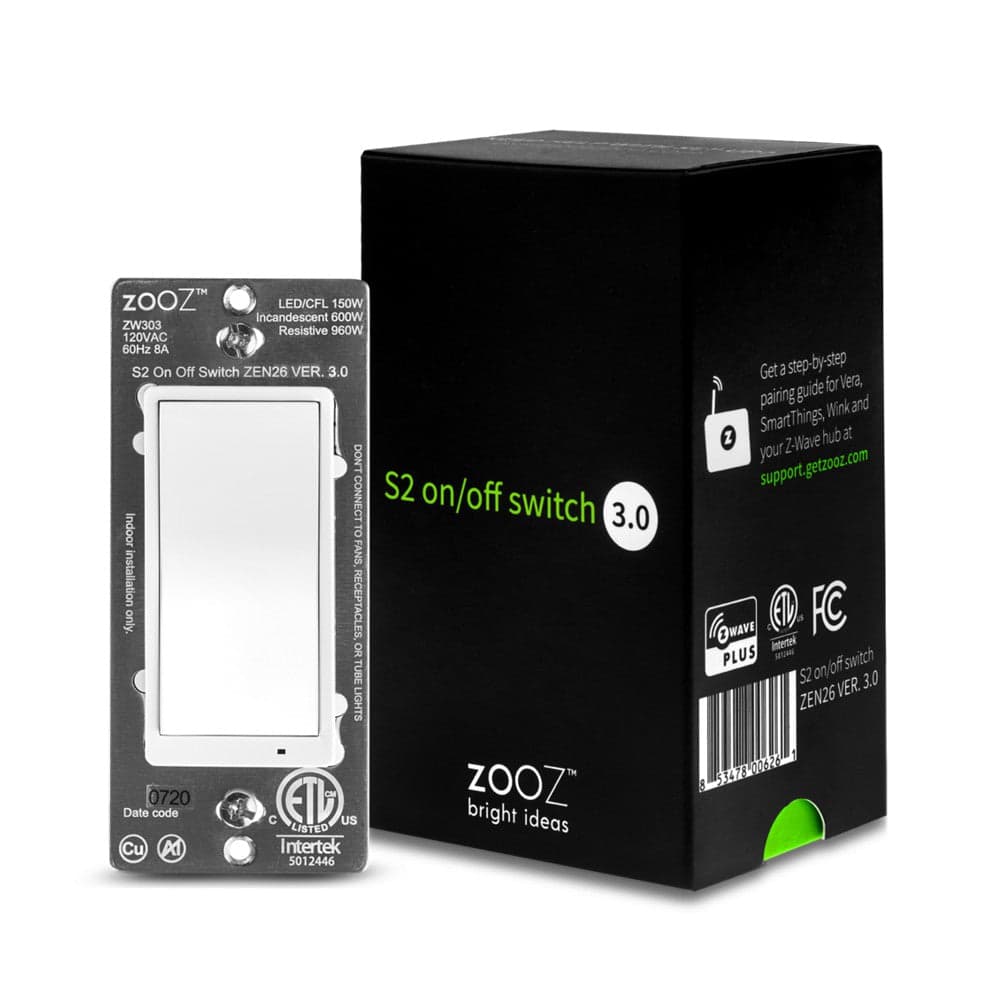
In Home Assistant, pairs with your Z-Wave radio.
Zigbee, built into Home Assistant 4
Home Assistant pairs these itself through its built-in Zigbee support (ZHA or Zigbee2MQTT). You need a Zigbee radio, usually a USB stick; the maker's hub and app are not needed.
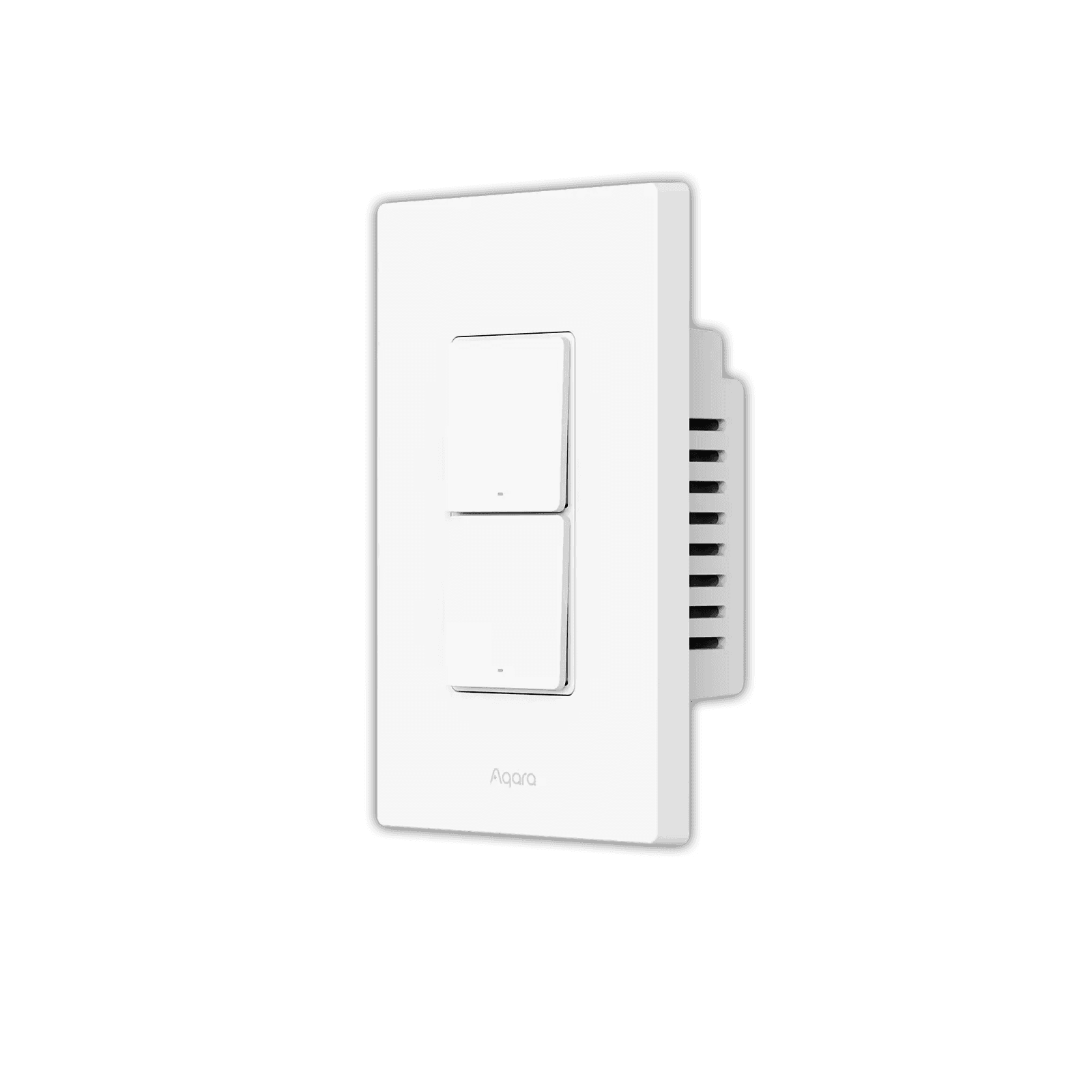
In Home Assistant, pairs with your Zigbee radio.
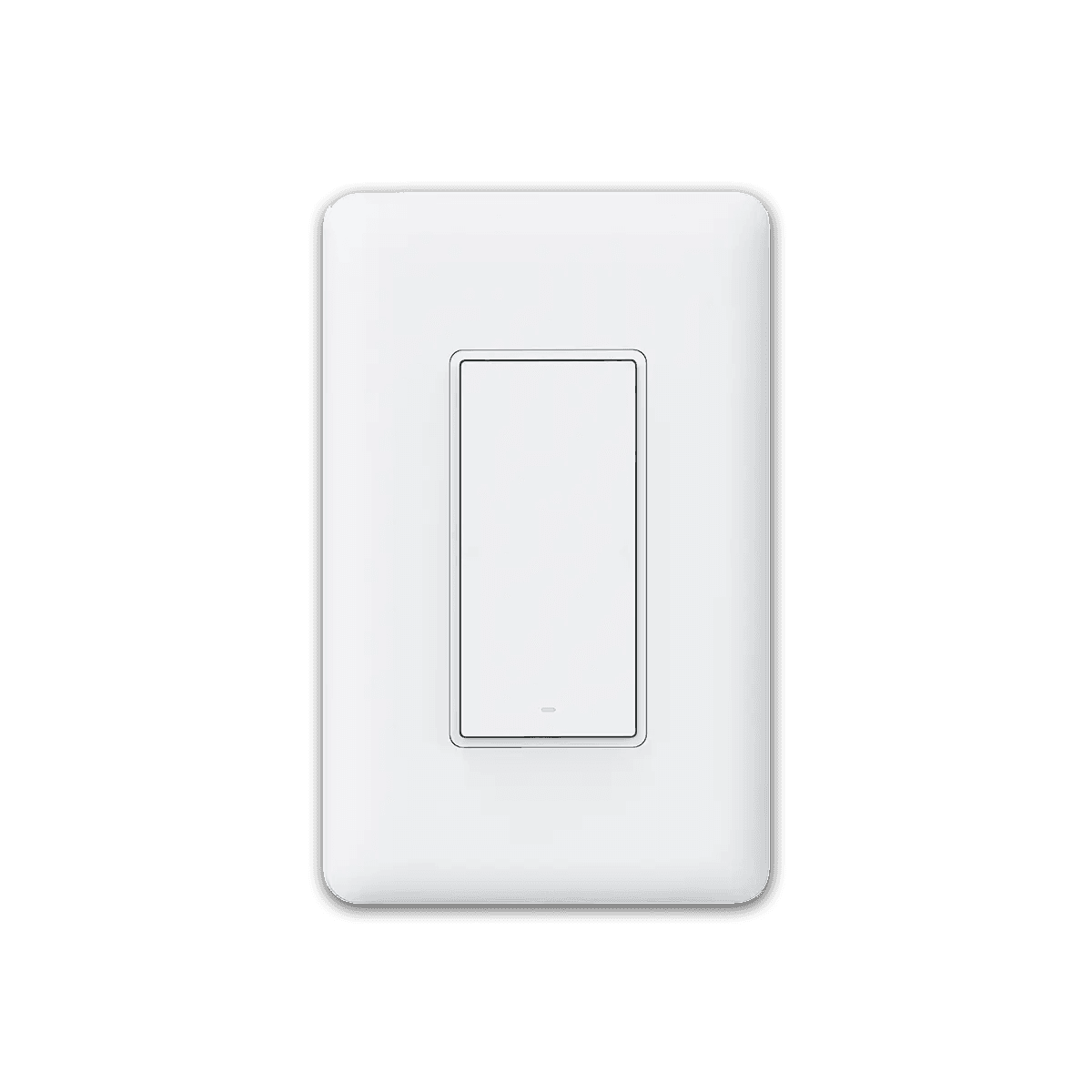
In Home Assistant, pairs with your Zigbee radio.
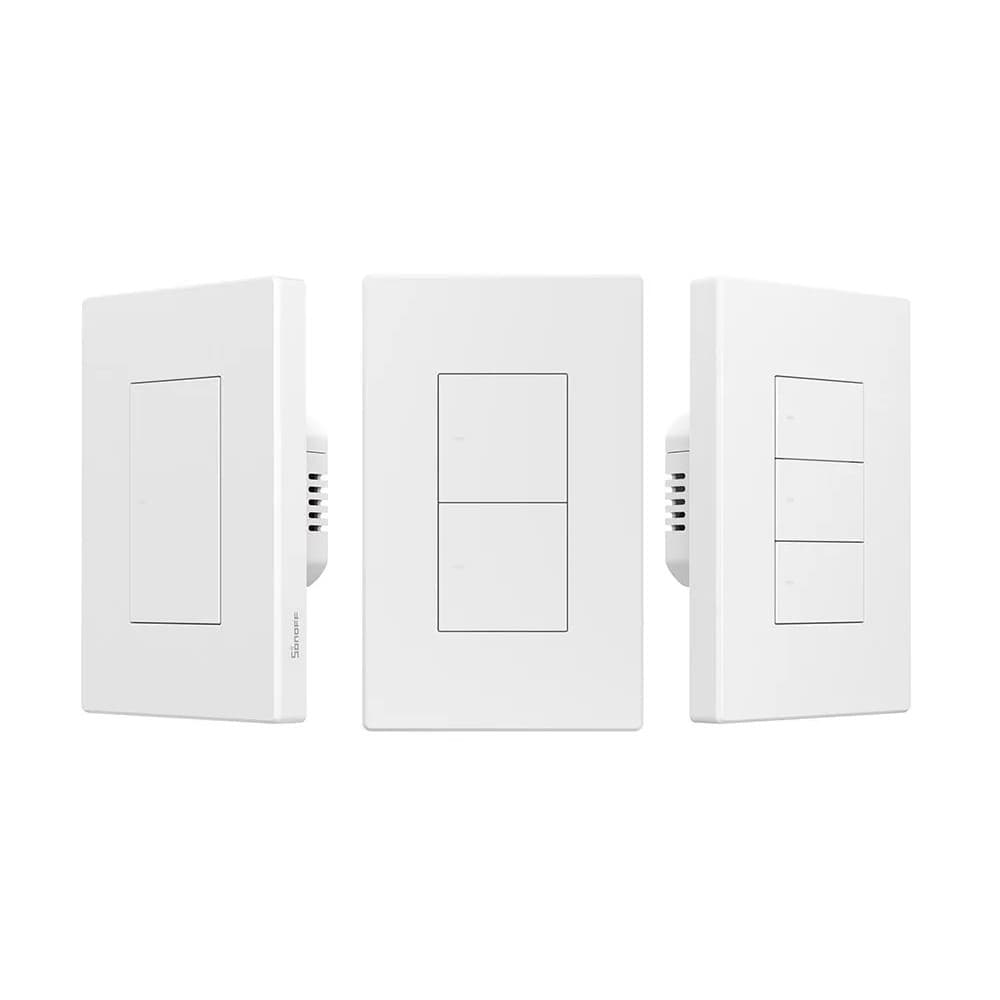
In Home Assistant, pairs with your Zigbee radio.
In Home Assistant, pairs with your Zigbee radio.
Not on this list?
That does not mean it will not work with Home Assistant. It means we have not confirmed a path for it yet, and we add connections as we confirm them against the maker's documentation. How we check
Already own some gear? Check what works together