 Joe Tries
Smart locks compatible with Home Assistant
The locks that work best with Home Assistant are Z-Wave and Matter locks, because both are controlled locally with no maker's cloud in the middle. Z-Wave locks need a Z-Wave radio (usually a USB stick) and a secure pairing step that is easy to get wrong the first time. Matter locks over Thread need a Thread border router. Wi-Fi and Bluetooth locks depend on whether someone has written an integration for that brand.
- Compatible, in our catalog
- 12 of 52 smart locks and deadbolts
- Work without any hub
- 5 of 12
- Need a hub first
- None
- Price range
- $170 to $359
Check these before you buy
- Pair a Z-Wave lock close to your Z-Wave radio, then mount it. Secure pairing fails more often at a distance.
- A Matter lock gives you lock, unlock, and status. Brand extras like managing user codes may still need the maker's app.
- For a Wi-Fi or Bluetooth lock, look for a Home Assistant integration for that brand, and check whether it runs locally or through the maker's cloud.
Connects through Matter 7
These join Home Assistant through Matter, a shared standard, so no maker's cloud sits in the middle. The ones that use Thread also need a Thread border router, a radio built into some smart speakers and hubs.
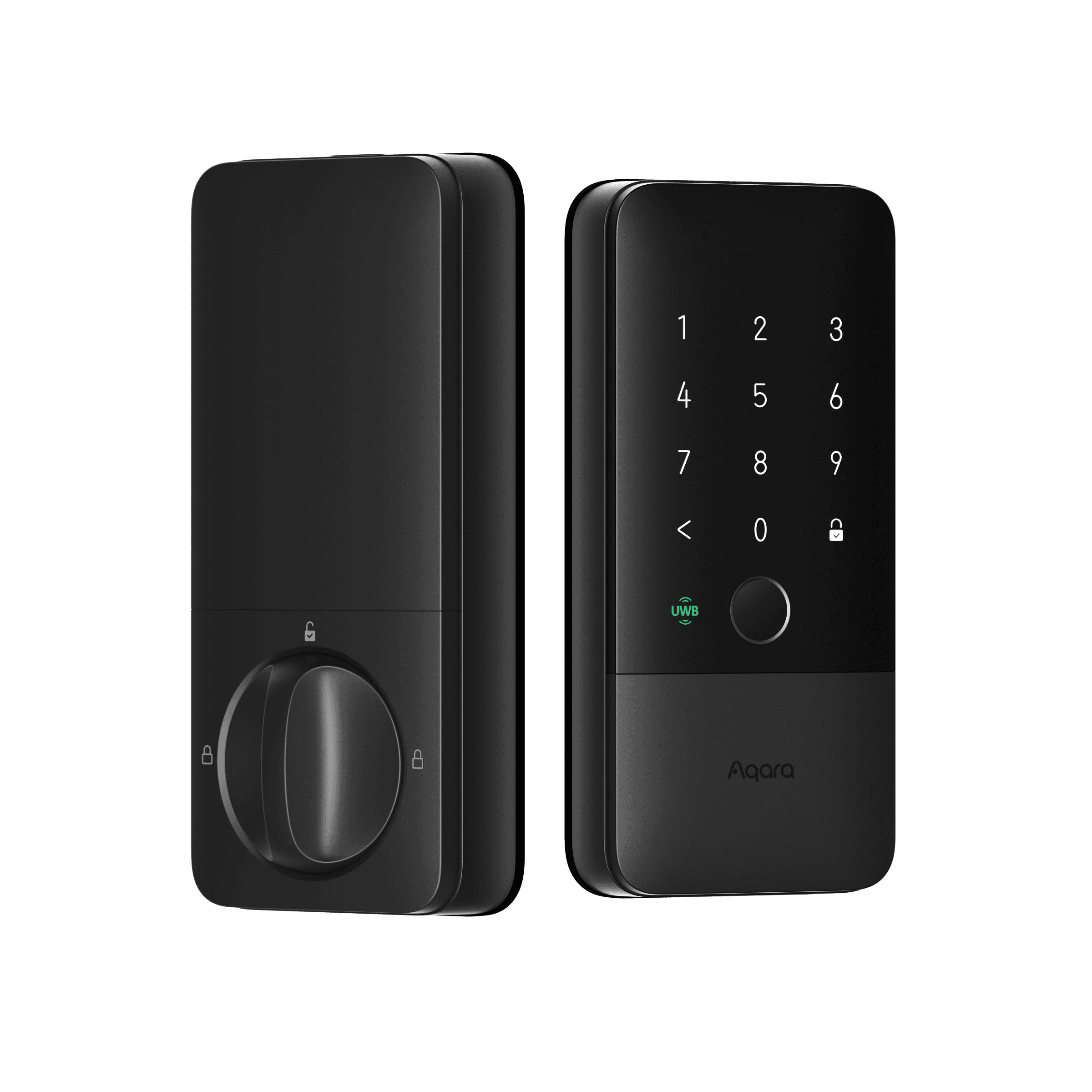
Powered by Matter over Thread; needs a Thread-enabled Matter controller. Some SKUs (DL-D06D/DL-D16D) bundle the Aqara Hub M100.
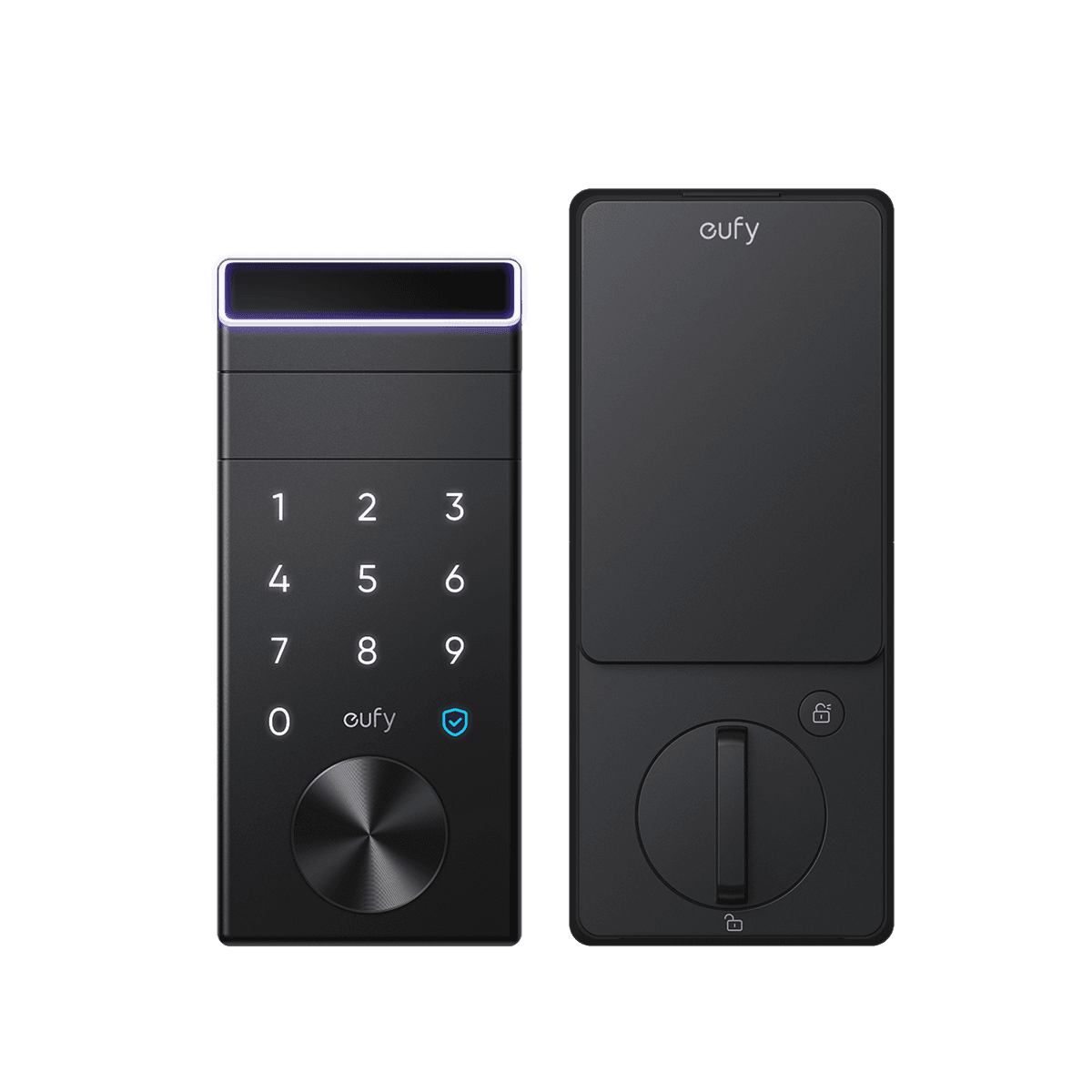
Matter over Wi-Fi; works standalone via the brand app, or add to any Matter controller.
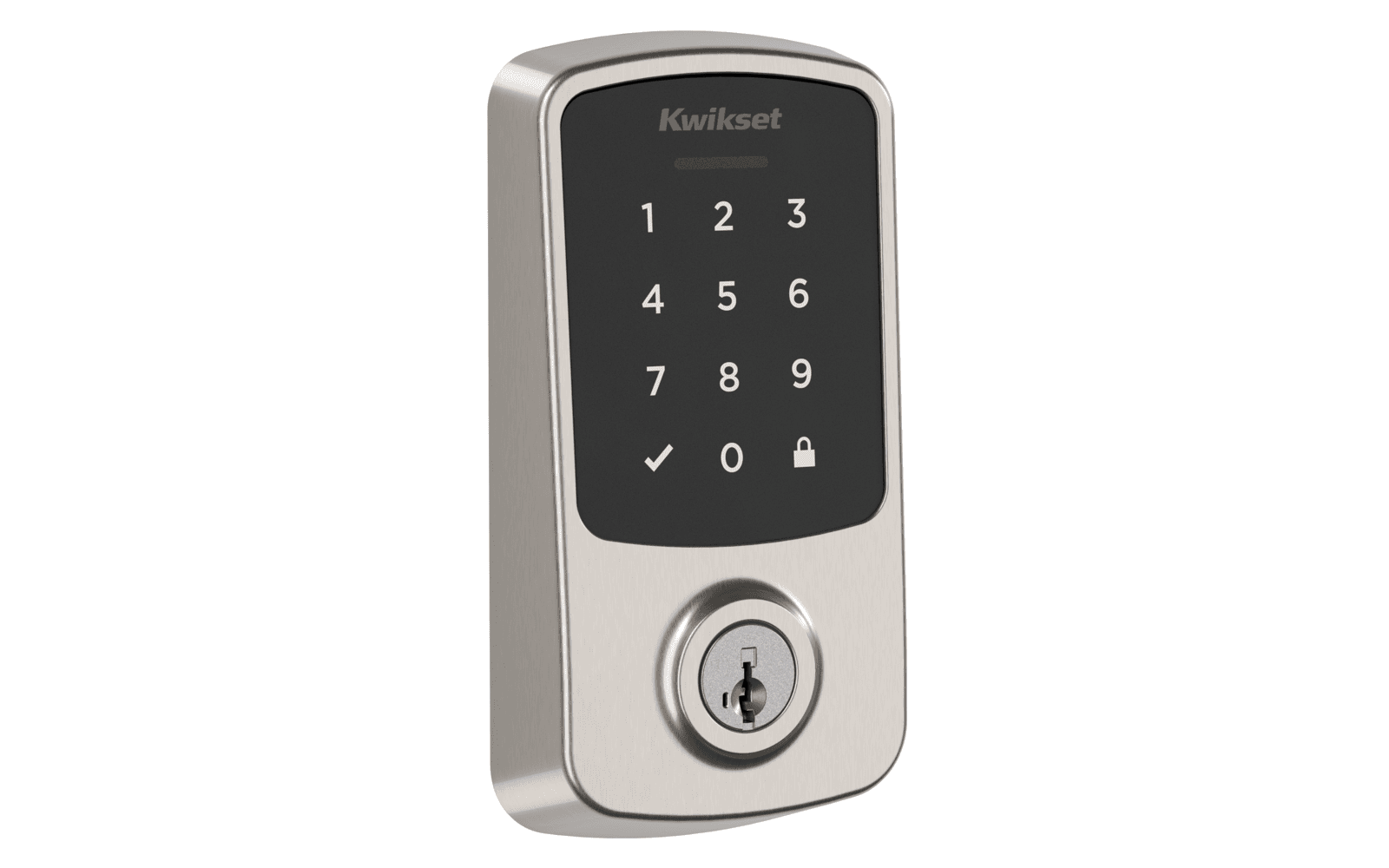
Hub: Bluetooth direct; Matter controller for remote/fabric control
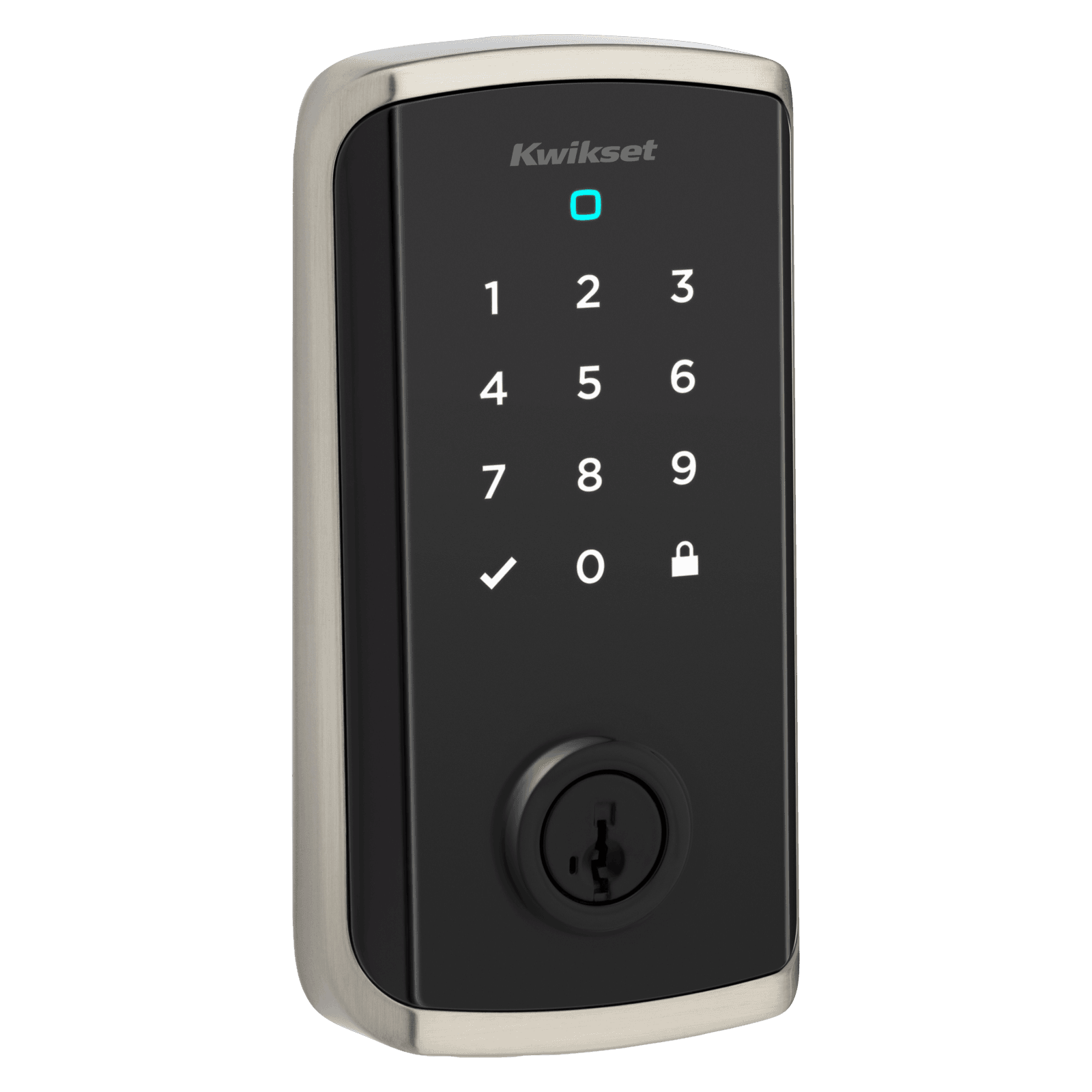
Hub: Wi-Fi direct; Matter controller optional for Matter fabric
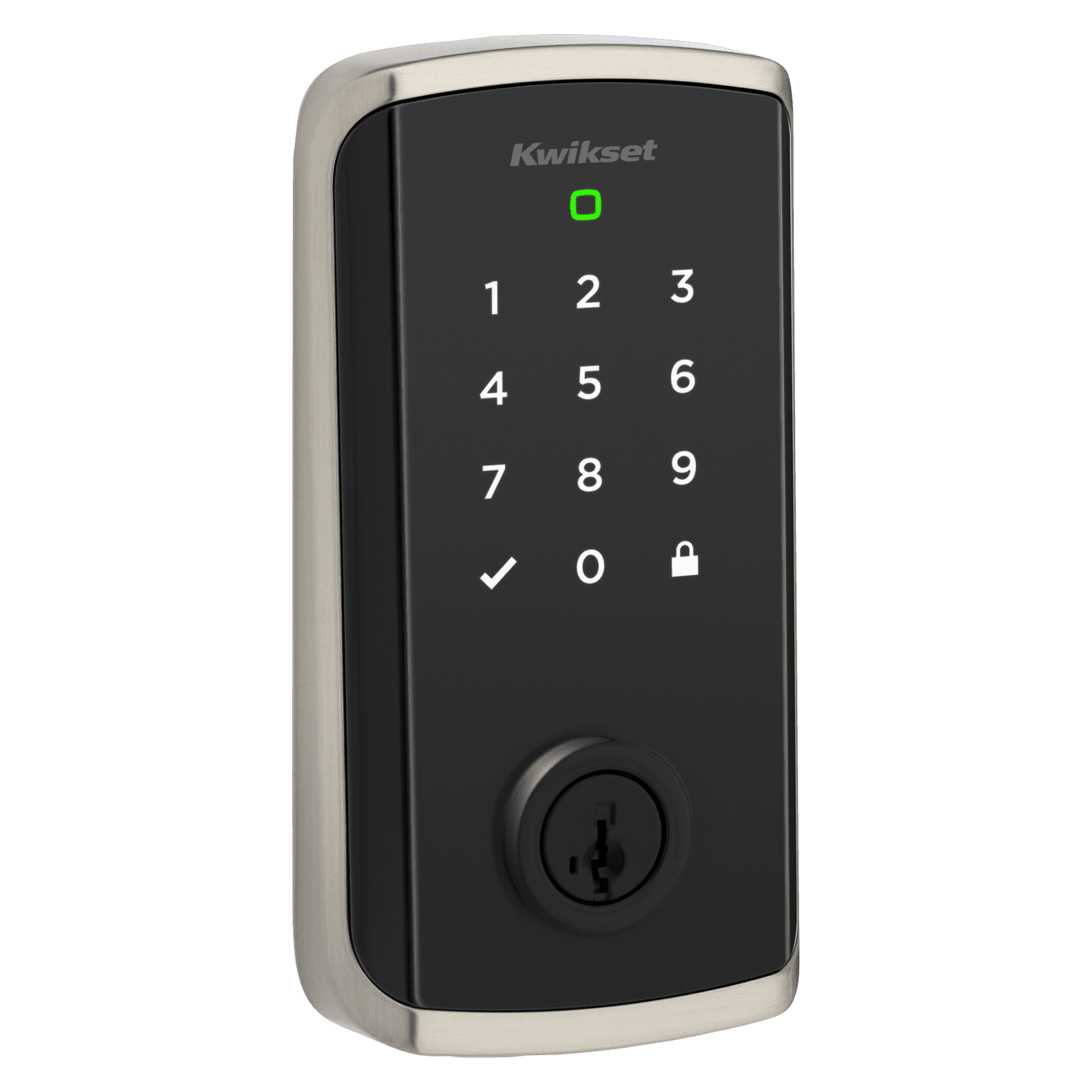
Hub: Wi-Fi direct; Matter controller optional for Matter fabric
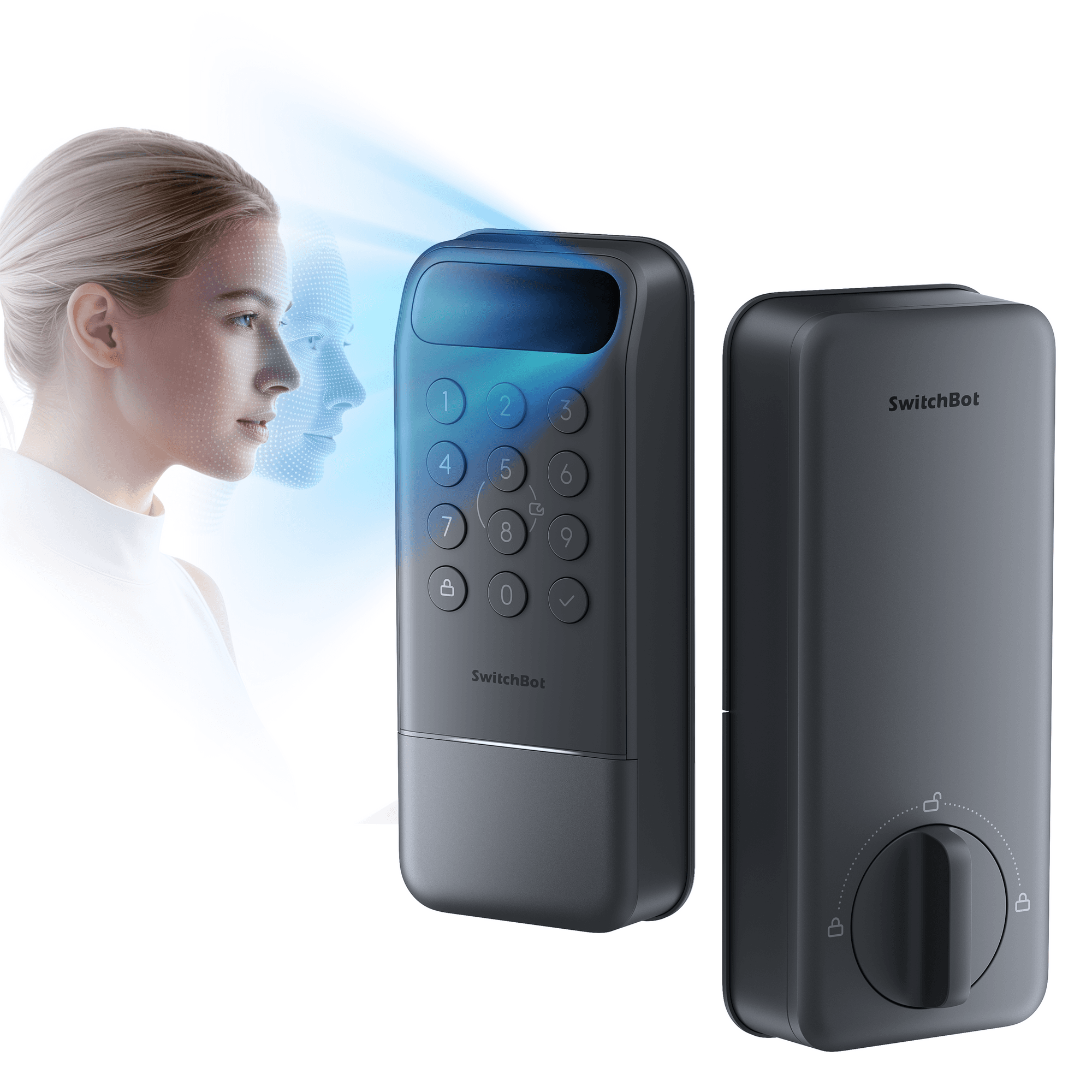
Built-in Wi-Fi, no hub needed; CSA Matter (over Wi-Fi) connects directly to Apple Home and other ecosystems.
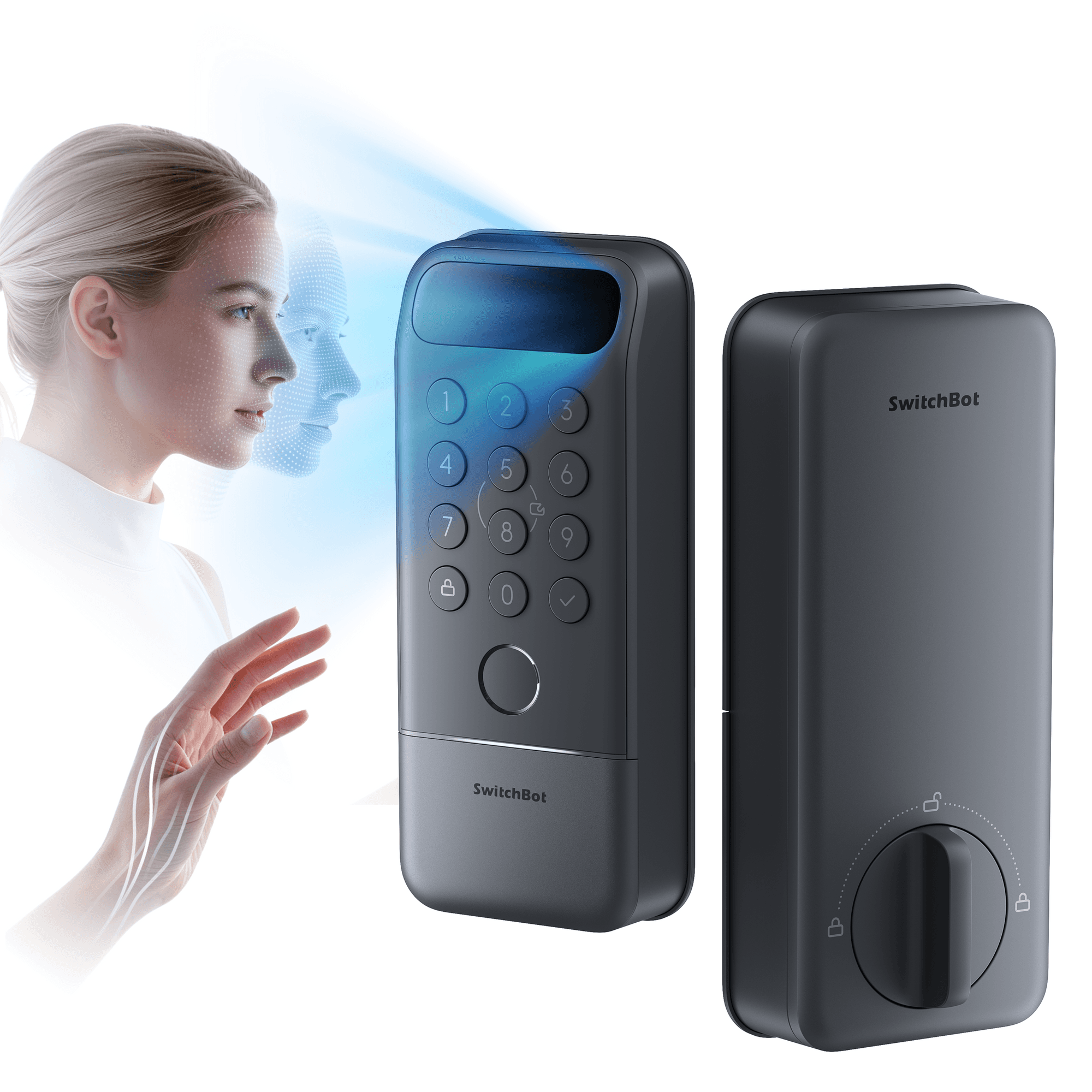
Built-in Wi-Fi, no hub needed; CSA Matter (over Wi-Fi) connects directly to Apple Home and other ecosystems.
Z-Wave, built into Home Assistant 3
Home Assistant pairs these itself through its built-in Z-Wave support. You need a Z-Wave radio, usually a USB stick; the maker's hub and app are not needed.
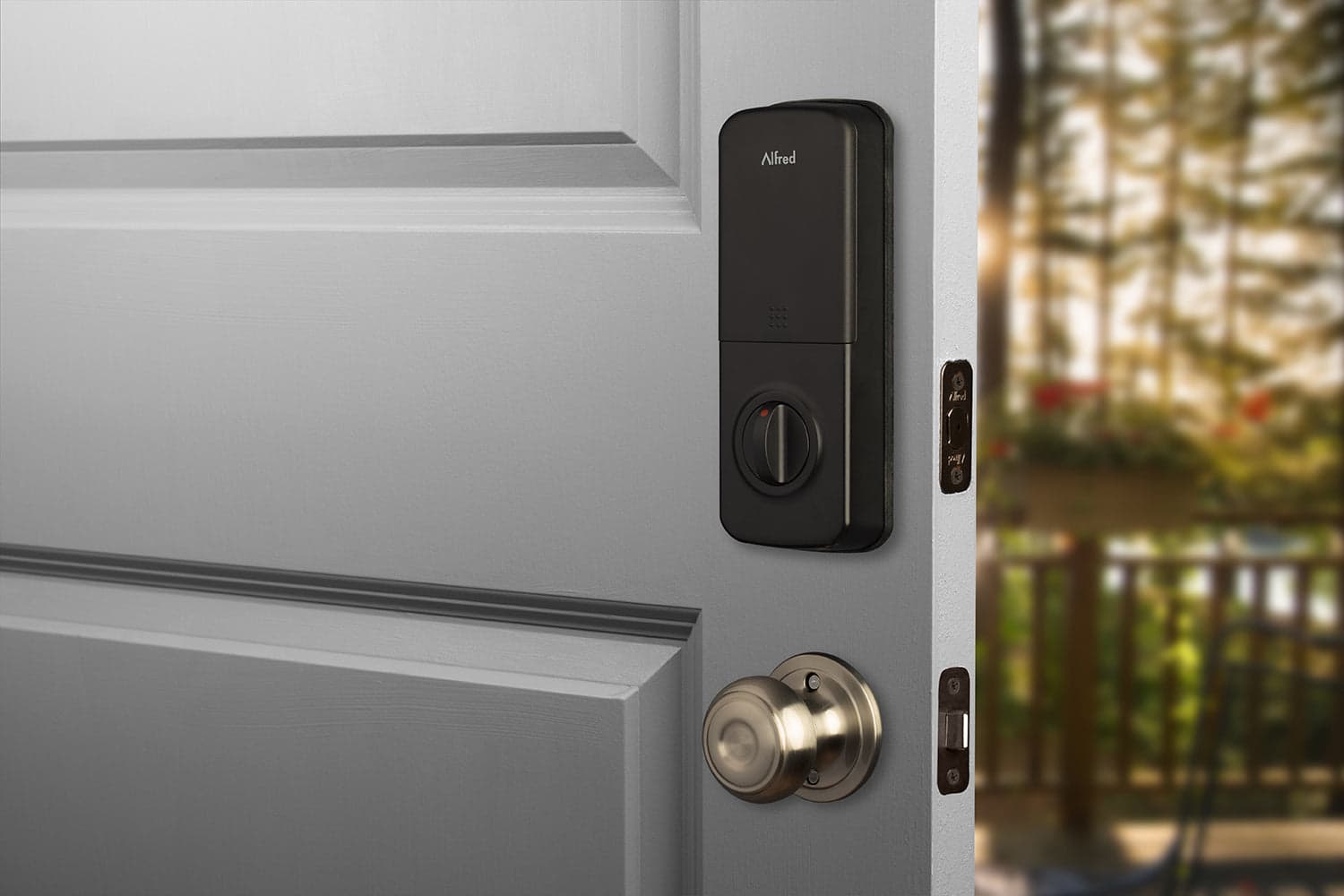
In Home Assistant, pairs with your Z-Wave radio.
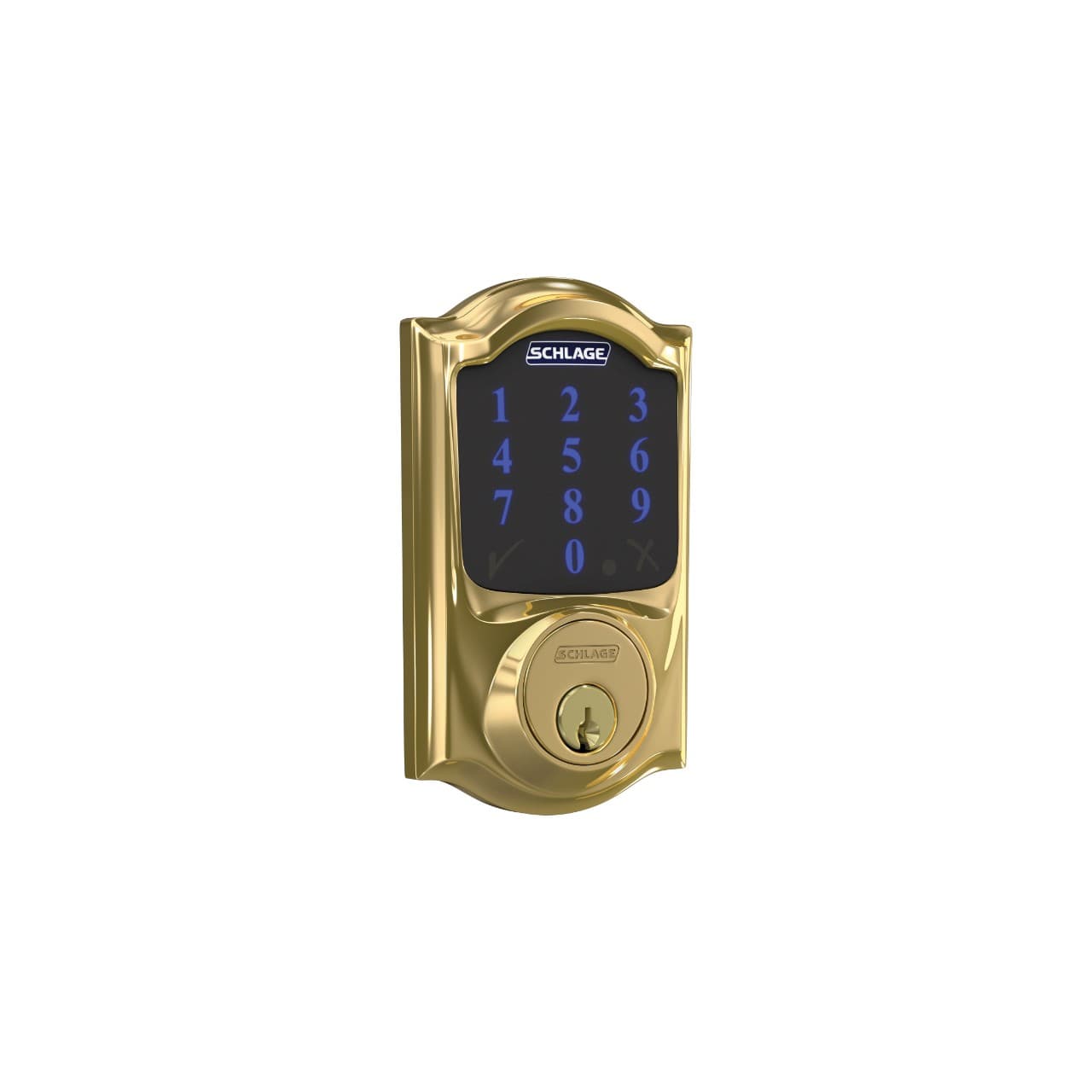
In Home Assistant, pairs with your Z-Wave radio.
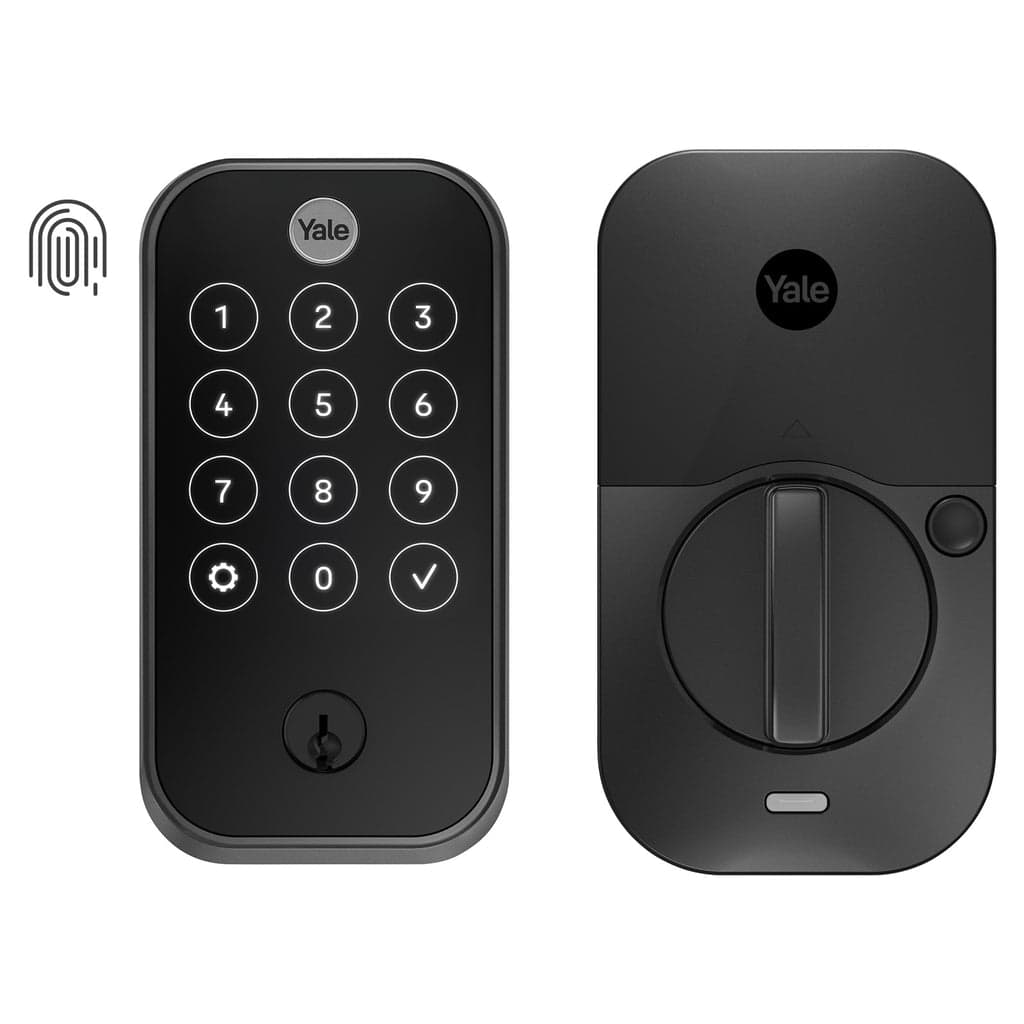
In Home Assistant, pairs with your Z-Wave radio.
Through an add-on 2
These connect to Home Assistant through an integration someone other than the maker wrote. Many work well, and an update on either side can break one.
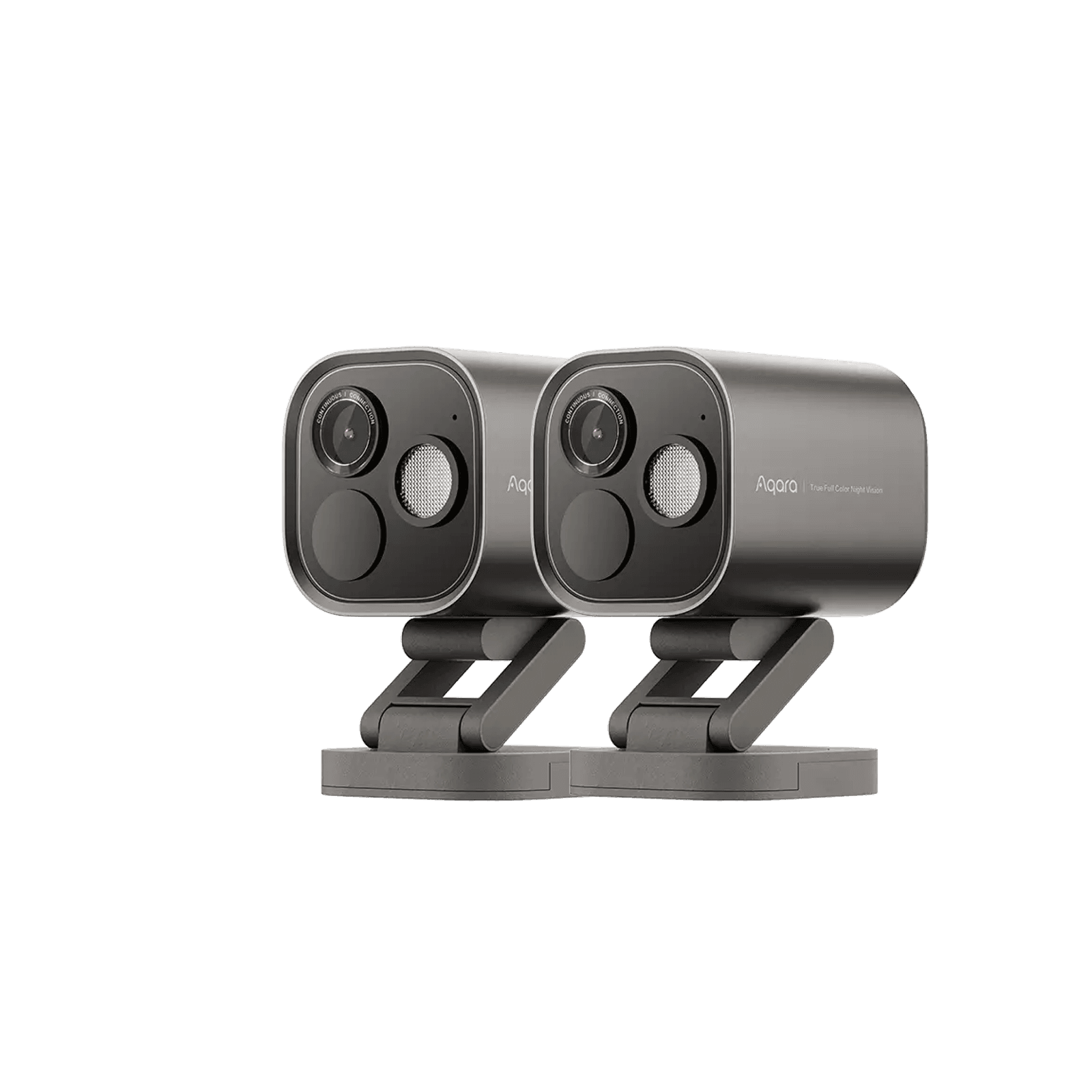
Not on this list?
That does not mean it will not work with Home Assistant. It means we have not confirmed a path for it yet, and we add connections as we confirm them against the maker's documentation. How we check
Already own some gear? Check what works together