 Joe Tries
Smart plugs compatible with Home Assistant
Yes, 28 smart plugs in our catalog work with Home Assistant. The question that matters is whether the plug runs locally or through the maker's cloud, and the integration's own label tells you.
Home Assistant can control almost any smart plug one way or another, so the question is not whether, it is how. Zigbee and Z-Wave plugs pair to your own radio and never touch a cloud. Matter plugs pair directly too, through Home Assistant's Matter support. Wi-Fi plugs depend on the brand: some have local integrations, others only work through the maker's cloud, which means an outage or a policy change on their end can take the plug away. Home Assistant labels each integration as local or cloud, and that label is the one to read.
- Compatible, in our catalog
- 28 of 50 smart plugs
- Work without any hub
- 13 of 28
- Need a hub first
- None
- Price range
- $8 to $70
Check these before you buy
- Look up the brand on the Home Assistant integrations list and read its IoT class. Local polling or local push means the plug keeps working with your internet down; cloud means it does not.
- If you want the plug in the energy dashboard, pick one with power monitoring. Plenty of plugs only switch on and off.
- Zigbee plugs double as repeaters for your other Zigbee devices, which makes a plug the cheapest way to fix a flaky sensor across the house.
Connects through Matter 15
These join Home Assistant through Matter, a shared standard, so no maker's cloud sits in the middle. The ones that use Thread also need a Thread border router, a radio built into some smart speakers and hubs.
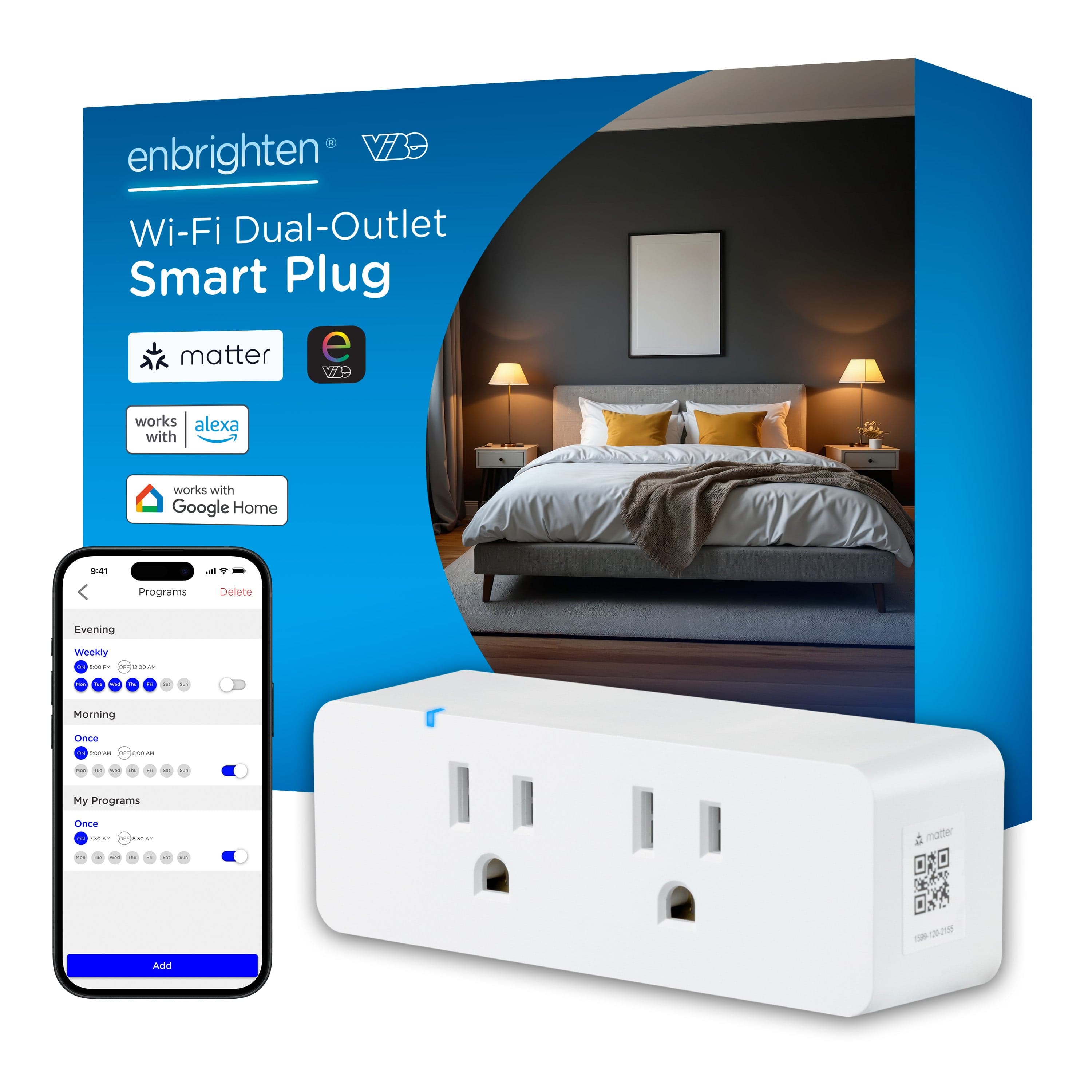
Matter over Wi-Fi; works standalone via the brand app, or add to any Matter controller.
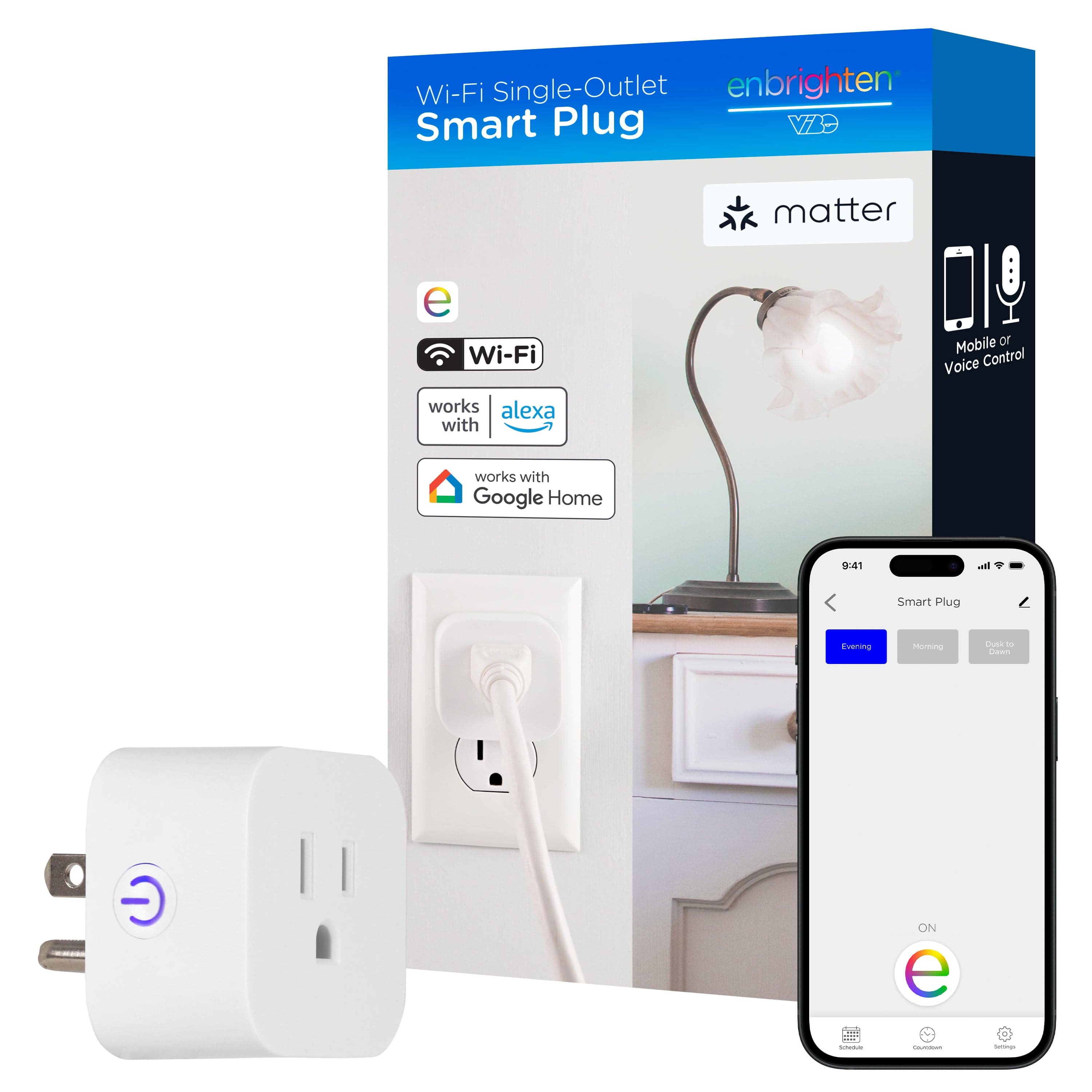
Matter over Wi-Fi; works standalone via the brand app, or add to any Matter controller.
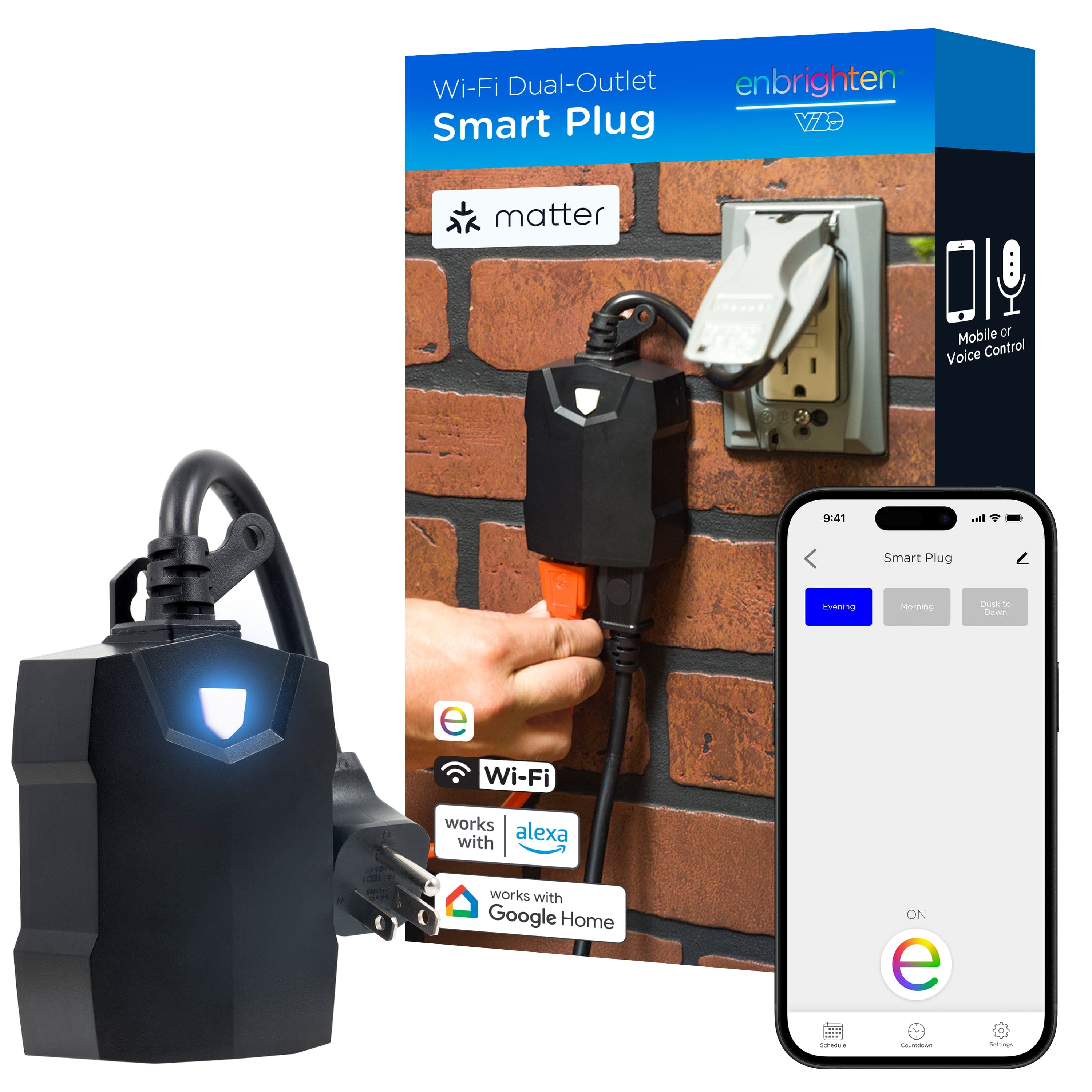
Matter over Wi-Fi; works standalone via the brand app, or add to any Matter controller.
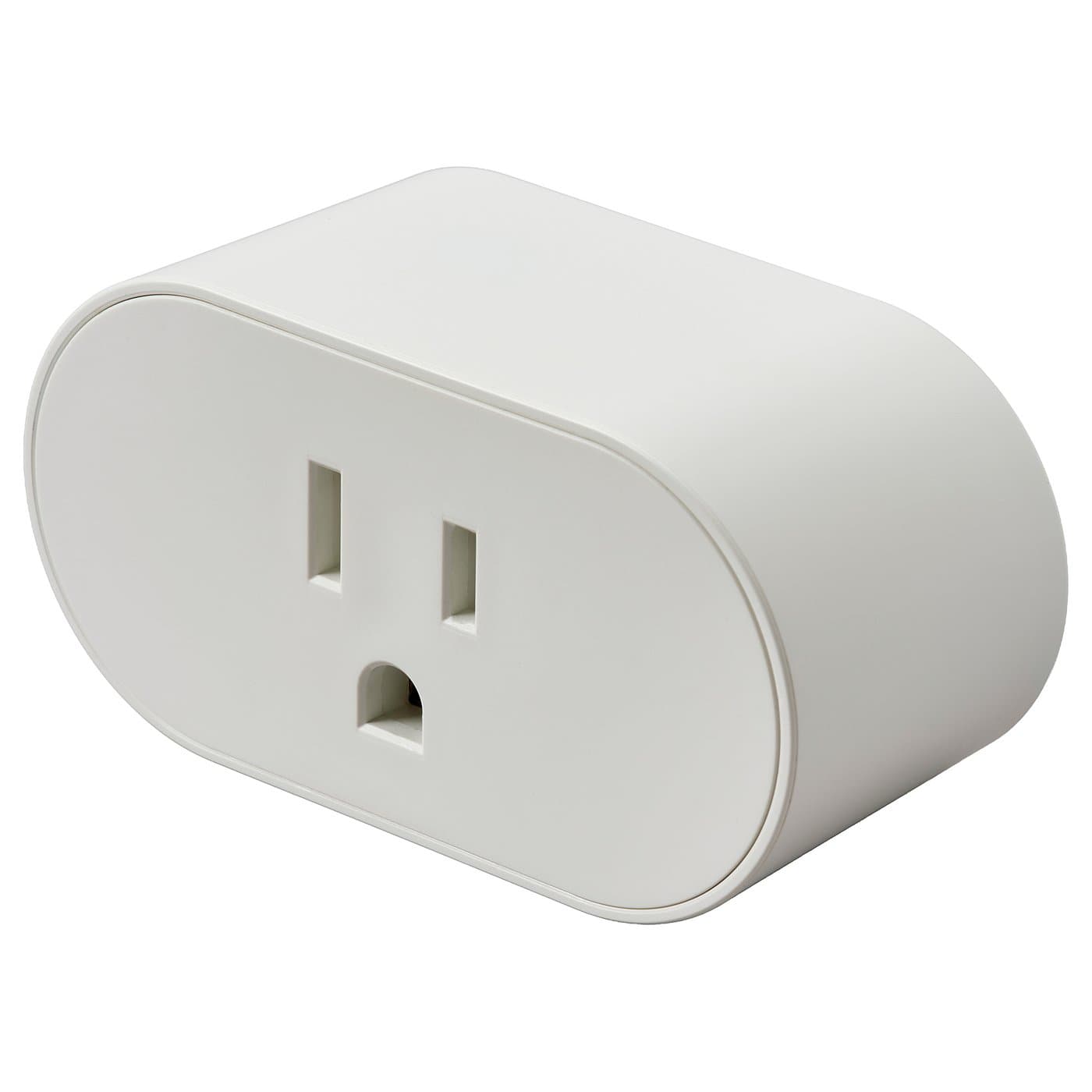
Matter over Thread; needs a Thread border router (IKEA DIRIGERA, Apple/Google/SmartThings hub).
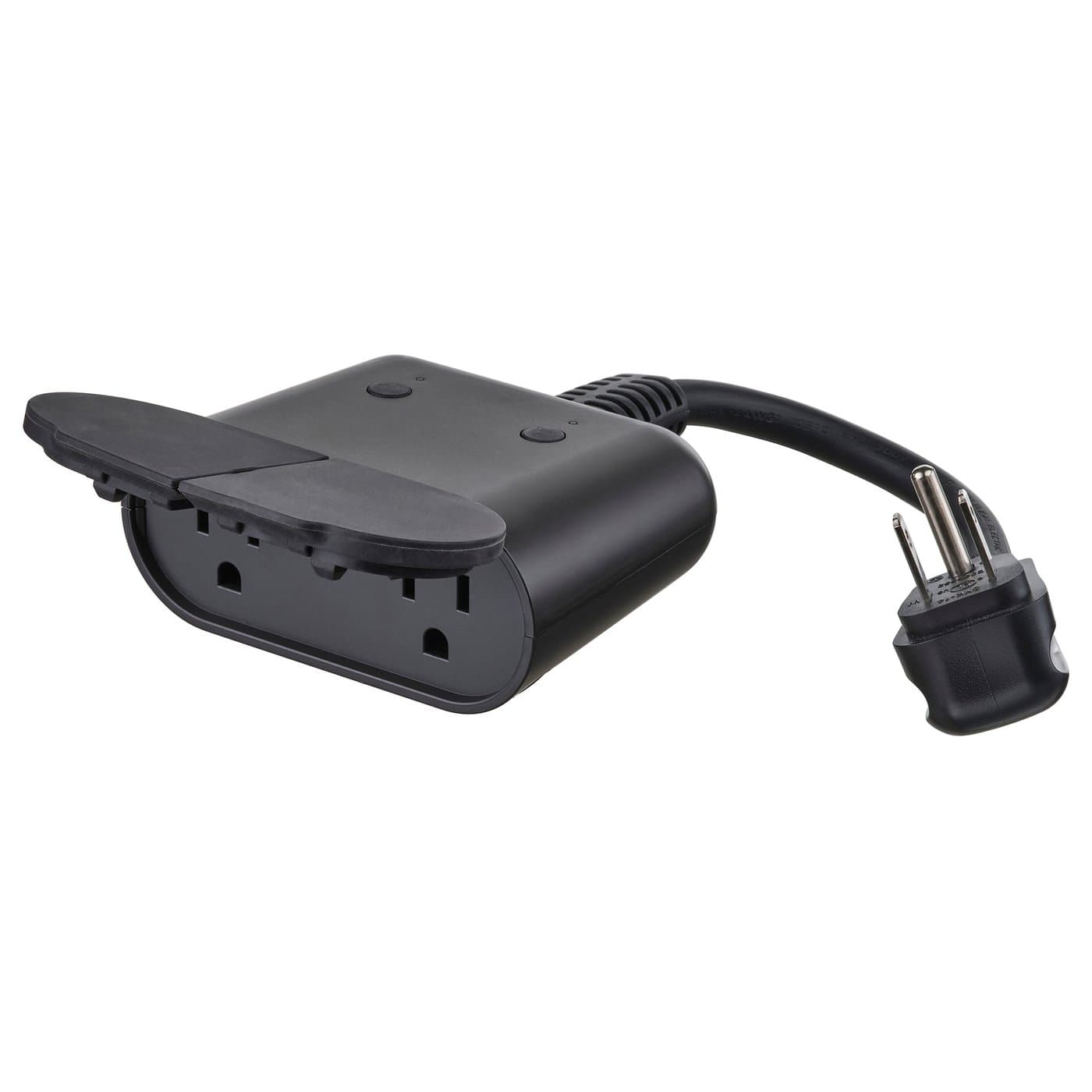
Matter over Thread; needs a Thread border router (IKEA DIRIGERA, Apple/Google/SmartThings hub).
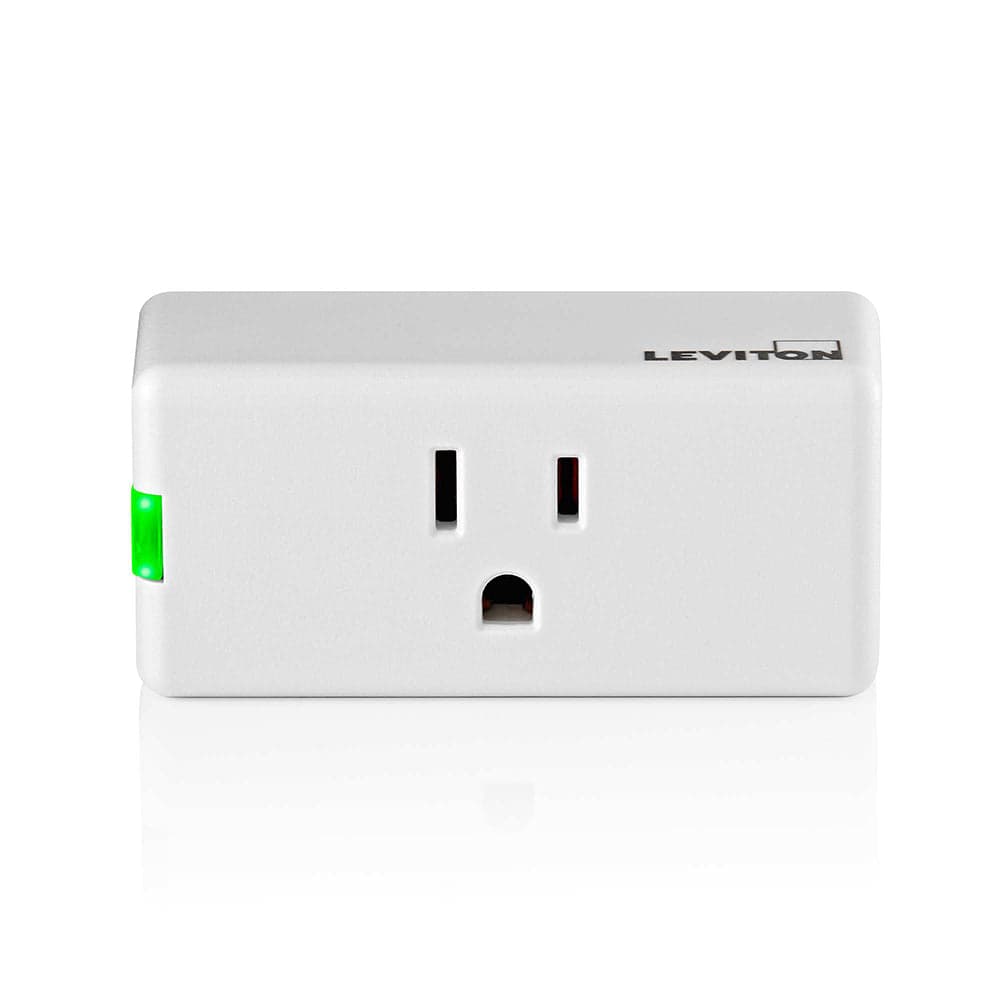
No hub needed.
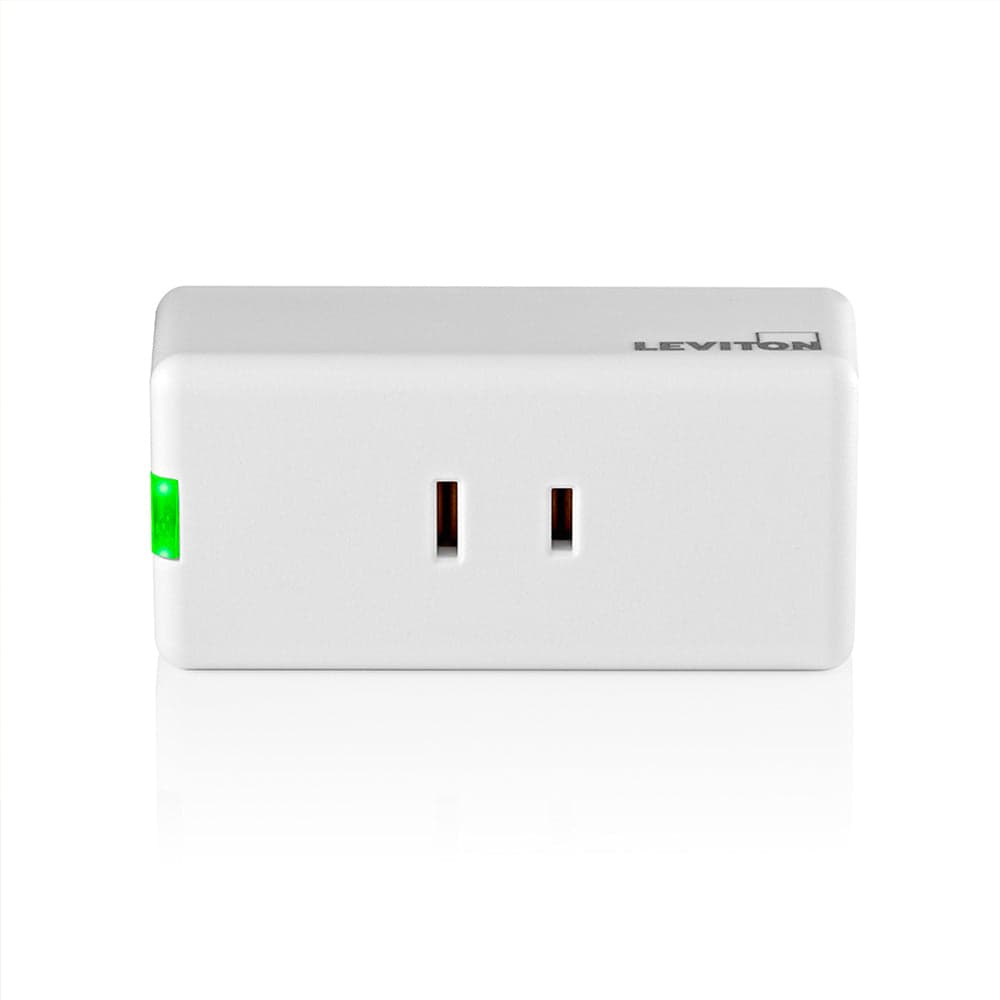
No hub needed.
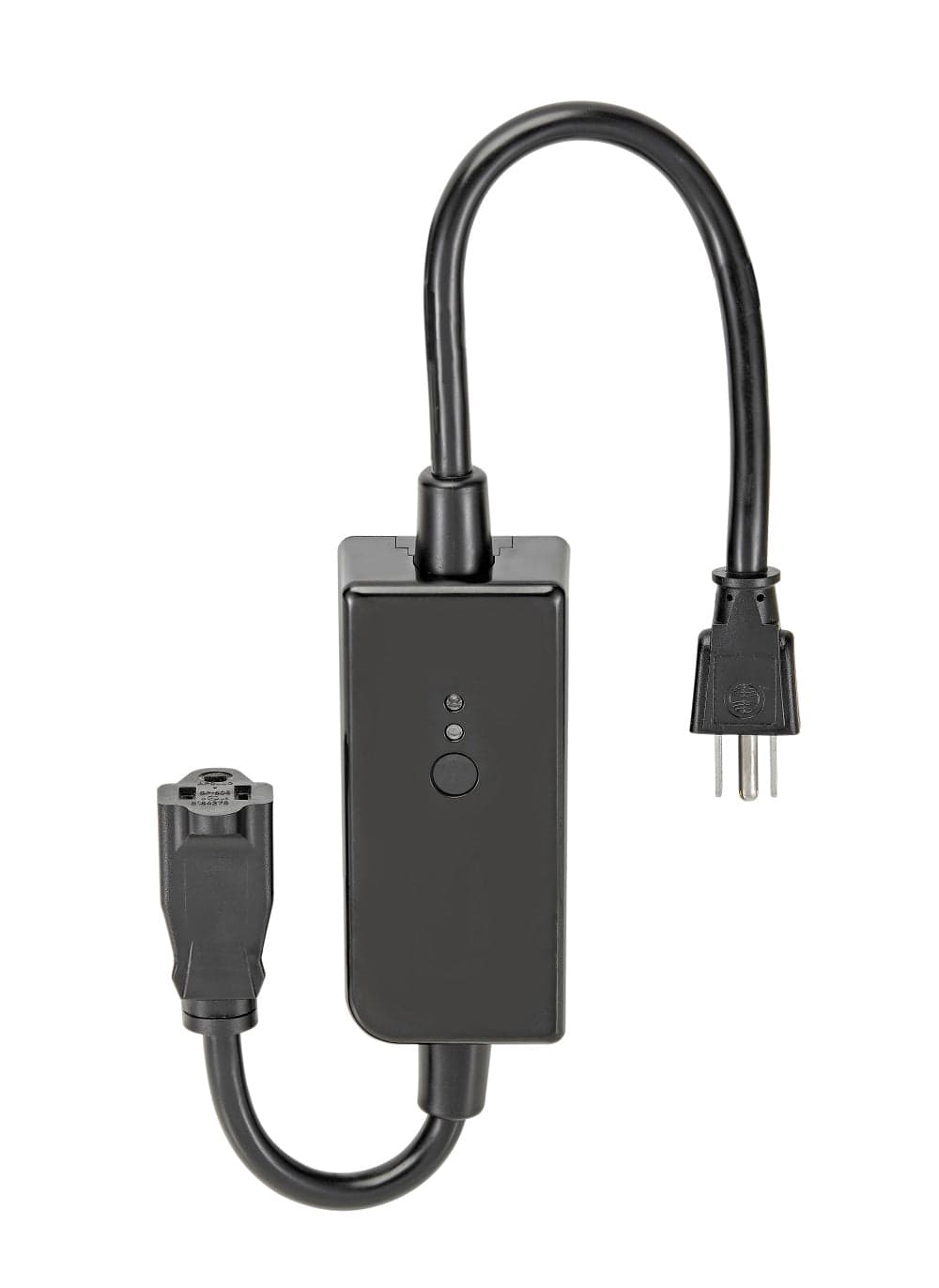
No hub needed.
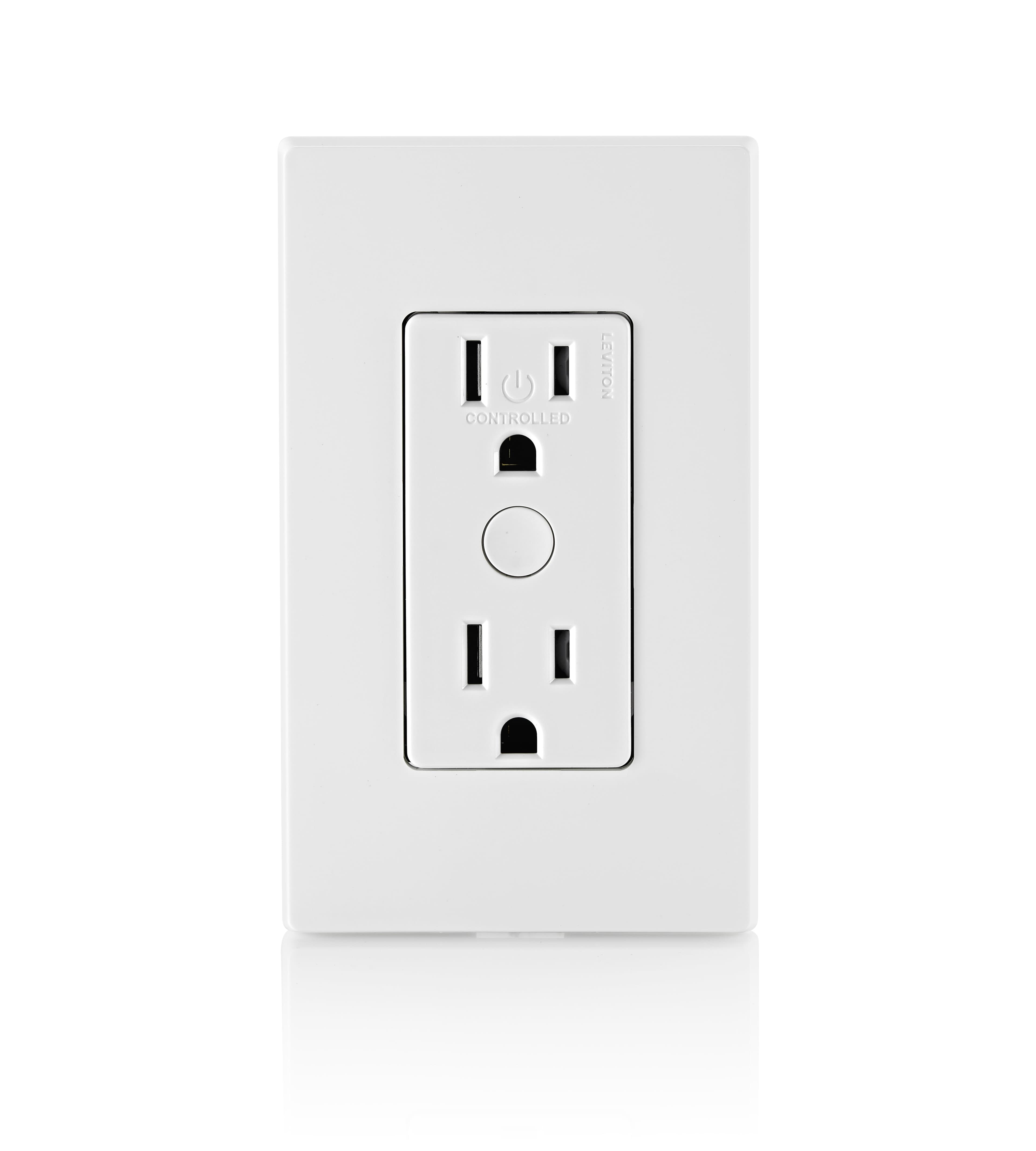
No hub needed.
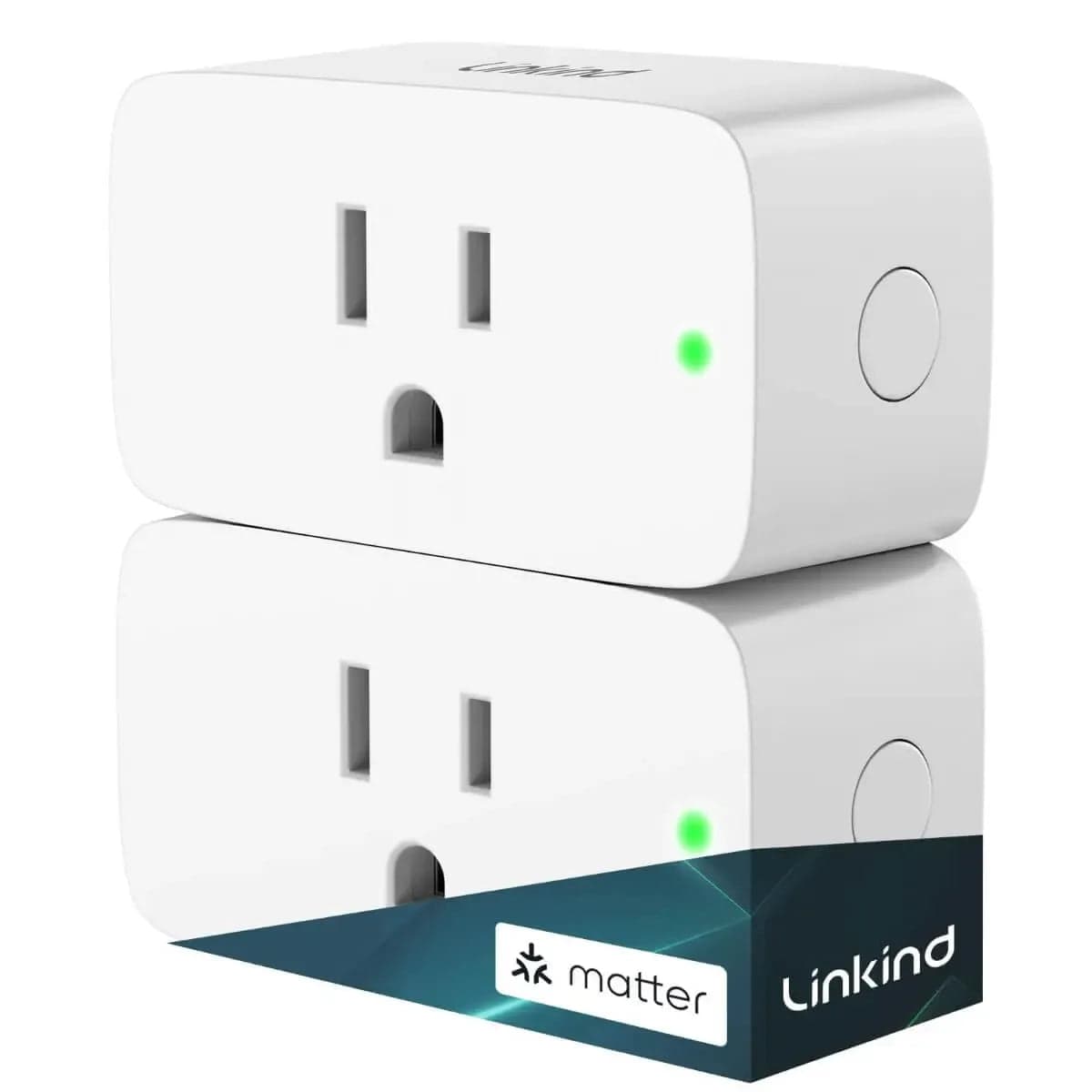
Matter over Wi-Fi; works standalone via the brand app, or add to any Matter controller.
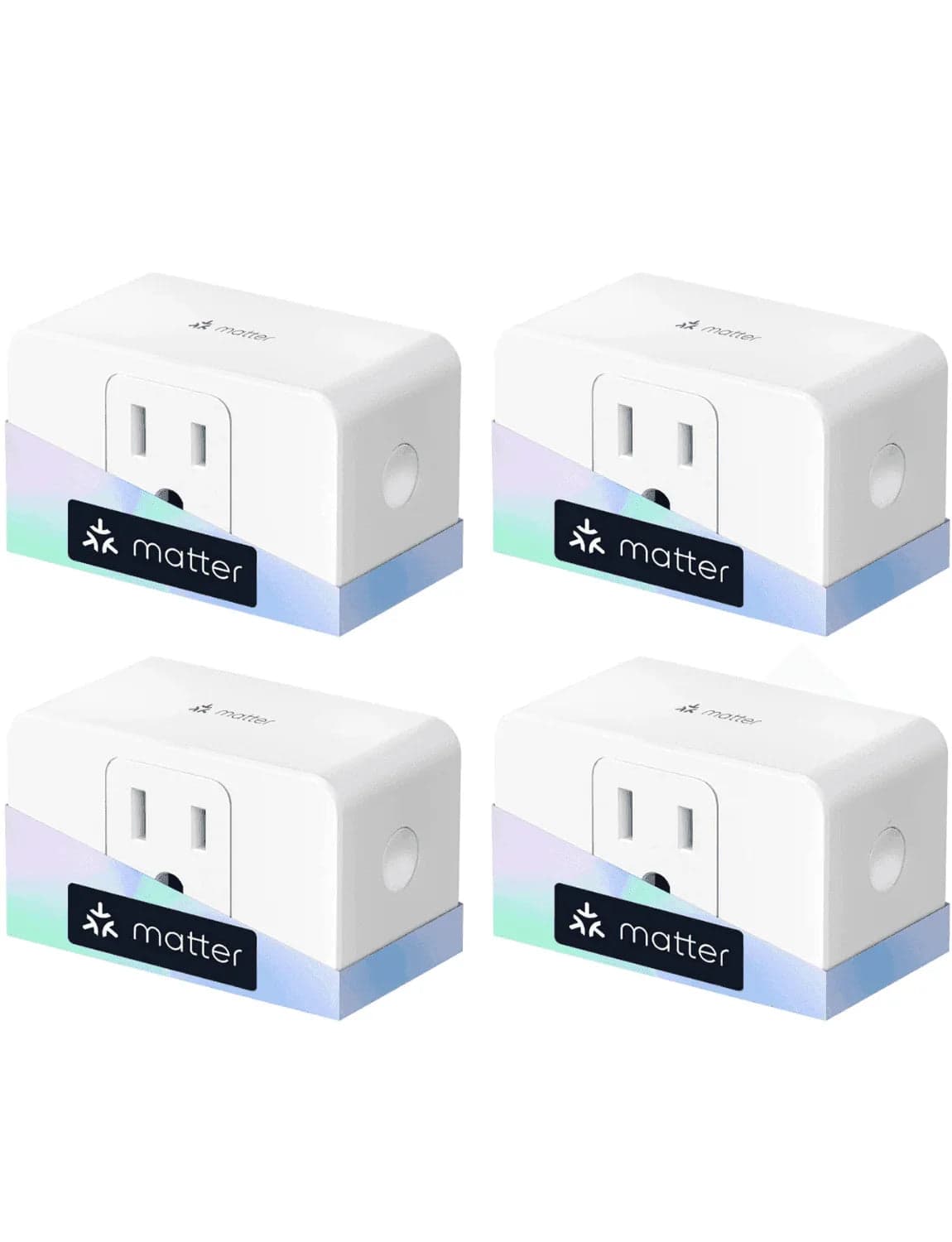
No hub needed.
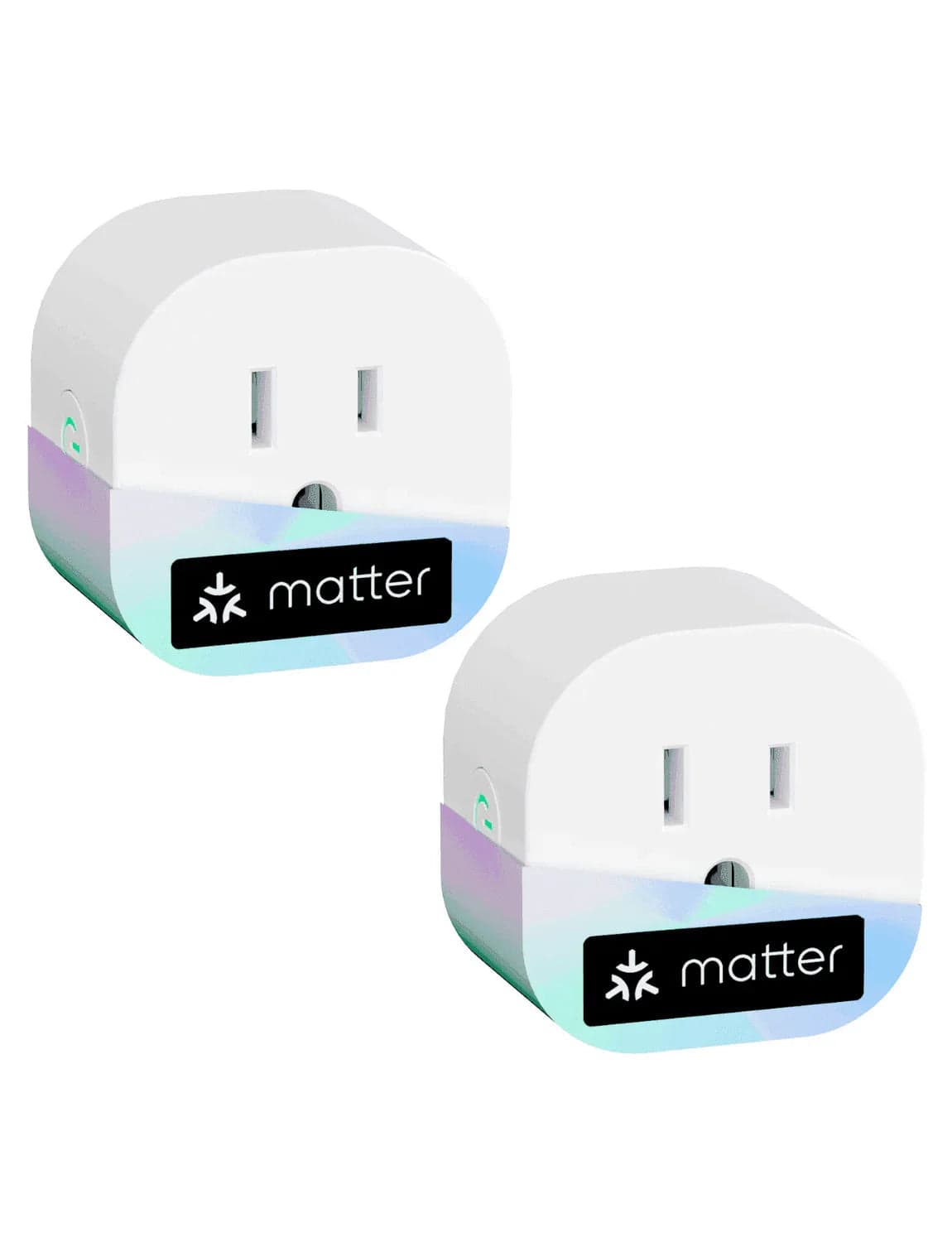
No hub needed.
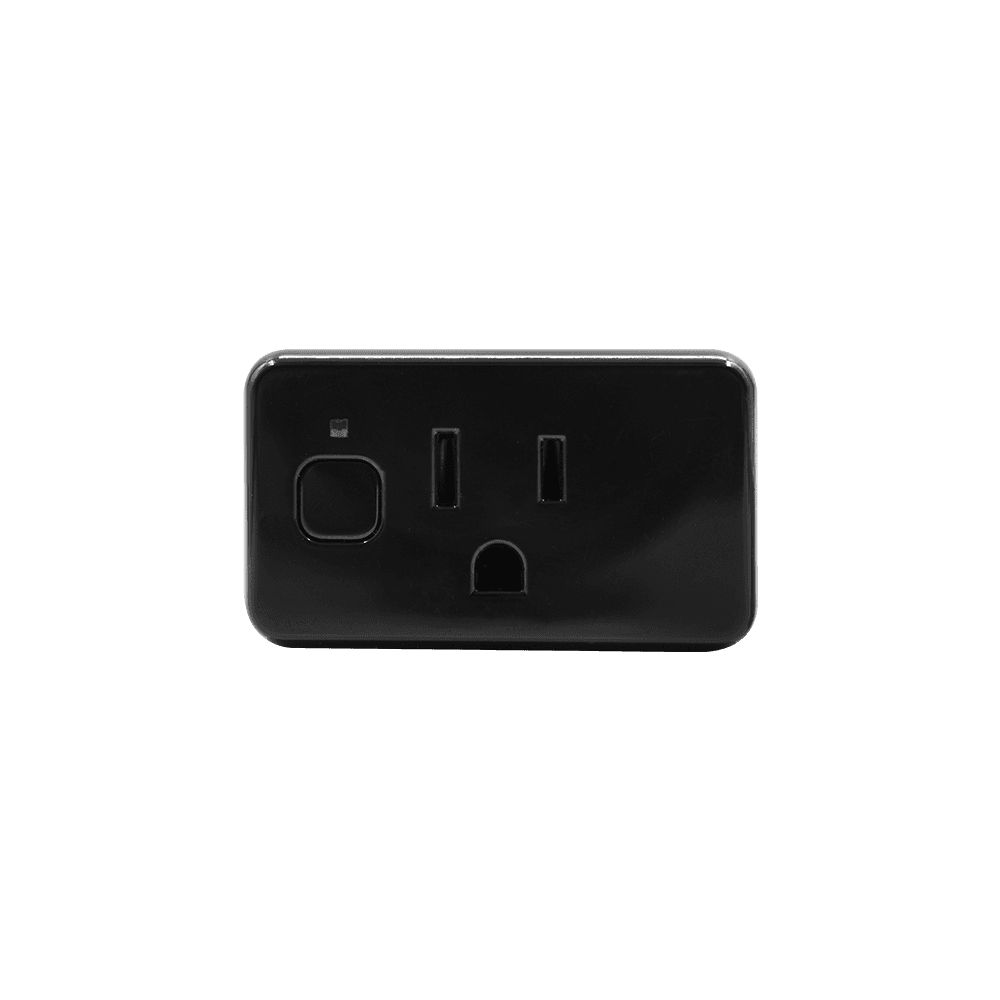
No hub needed.
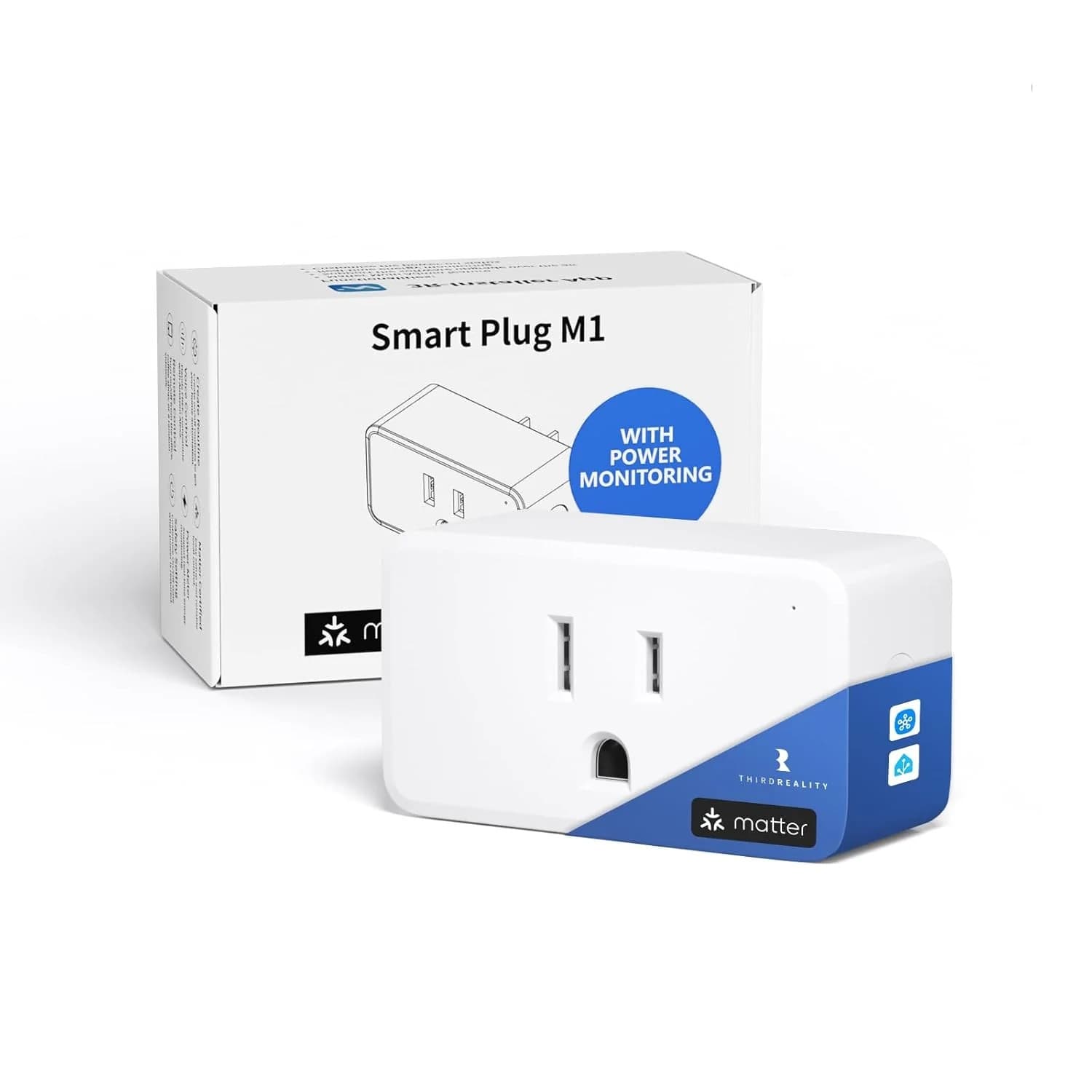
No hub needed.
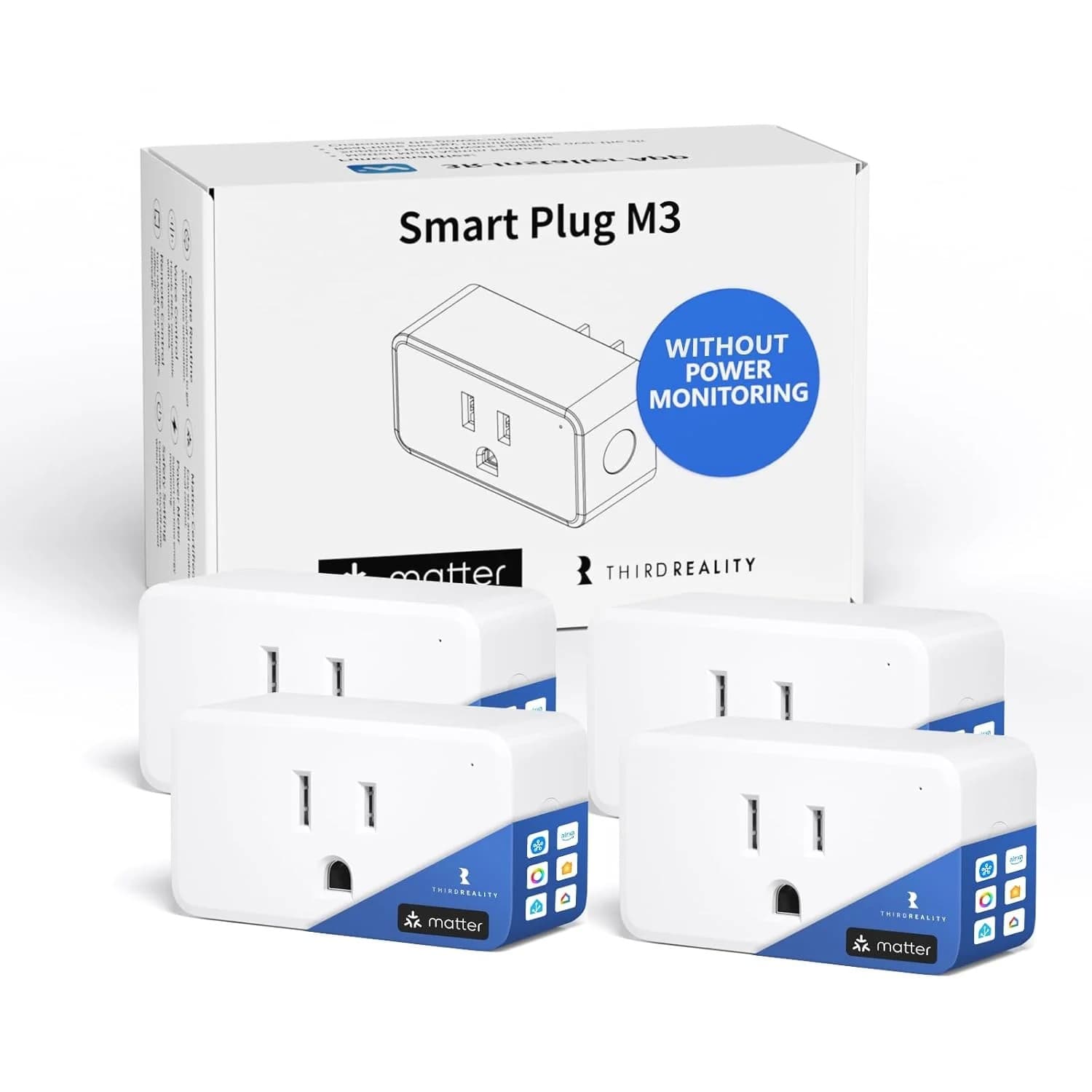
No hub needed.
Z-Wave, built into Home Assistant 7
Home Assistant pairs these itself through its built-in Z-Wave support. You need a Z-Wave radio, usually a USB stick; the maker's hub and app are not needed.
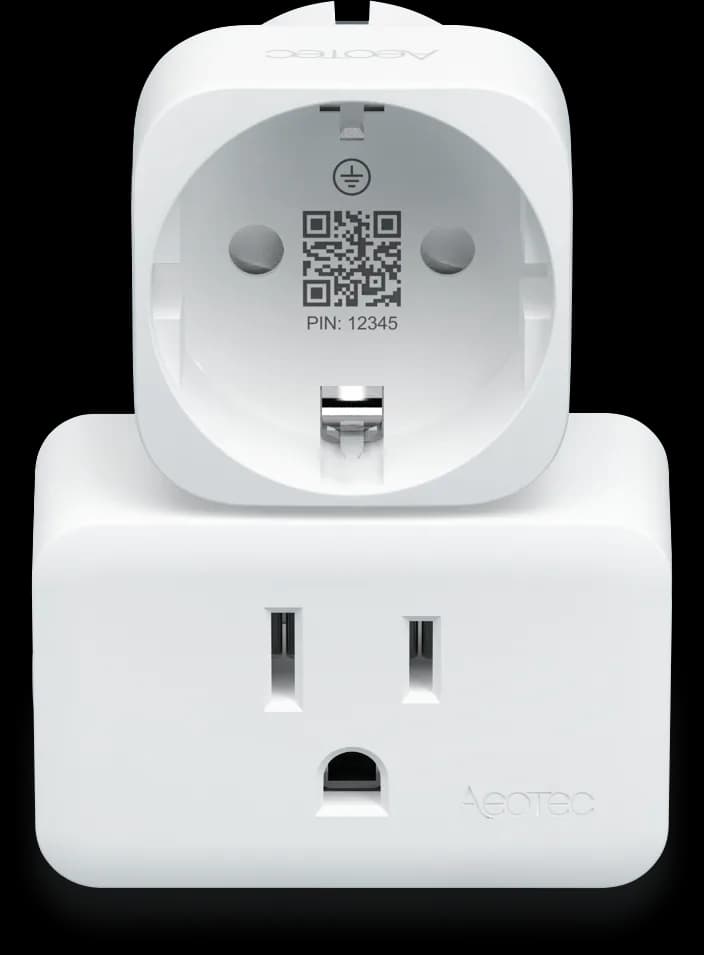
In Home Assistant, pairs with your Z-Wave radio.
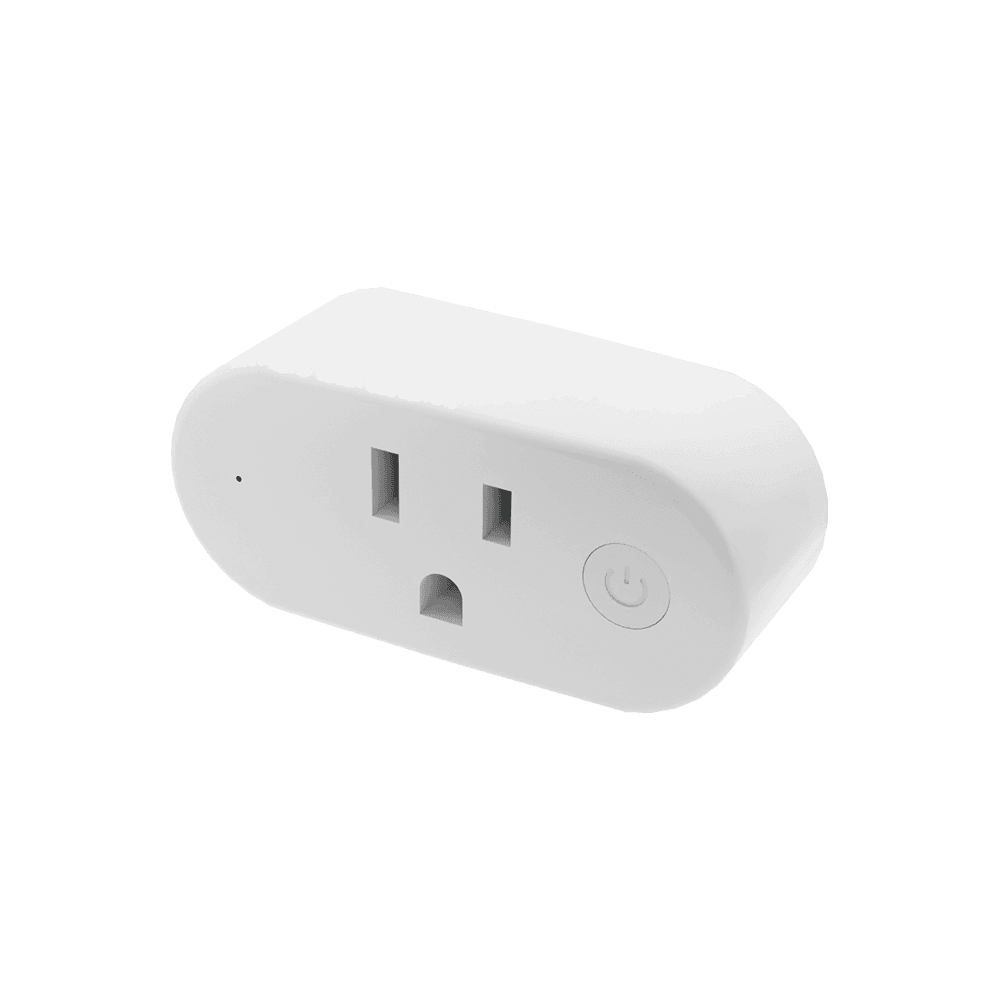
In Home Assistant, pairs with your Z-Wave radio.
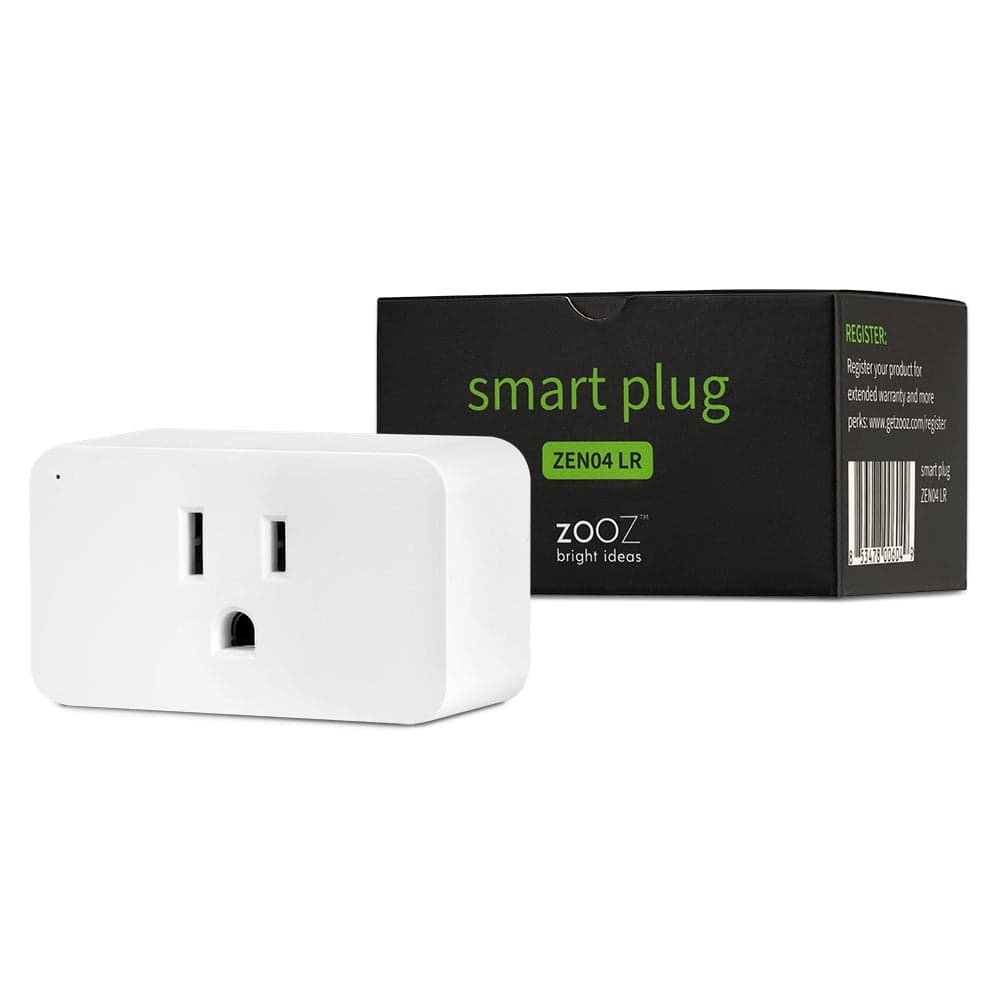
In Home Assistant, pairs with your Z-Wave radio.
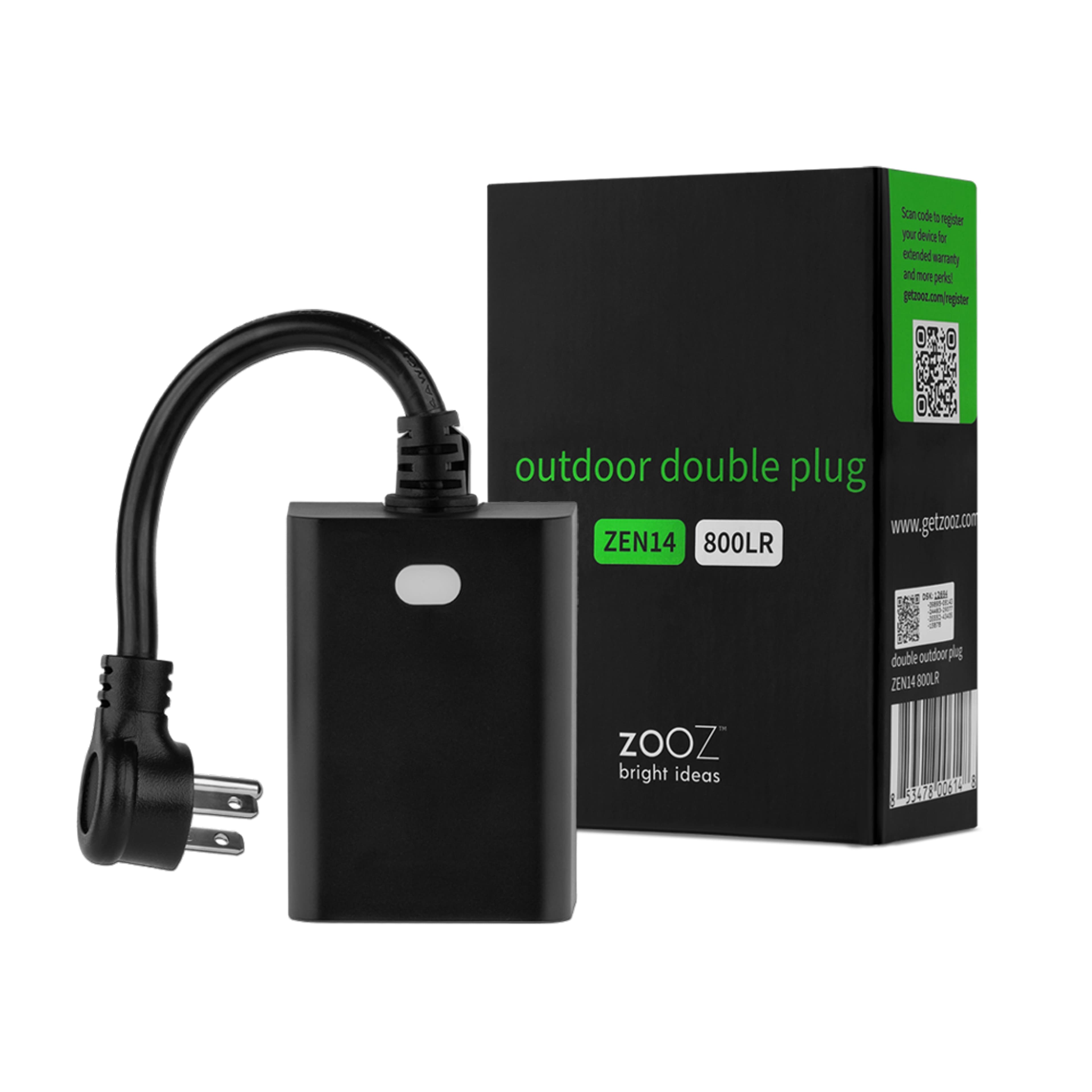
In Home Assistant, pairs with your Z-Wave radio.
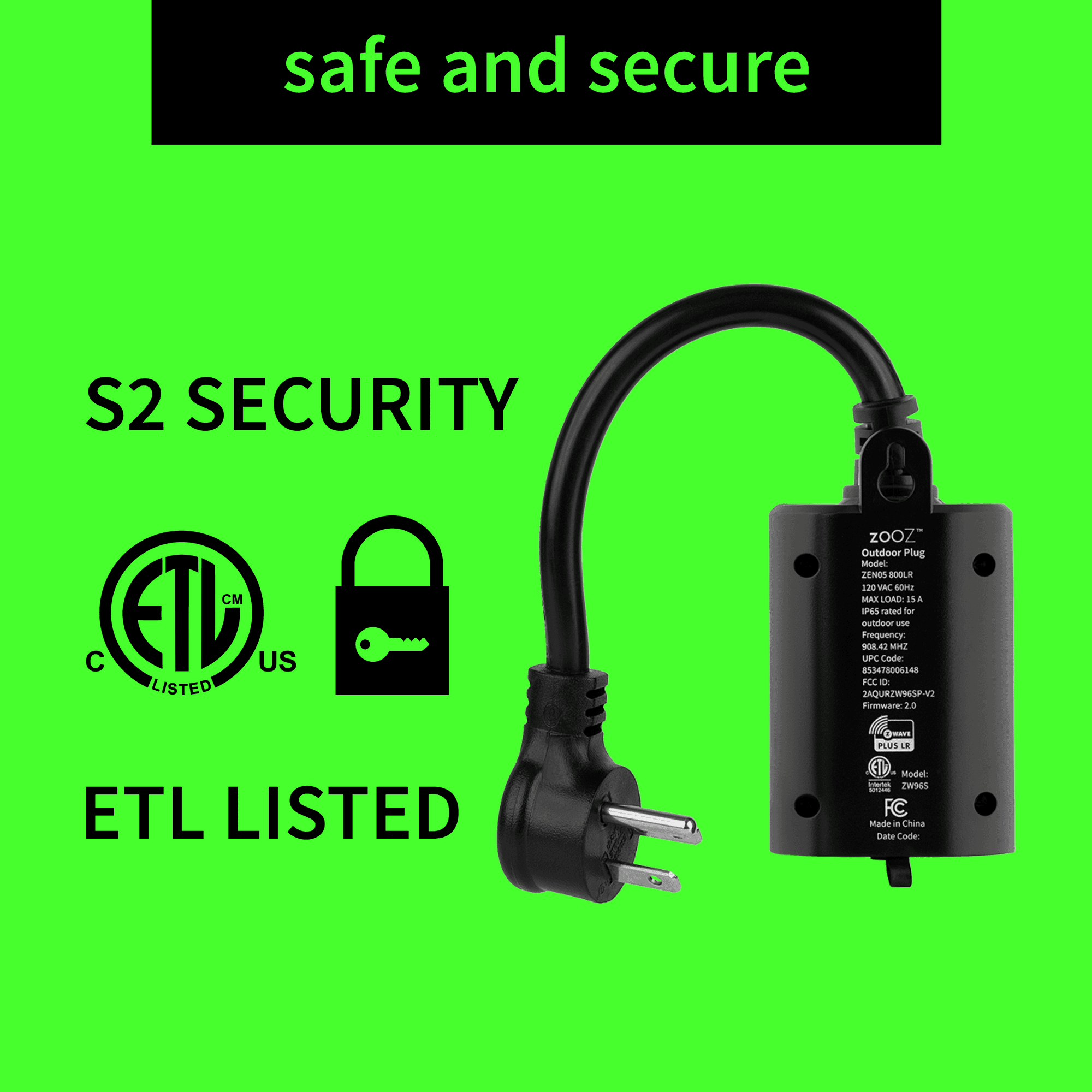
In Home Assistant, pairs with your Z-Wave radio.
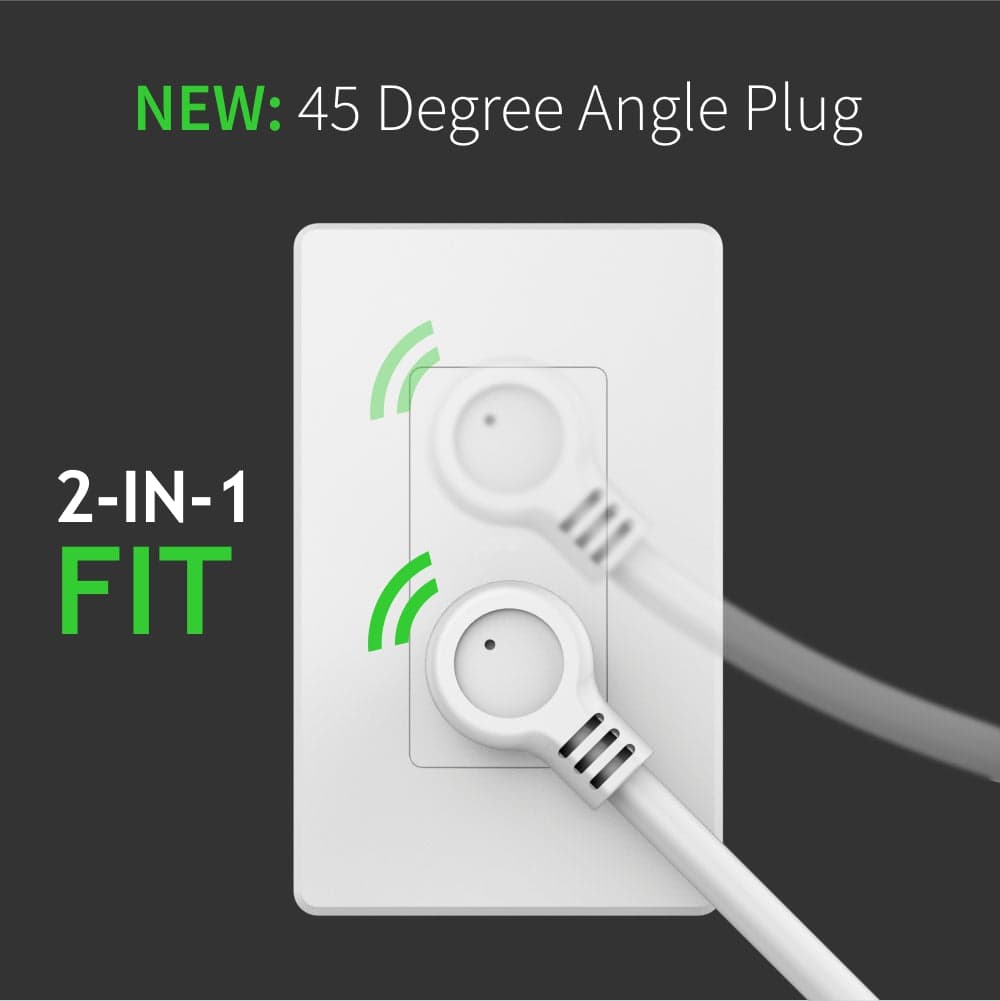
In Home Assistant, pairs with your Z-Wave radio.
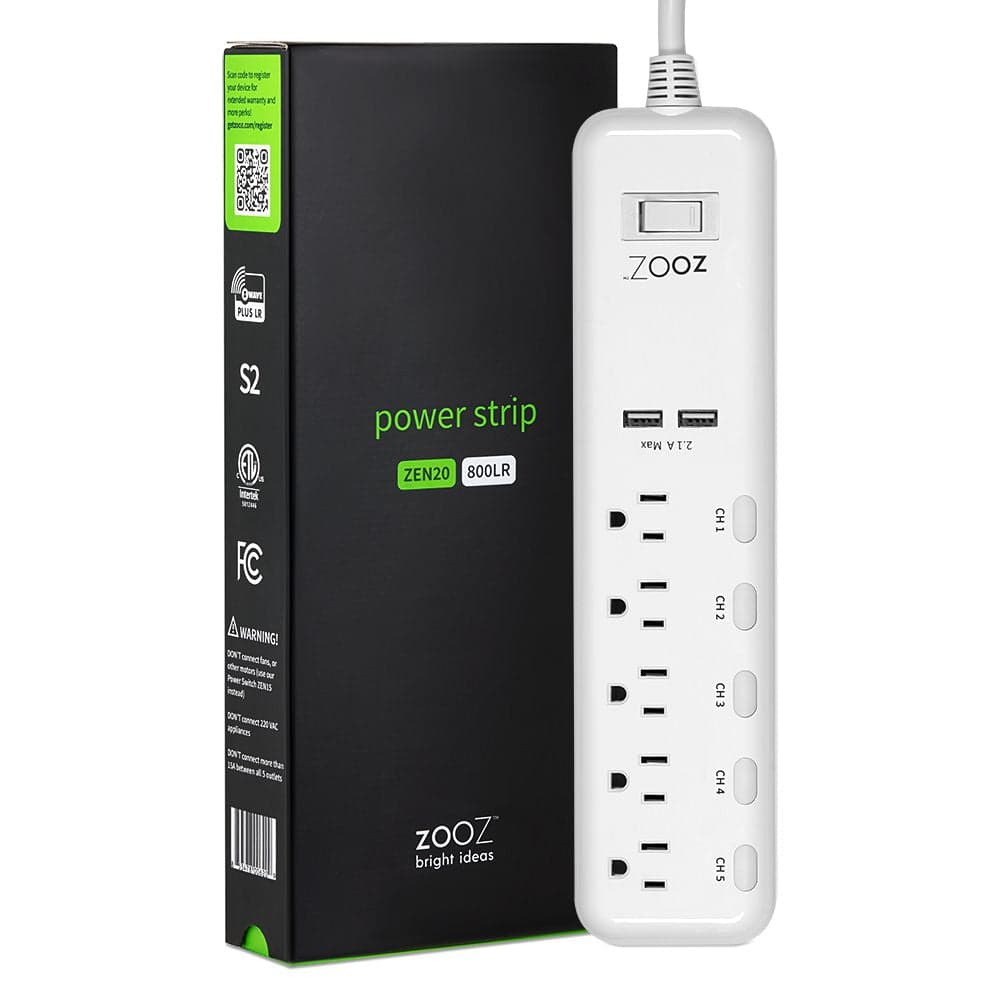
In Home Assistant, pairs with your Z-Wave radio.
Zigbee, built into Home Assistant 6
Home Assistant pairs these itself through its built-in Zigbee support (ZHA or Zigbee2MQTT). You need a Zigbee radio, usually a USB stick; the maker's hub and app are not needed.
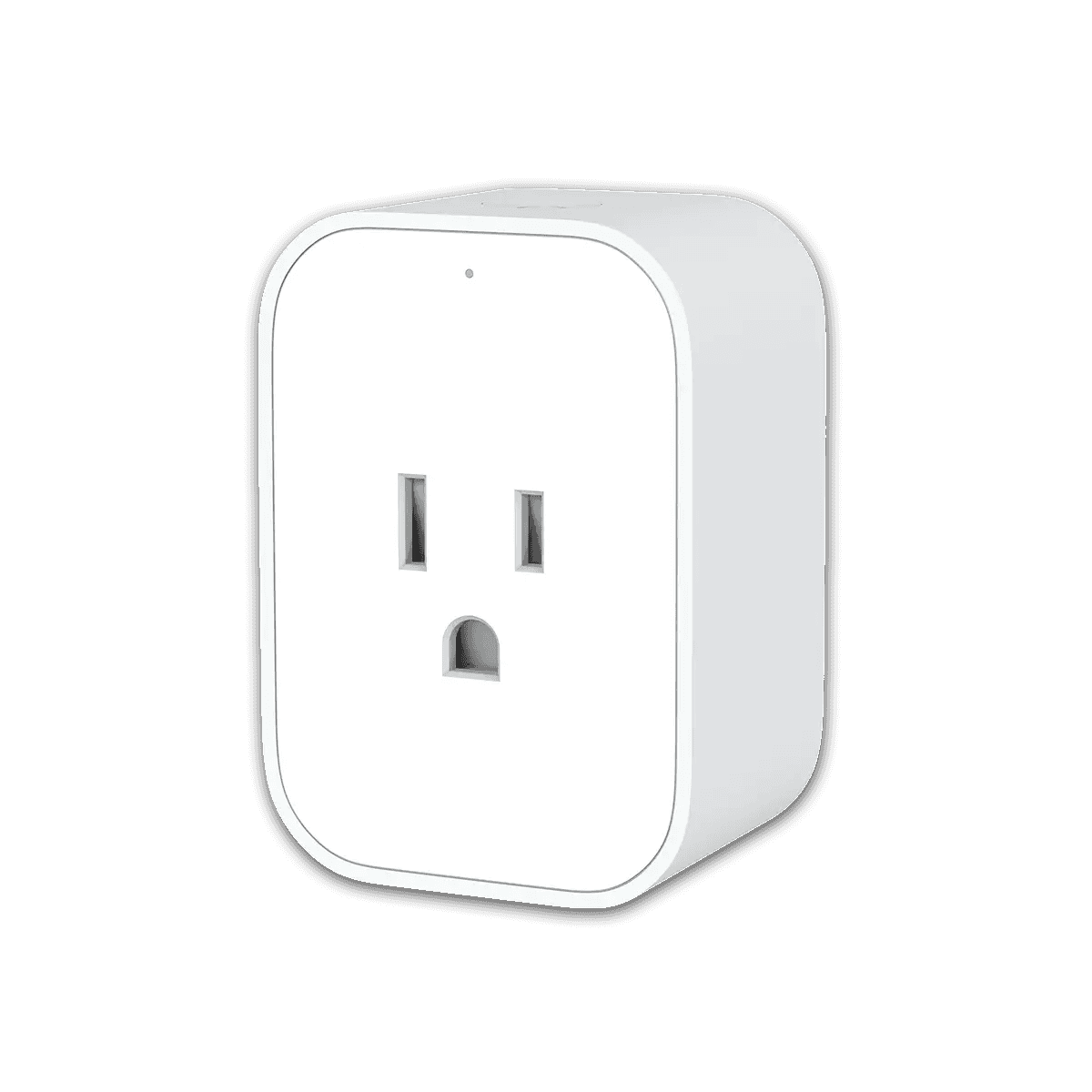
In Home Assistant, pairs with your Zigbee radio.
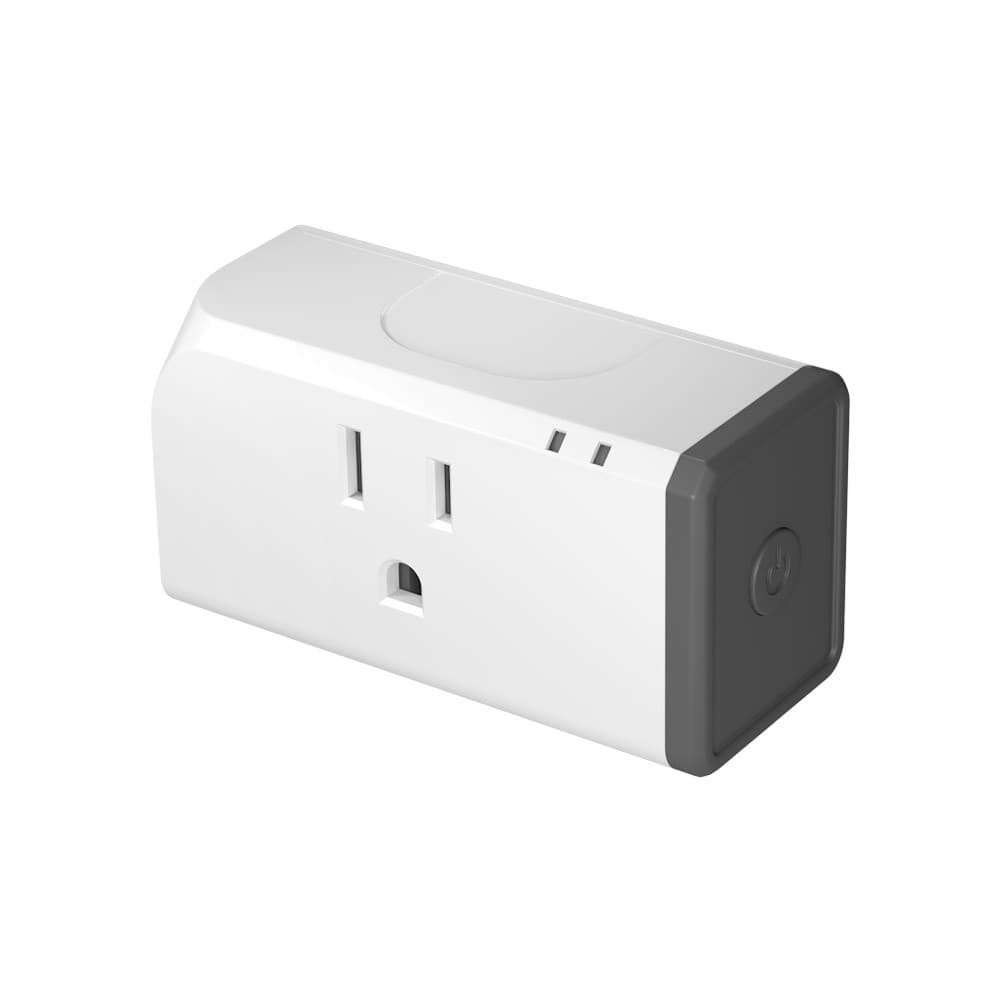
In Home Assistant, pairs with your Zigbee radio.
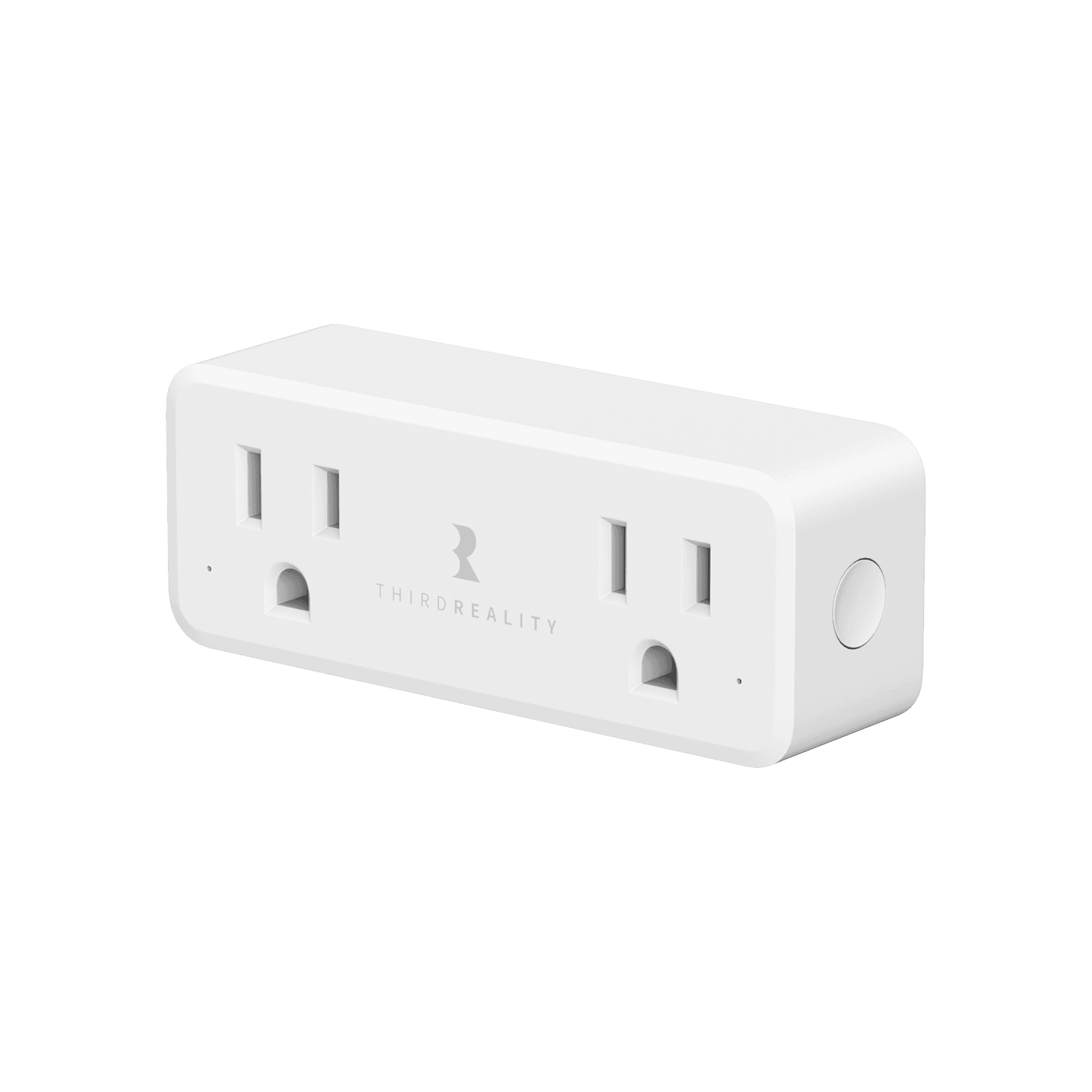
In Home Assistant, pairs with your Zigbee radio.
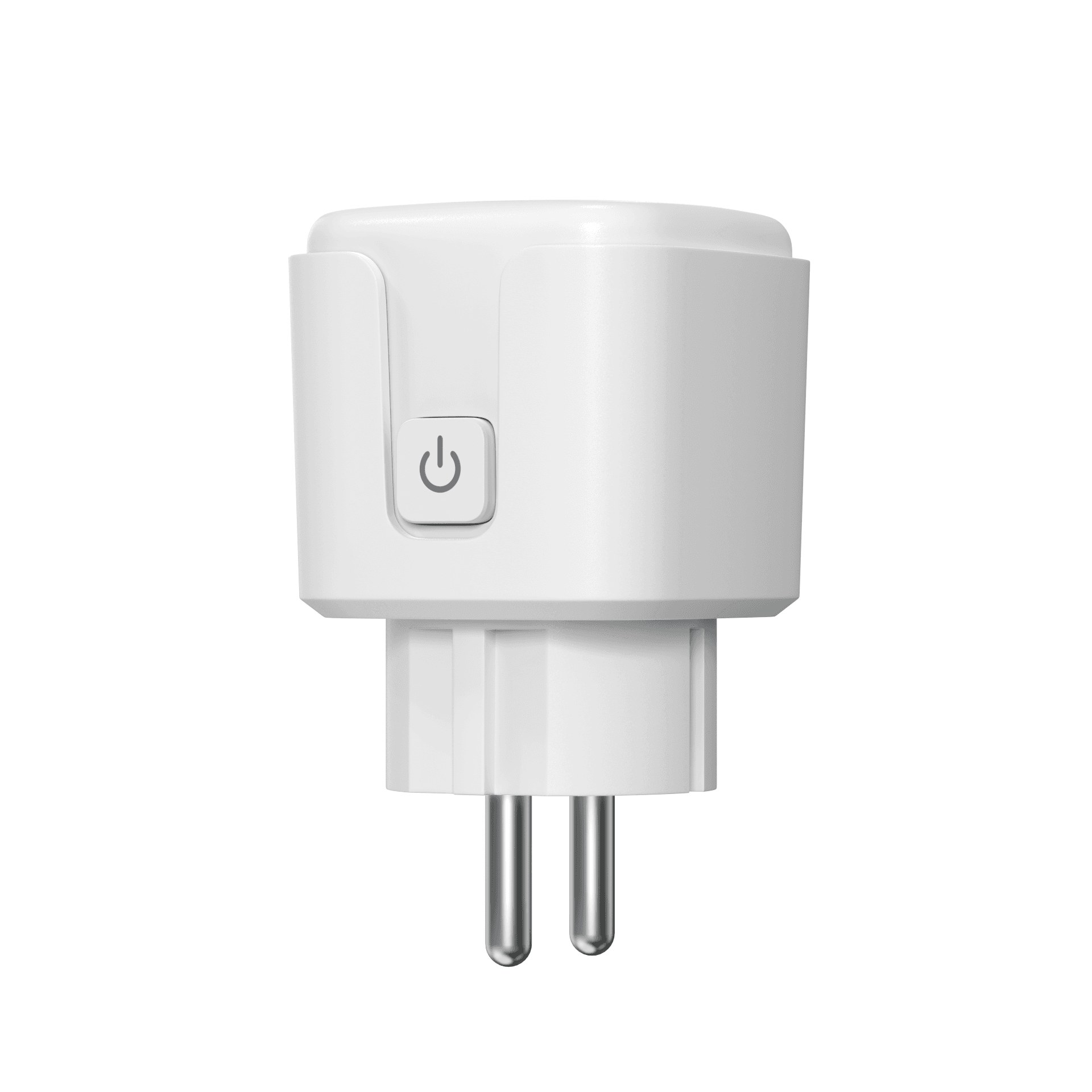
In Home Assistant, pairs with your Zigbee radio.
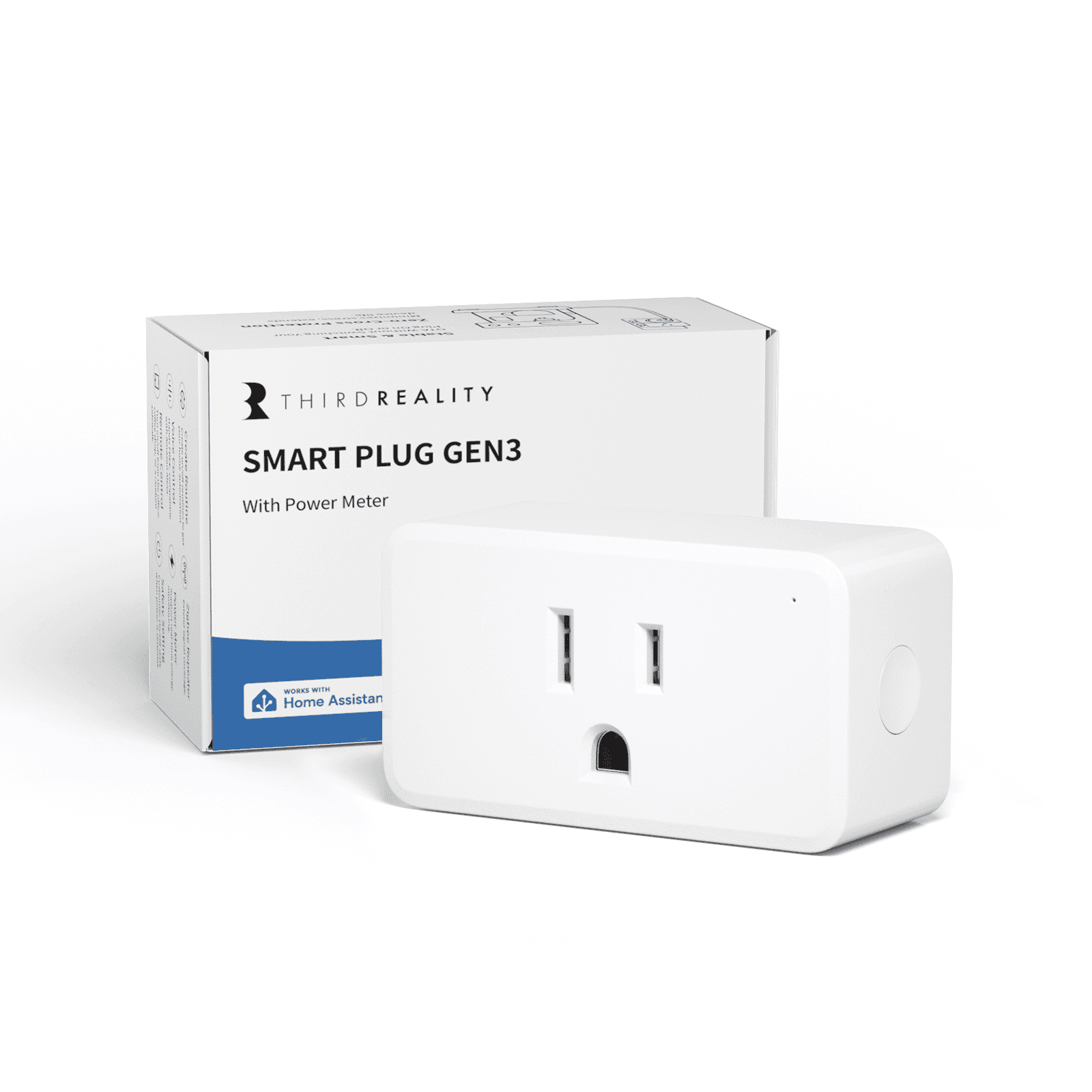
In Home Assistant, pairs with your Zigbee radio.
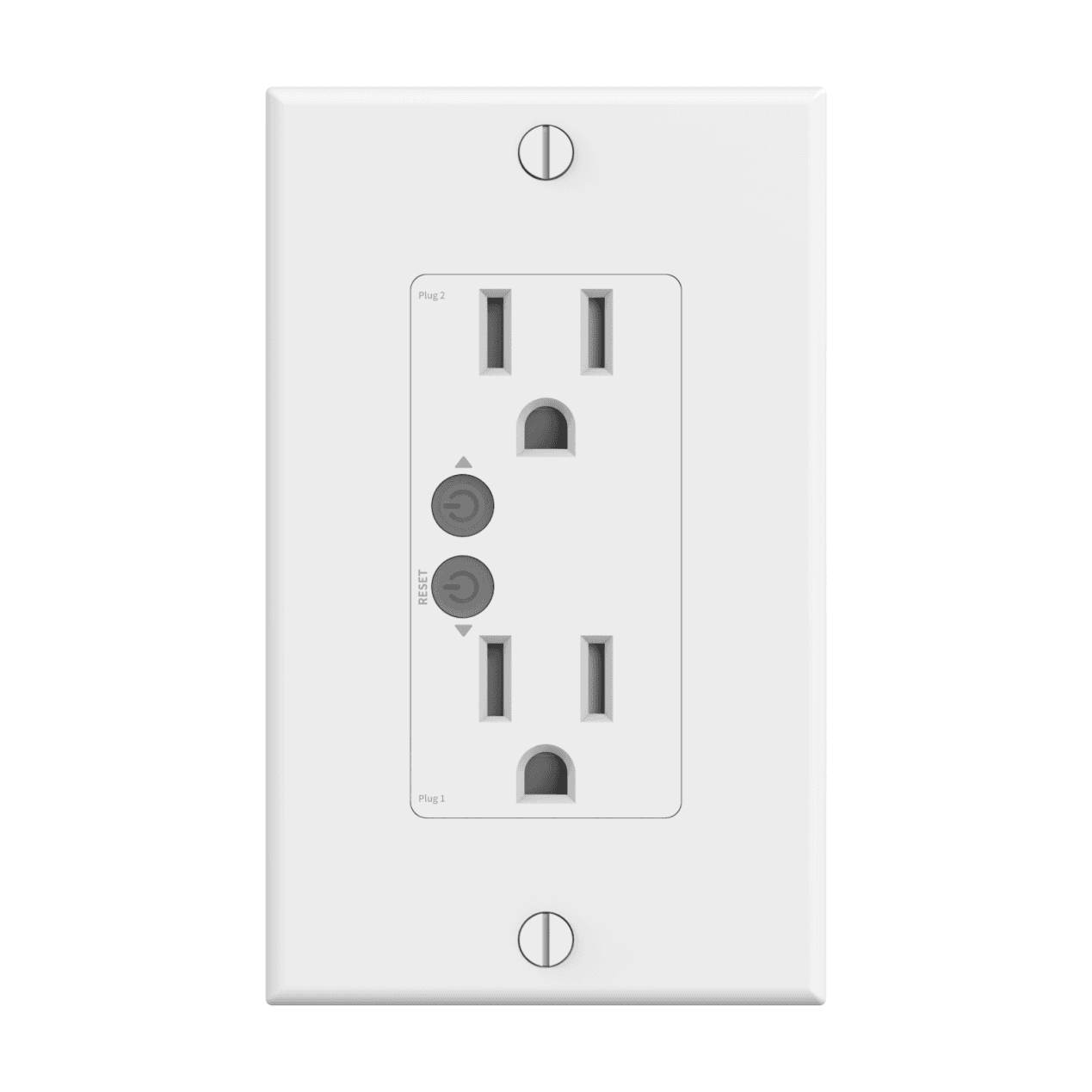
In Home Assistant, pairs with your Zigbee radio.
Not on this list?
That does not mean it will not work with Home Assistant. It means we have not confirmed a path for it yet, and we add connections as we confirm them against the maker's documentation. How we check
Already own some gear? Check what works together