 Joe Tries
Door and window sensors compatible with Home Assistant
Yes, 13 door and window sensors in our catalog work with Home Assistant, most of them paired straight to your own Zigbee or Z-Wave radio with no maker's hub or cloud.
Home Assistant pairs most Zigbee and Z-Wave door sensors itself, which means no maker's hub, no maker's account, and the open or close event lands in your automations in well under a second. What you need instead is the radio: a Zigbee or Z-Wave stick for those sensors, or a Thread border router plus Home Assistant's Matter support for Matter over Thread sensors. Wi-Fi door sensors are rare because Wi-Fi eats batteries, so expect to buy a radio if you do not have one.
- Compatible, in our catalog
- 13 of 22 door and window sensors
- Work without any hub
- 0 of 13
- Need a hub first
- None
- Price range
- $11 to $40
Check these before you buy
- Match the sensor's radio to one you own. One Zigbee stick covers Zigbee sensors from many brands at once; the brand's own hub stays in the box.
- Some brands (Aqara is the common one) pair fine but only stay connected through certain Zigbee repeaters. A plug-in Zigbee device near the sensor helps.
- For a Matter over Thread sensor, you need both the Matter integration and a Thread border router. Home Assistant can be the border router with the right radio, or you can use one you already own.
Connects through Matter 3
These join Home Assistant through Matter, a shared standard, so no maker's cloud sits in the middle. The ones that use Thread also need a Thread border router, a radio built into some smart speakers and hubs.
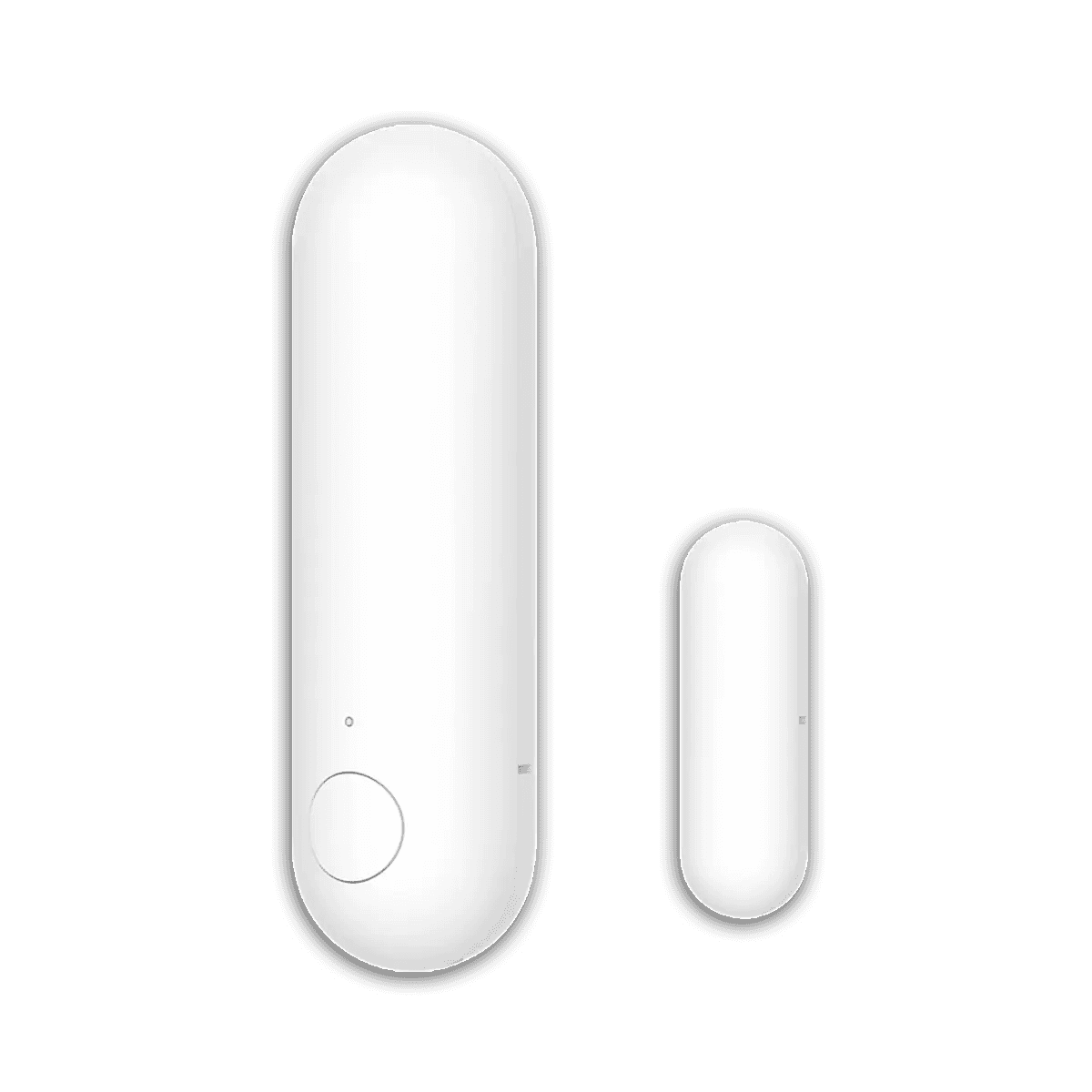
Needs a Thread border router (an Aqara Hub M3, a HomePod, an Apple TV 4K, or a recent Echo).
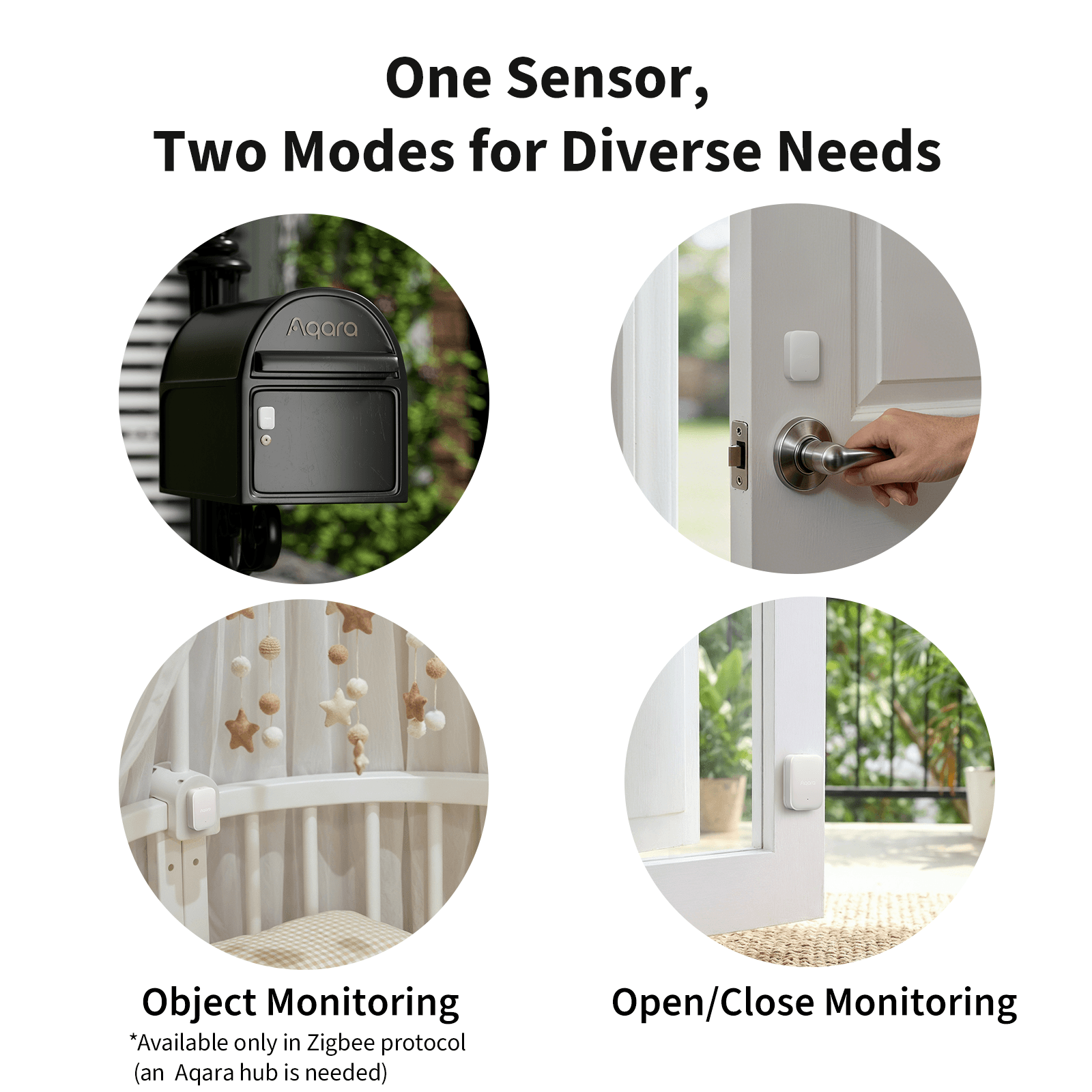
Matter-enabled; needs a Matter controller (Thread mode) or an Aqara Zigbee hub (Zigbee mode).
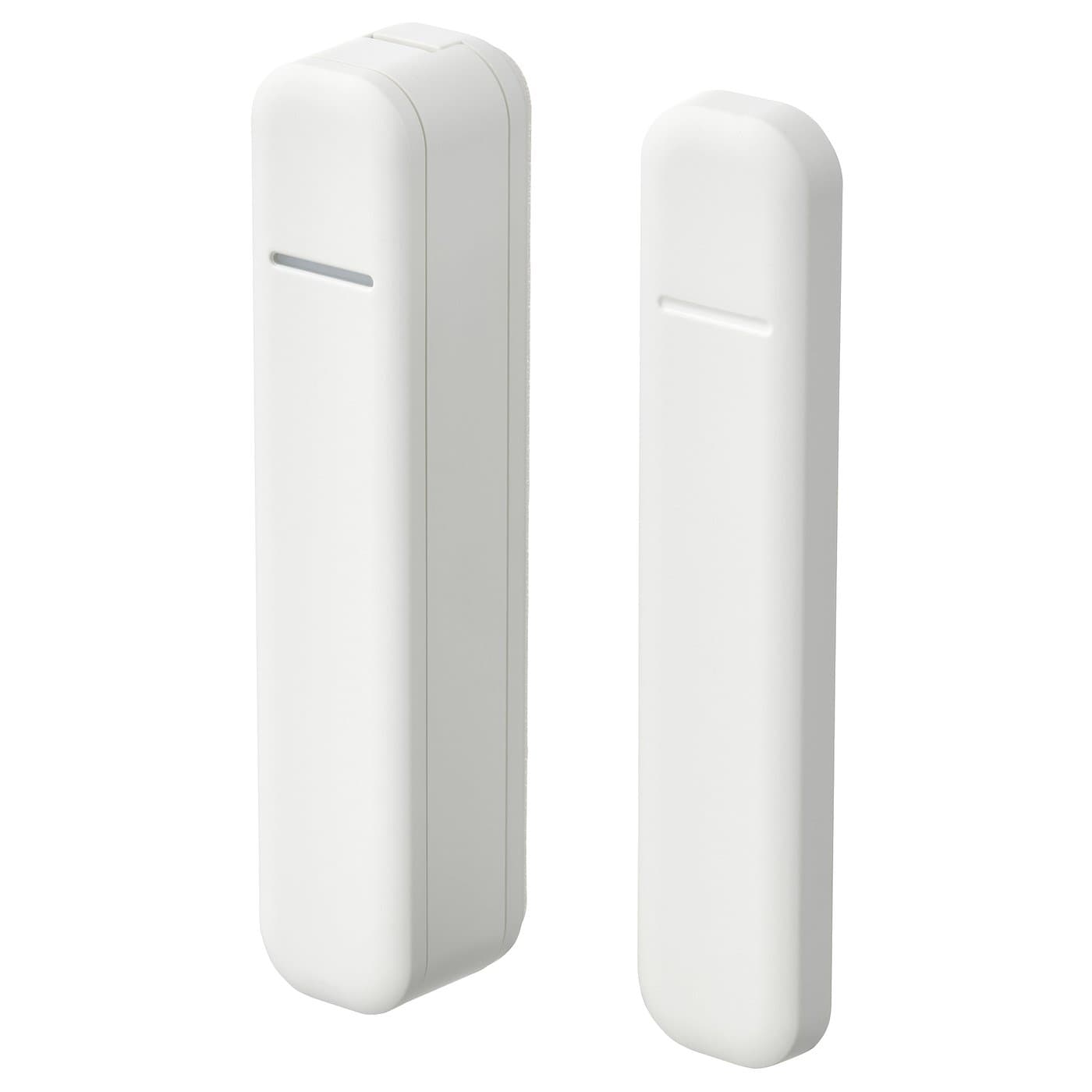
Matter over Thread; needs a Thread border router (IKEA DIRIGERA, Apple/Google/SmartThings hub). Also operates as Zigbee with a DIRIGERA hub.
Z-Wave, built into Home Assistant 6
Home Assistant pairs these itself through its built-in Z-Wave support. You need a Z-Wave radio, usually a USB stick; the maker's hub and app are not needed.
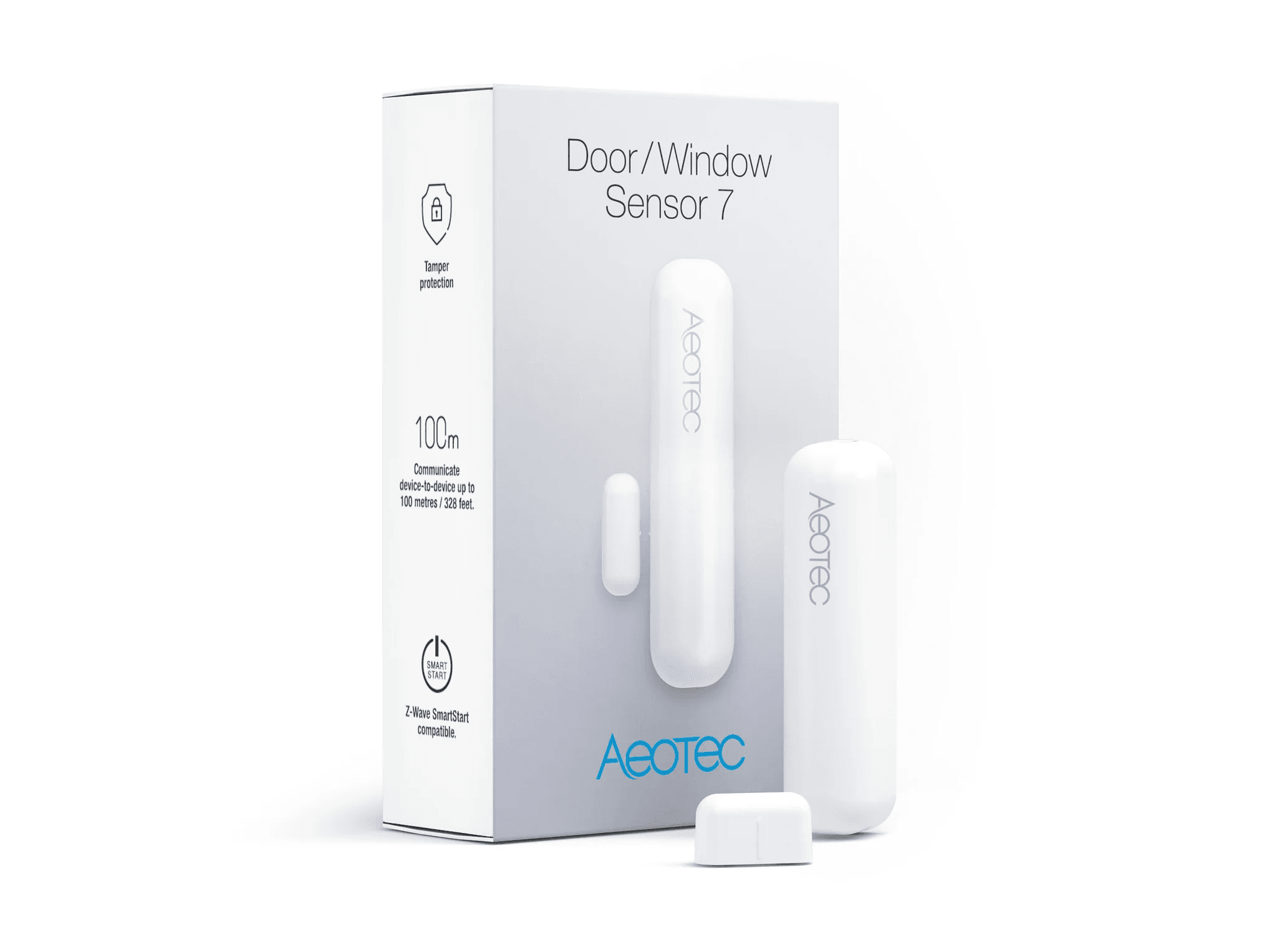
In Home Assistant, pairs with your Z-Wave radio.
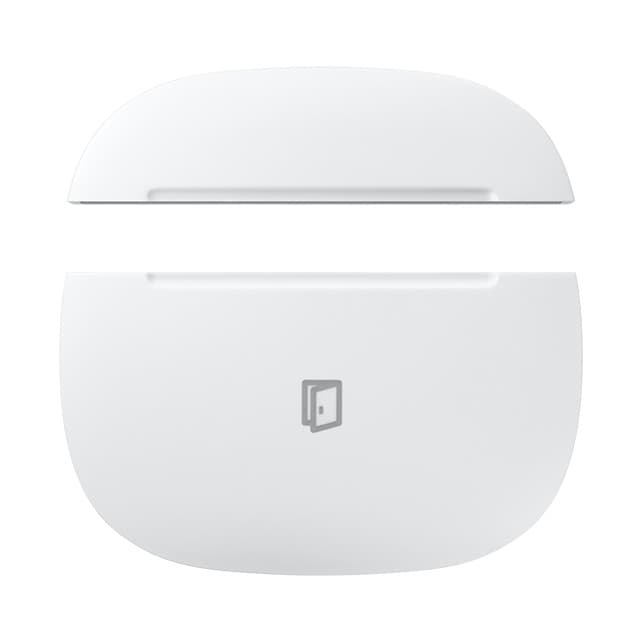
In Home Assistant, pairs with your Z-Wave radio.
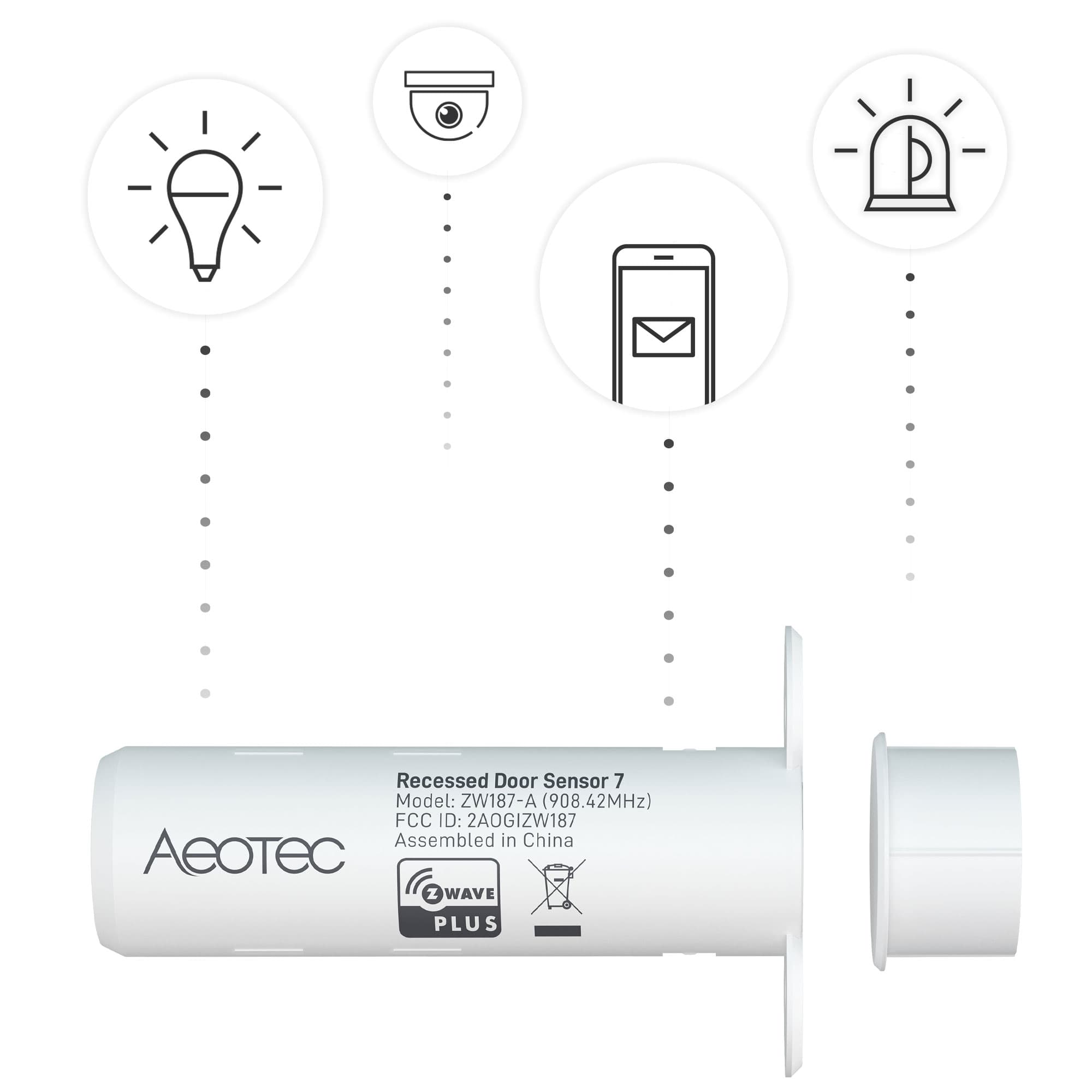
In Home Assistant, pairs with your Z-Wave radio.
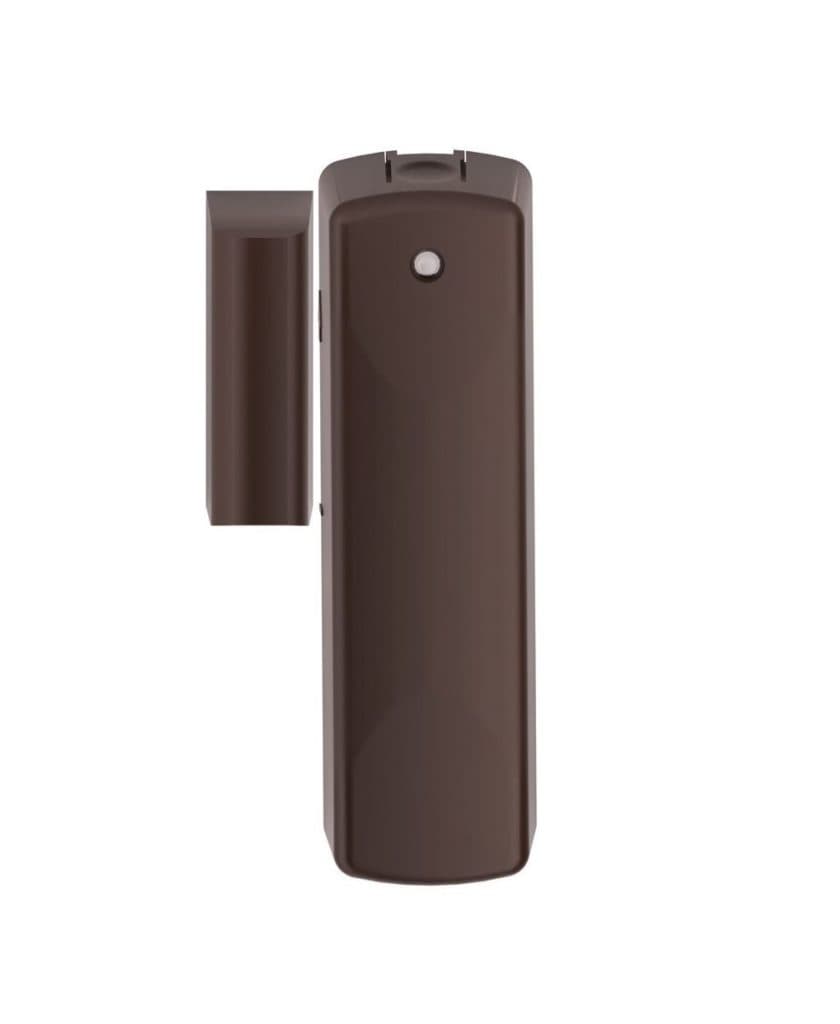
In Home Assistant, pairs with your Z-Wave radio.
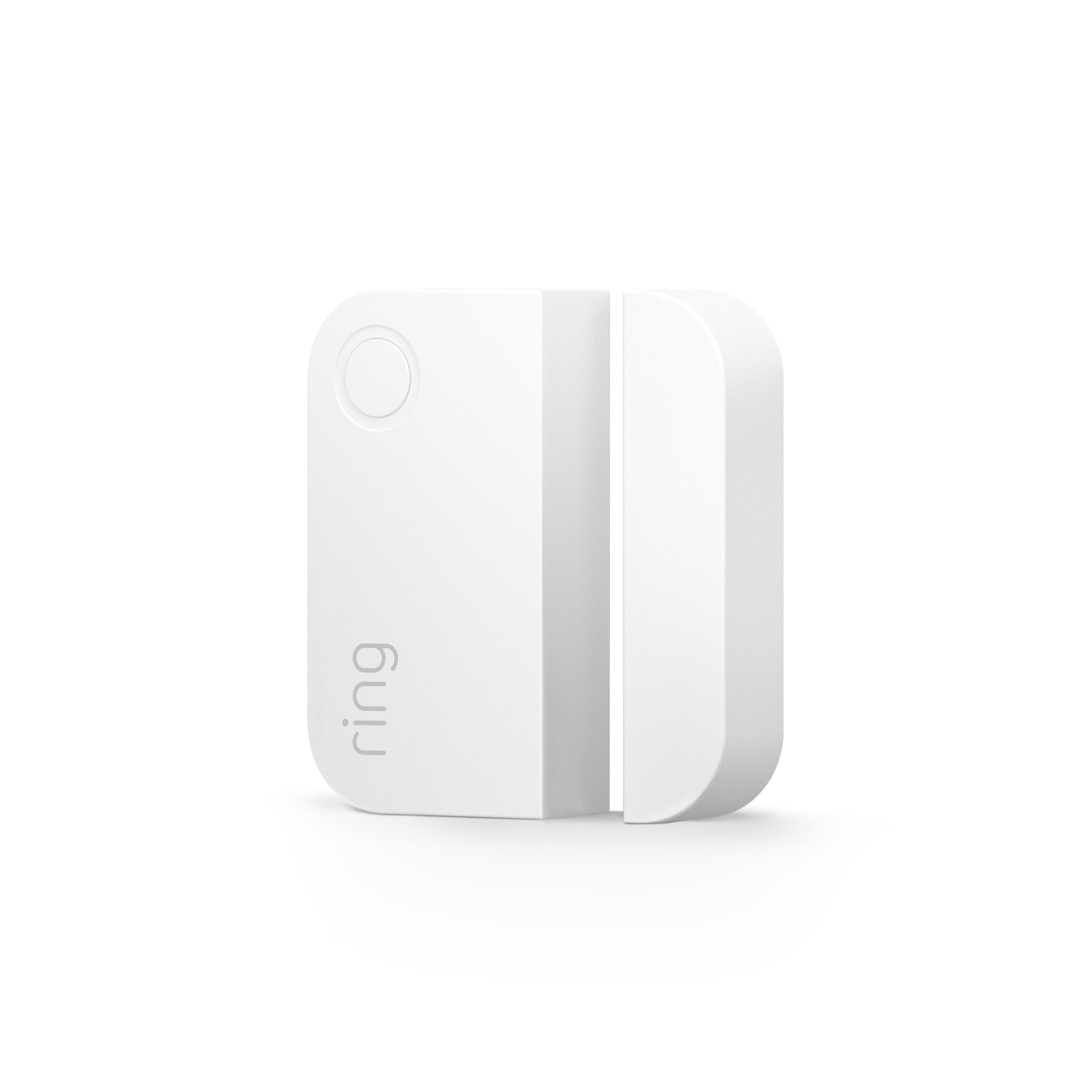
In Home Assistant, pairs with your Z-Wave radio.
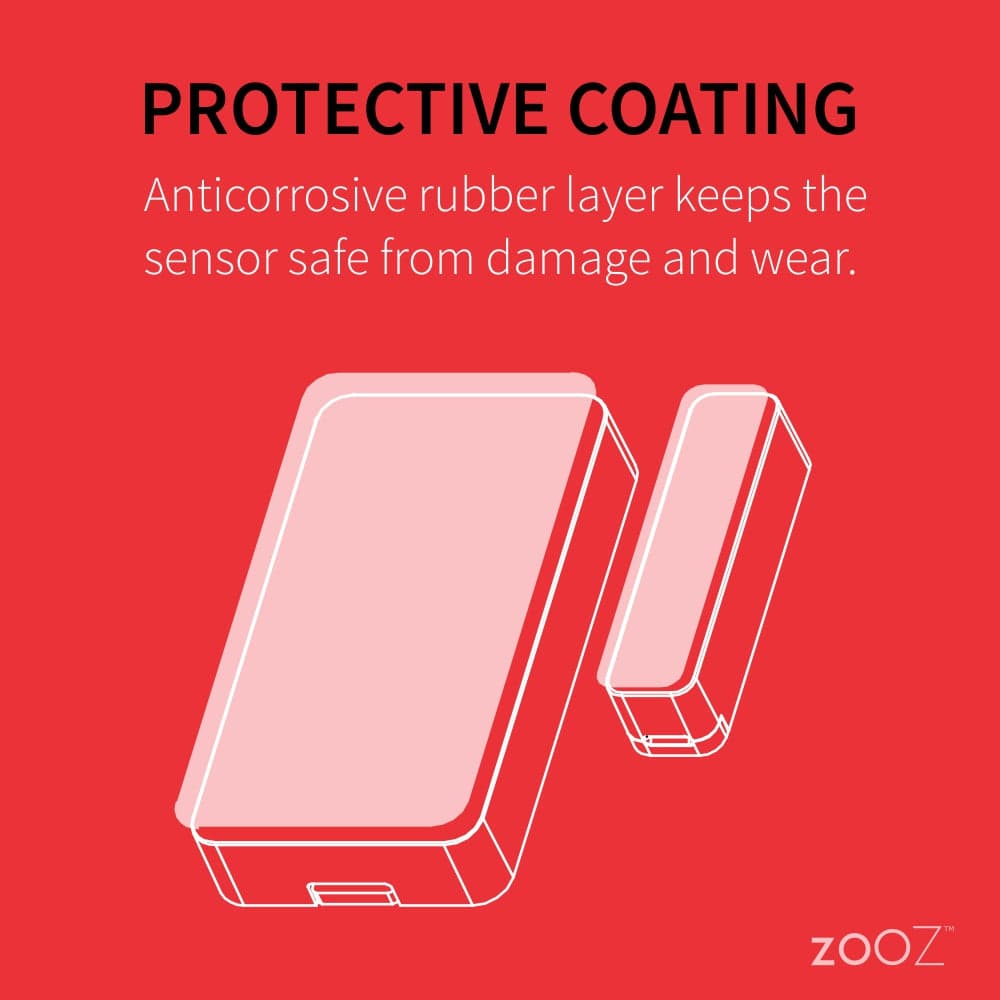
In Home Assistant, pairs with your Z-Wave radio.
Zigbee, built into Home Assistant 4
Home Assistant pairs these itself through its built-in Zigbee support (ZHA or Zigbee2MQTT). You need a Zigbee radio, usually a USB stick; the maker's hub and app are not needed.
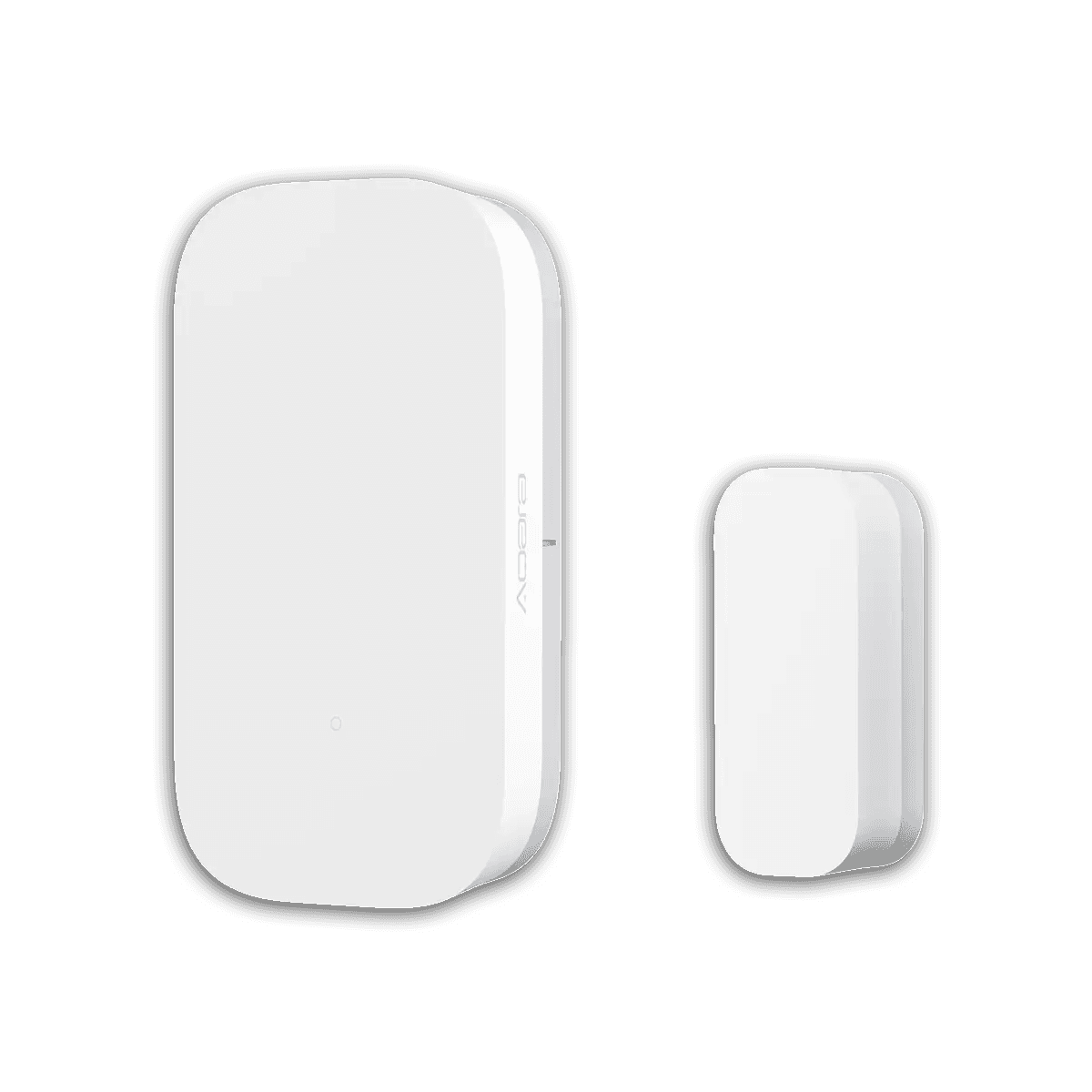
In Home Assistant, pairs with your Zigbee radio.
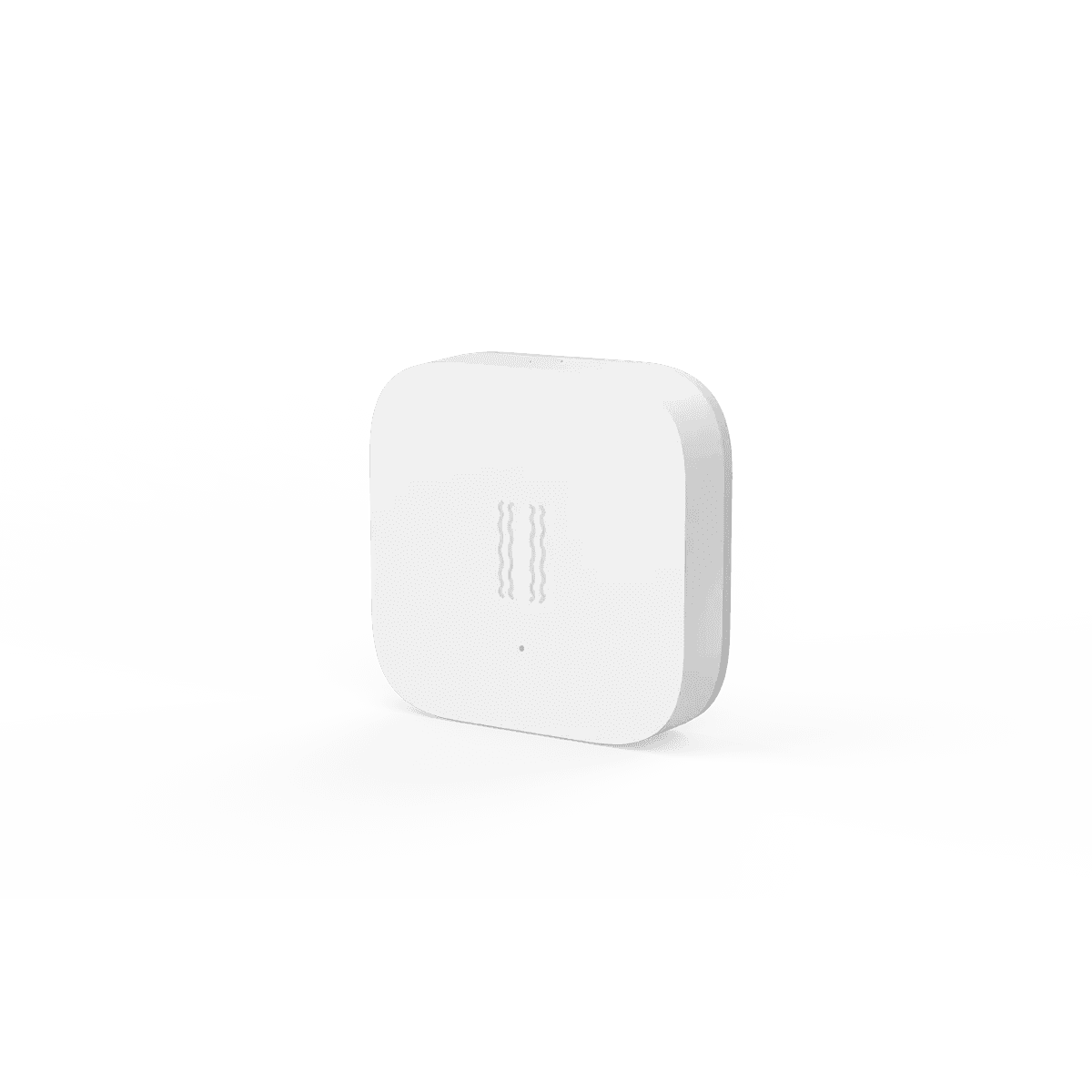
In Home Assistant, pairs with your Zigbee radio.
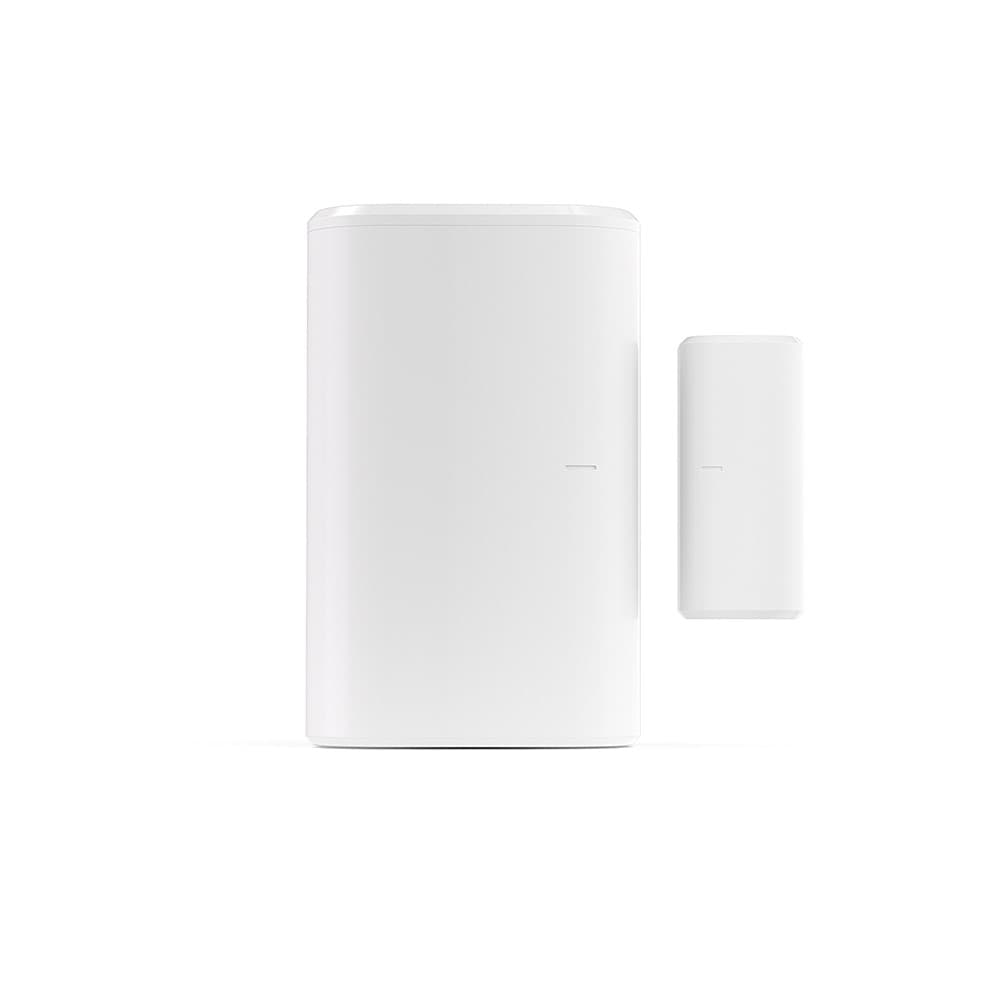
In Home Assistant, pairs with your Zigbee radio.
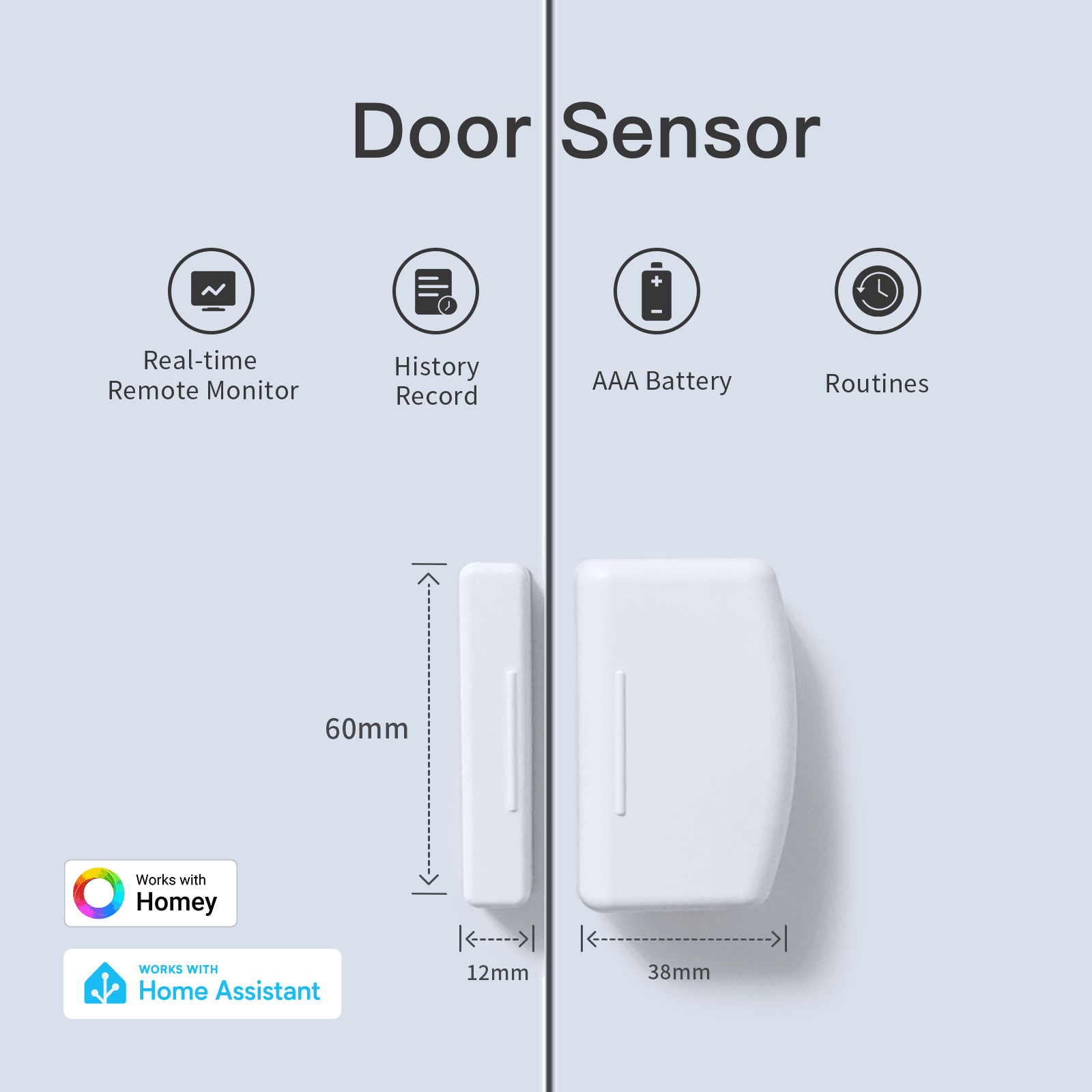
In Home Assistant, pairs with your Zigbee radio.
Not on this list?
That does not mean it will not work with Home Assistant. It means we have not confirmed a path for it yet, and we add connections as we confirm them against the maker's documentation. How we check
Already own some gear? Check what works together